


Upload N26 Bank Statements to Mintline
Import your N26 statement PDFs and automatically match receipts to transactions. Works with any N26 account type.
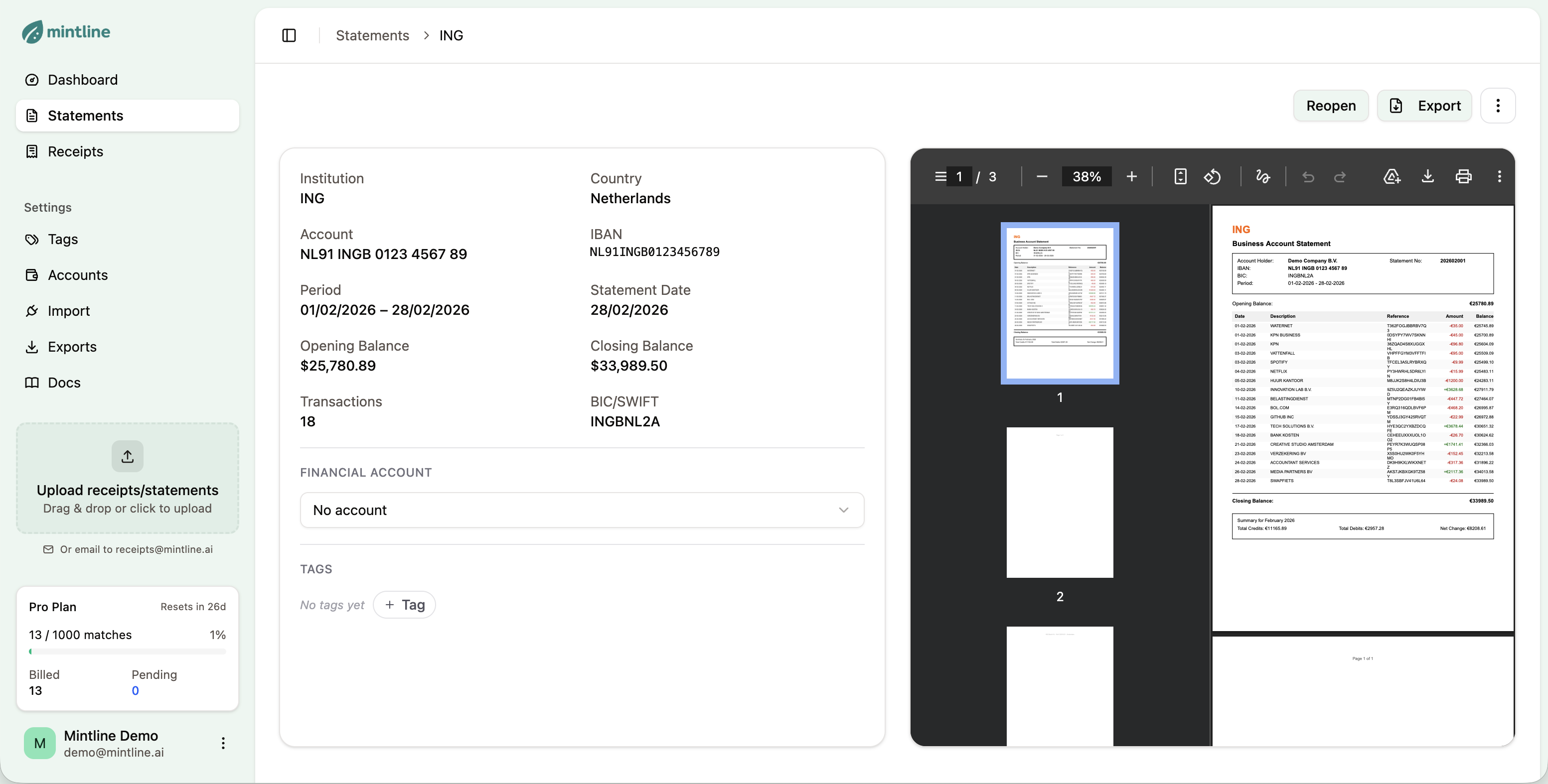
How to Import N26 Statements
Get your N26 transactions into Mintline in under 2 minutes.
Download from N26
Log in to your N26 online banking. Go to your account statements and download the PDF for the period you want to import.
Upload to Mintline
Drag and drop your PDF into Mintline, or click to browse. You can also forward statement emails to receipts@mintline.ai.
Review Extracted Data
Mintline extracts all transactions automatically. Review the data and start matching with your receipts.
What Mintline Extracts from N26 Statements
N26 provides clean PDF statements and CSV exports that Mintline processes with high accuracy. We extract all transaction details including N26's automatic categorization.
Sample Extracted Transaction
Why Use Mintline with N26
Supports N26 Standard, Smart, You, and Metal accounts
Extracts N26's automatic transaction categories
Handles Spaces (sub-accounts) exports
Works with both PDF statements and CSV exports
Parses card payments, transfers, and MoneyBeam
Compatible with N26 Business accounts
Frequently Asked Questions
Everything you need to know about importing N26 statements.
Open the N26 app, go to 'Account' > 'Statements', select the month, and download the PDF. You can also export CSV files from the N26 web interface for more detailed data.
N26 Spaces (sub-accounts) can be exported separately. Upload each Space's statement to Mintline, and transactions will be tracked individually.
Yes! N26 Business and N26 Business Metal accounts are fully supported. The statement format is the same as personal accounts.
When available in the export, Mintline preserves N26's automatic categories (Food, Transport, Shopping, etc.). These complement Mintline's receipt-based categorization.
MoneyBeam (instant peer-to-peer) transactions appear in your statement and are extracted. They typically won't match to receipts but are included in your transaction history.
Also Works With Other Banks
Mintline supports statements from most major Dutch and international banks.
View all supported banks →Start Importing N26 Statements Today
Free plan includes 50 matches per month. No credit card required.
Get Started Free