


Upload Rabobank Bank Statements to Mintline
Import your Rabobank statement PDFs and automatically match receipts to transactions. Works with any Rabobank account type.
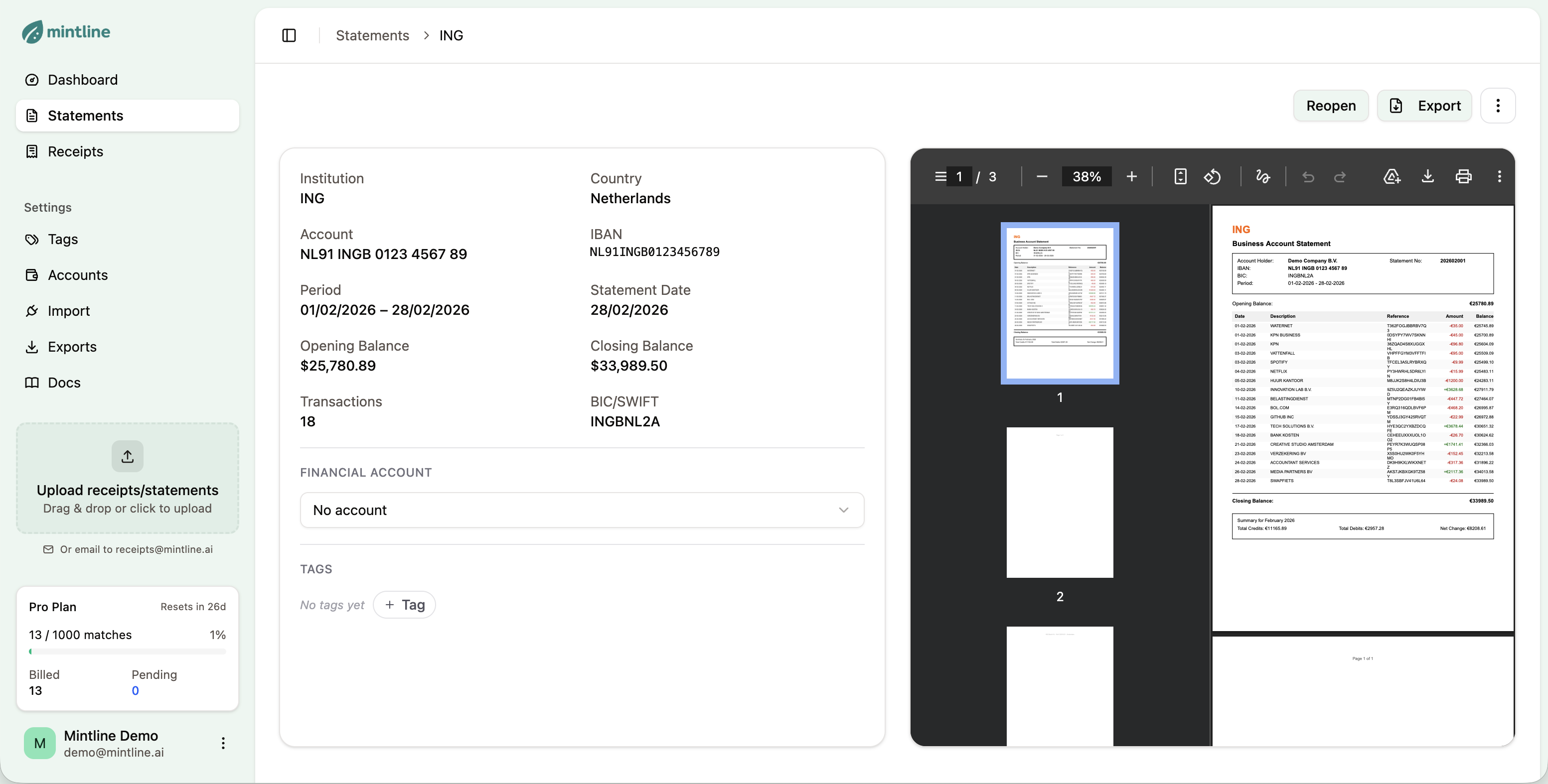
How to Import Rabobank Statements
Get your Rabobank transactions into Mintline in under 2 minutes.
Download from Rabobank
Log in to your Rabobank online banking. Go to your account statements and download the PDF for the period you want to import.
Upload to Mintline
Drag and drop your PDF into Mintline, or click to browse. You can also forward statement emails to receipts@mintline.ai.
Review Extracted Data
Mintline extracts all transactions automatically. Review the data and start matching with your receipts.
What Mintline Extracts from Rabobank Statements
Rabobank provides well-structured PDF statements that Mintline processes with high accuracy. We extract all transaction data including the unique Rabobank reference numbers and batch payment details.
Sample Extracted Transaction
Why Use Mintline with Rabobank
Full support for Rabobank personal and business accounts
Handles Rabo Business Club and agricultural accounts
Extracts batch payment details for bulk transactions
Parses Rabobank's unique transaction references
Works with savings accounts (Rabo SpaarRekening)
Supports multi-entity business structures
Frequently Asked Questions
Everything you need to know about importing Rabobank statements.
Log in to Rabo Internetbankieren, navigate to your account, click 'Afschriften', select the statement period, and download the PDF. Business accounts can also access statements via Rabo Business.
Yes! We fully support Rabobank business accounts including Rabo Business Club memberships. The statement format is consistent, so all transaction details are extracted correctly.
Yes, Rabo SpaarRekening (savings) and other Rabobank account types are supported. Mintline extracts interest payments, transfers, and all other transactions.
Mintline handles batch payments (verzamelbetalingen) by extracting the overall batch details. Individual payment references within the batch are preserved where available in the statement.
Absolutely. Rabobank's history as a farmers' bank means many agricultural businesses use their services. All Rabobank account types use the same statement format that Mintline supports.
Also Works With Other Banks
Mintline supports statements from most major Dutch and international banks.
View all supported banks →Start Importing Rabobank Statements Today
Free plan includes 50 matches per month. No credit card required.
Get Started Free