
The Top 12 Gratis PDF Scanner Apps for 2025
Discover the best gratis pdf scanner apps for mobile and desktop. Compare features like OCR, cloud storage, and privacy to find the perfect tool.
Even though most business is digital, physical receipts, signed contracts, and paper invoices still create clutter. A reliable gratis pdf scanner is the essential bridge, turning your smartphone or desktop into a powerful tool for digitising these physical documents. This simple act helps you organise records, secure important information, and clear your workspace for good. Finding the right tool, however, can be challenging with so many options available, each with different strengths and limitations.
This guide simplifies your search. We have meticulously reviewed and ranked the 12 best free PDF scanner apps and software for 2025. We analyse everything from mobile apps perfect for on-the-go receipt scanning to robust desktop software designed for bulk digitisation tasks. For each tool, we provide a concise review, screenshots, direct download links, and a clear breakdown of its core features, including OCR accuracy, cloud integration, and privacy considerations.
Our goal is to help you select the ideal scanner for your specific workflow. Whether you're a freelancer tracking expenses, a small business organising contracts, or part of a finance team looking to streamline document management, this resource will guide you to the perfect solution. We'll also explore when it's time to graduate from a simple scanner to a fully automated solution like Mintline for seamless receipt-to-transaction accounting.
1. Adobe Scan
Adobe Scan stands out as a premier gratis pdf scanner backed by a titan of digital documents. It leverages Adobe's powerful imaging technology to deliver exceptionally clean, professional-looking PDFs directly from your mobile device. The app excels at automatically detecting document edges, correcting perspective, and removing shadows, which ensures that every scan, from a crumpled receipt to a multi-page contract, is sharp and legible. Its user interface is polished and intuitive, making the scanning process feel seamless, even for first-time users.
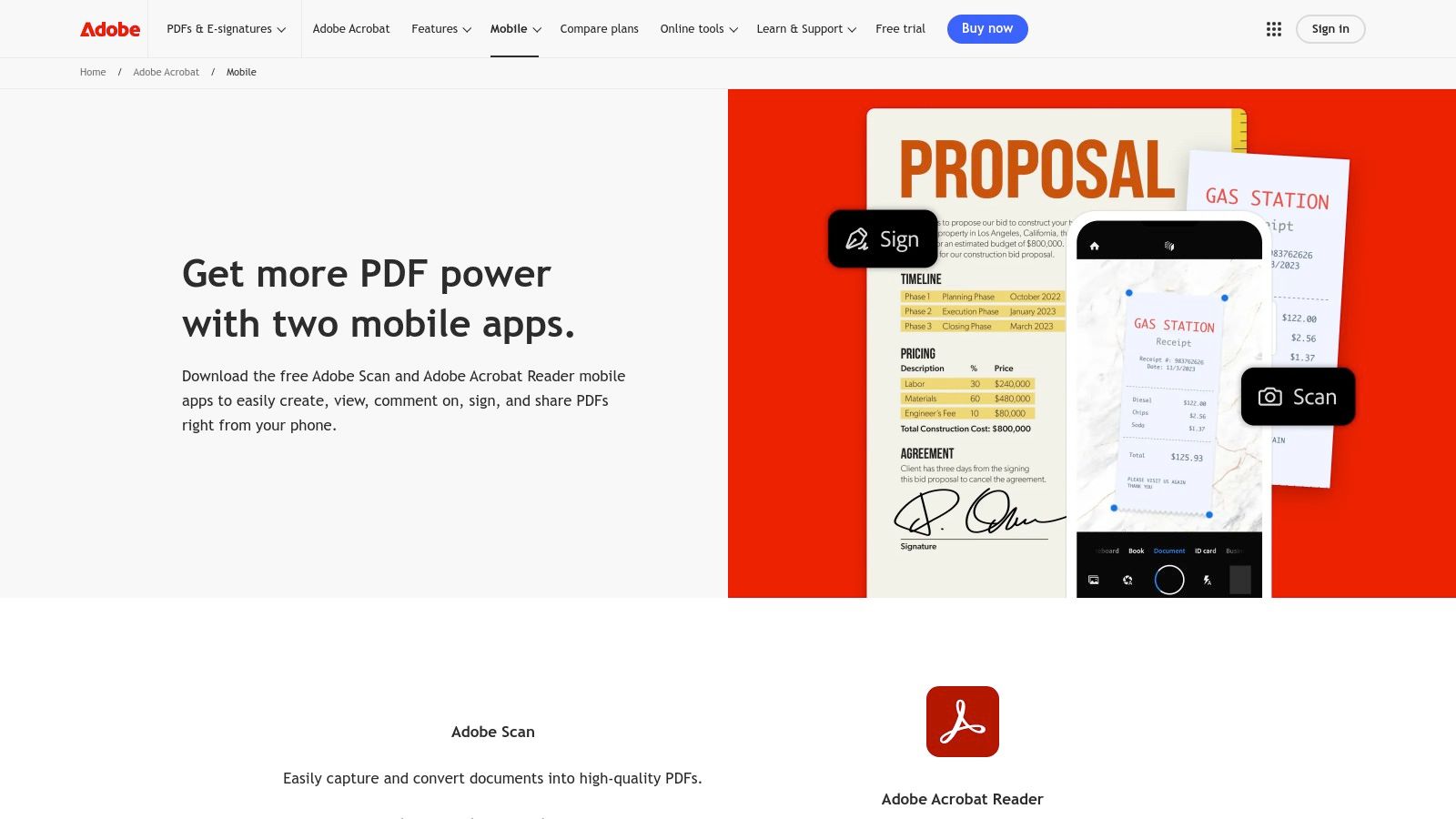
The key differentiator for Adobe Scan is its powerful, built-in Optical Character Recognition (OCR) which is included for free. This technology automatically converts scanned text into searchable and selectable content within the PDF. This is a game-changer for organising digital archives or quickly finding specific information within a scanned document later on.
Key Features and Limitations
For users already invested in Adobe’s software, this app is an obvious choice. Scans are automatically saved to Adobe Document Cloud, making them instantly accessible in Acrobat Reader on any device for further editing, signing, or commenting.
- Pros:
- Exceptional OCR Quality: Industry-leading text recognition comes standard and is highly reliable.
- Adobe Ecosystem Integration: Flawless synchronisation with Adobe Document Cloud and Acrobat Reader.
- High-Quality Scans: Advanced image processing provides clean, professional results.
- Cons:
- Cloud Dependency: Heavily reliant on Adobe’s cloud, which may not suit users preferring local storage.
- Paywalled Advanced Features: More advanced PDF editing tools require an Acrobat Pro subscription.
Get the app: https://www.adobe.com/acrobat/mobile.html
2. Google Drive (built‑in scanner)
For users deeply integrated into the Google ecosystem, the built-in scanner within the Google Drive app is a highly convenient gratis pdf scanner. Rather than a standalone application, this feature is baked directly into Drive, allowing you to digitise documents and save them directly to your cloud storage in one fluid motion. It handles the basics well, offering auto-capture to detect document edges, along with simple cropping and filter tools to enhance readability. The process is straightforward, making it an excellent choice for quick, on-the-go scanning without needing to install another app.
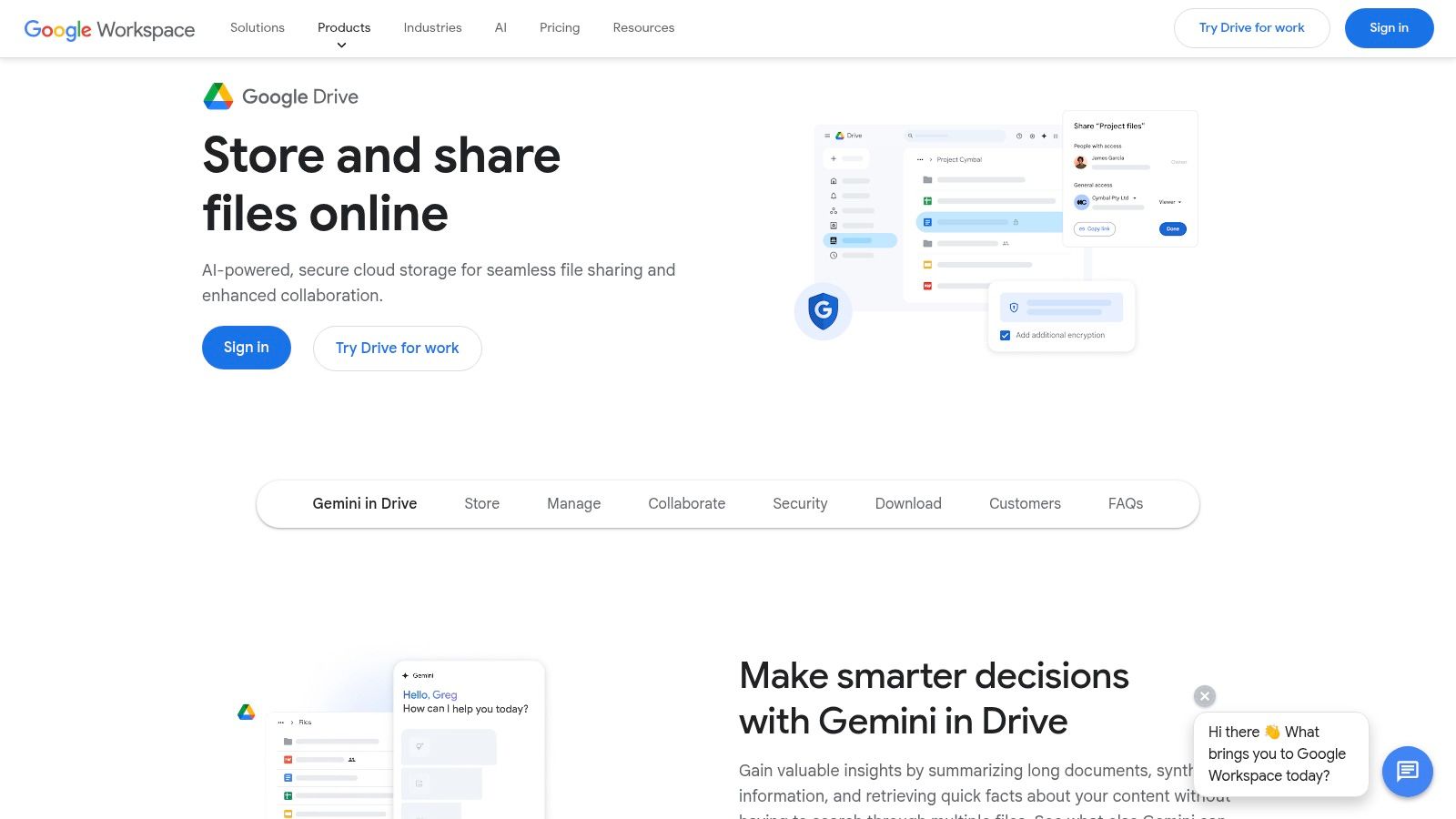
The primary advantage of using Google Drive is its seamless cloud integration. Once scanned, your PDF is instantly available across any device where you are signed in, making it easy to access and share. While it lacks the advanced OCR capabilities found in dedicated apps like Adobe Scan, the text within the saved PDFs is searchable through Drive’s powerful search function, which is often sufficient for finding specific documents later on.
Key Features and Limitations
This tool is perfect for organising receipts or contracts without leaving the familiar Google interface. The recent user interface updates on Android, following Material 3 design principles, have further modernised and simplified the scanning workflow.
- Pros:
- Free with a Google account: No additional cost for anyone with a Google account.
- Seamless cloud backup and sharing: Scans are automatically saved and synchronised in Drive.
- Cross-platform access: Documents are accessible via any web browser or the Drive app.
- Cons:
- Feature disparity: Most enhancements and UI updates tend to arrive on Android first.
- Storage limits: Relies on your Google account's free storage quota, which is shared with Gmail and Photos.
Get the app: https://www.google.com/drive/
3. Apple Notes (built‑in scanner)
For iPhone and iPad users, a powerful gratis pdf scanner is already built directly into the device via the Notes app. This native tool is a model of convenience, offering a fast and private way to digitise documents without needing a third-party application. It excels at quickly capturing single or multi-page documents, automatically detecting edges, and correcting for perspective to produce clear, flat scans. Its seamless integration into the Apple ecosystem makes it incredibly efficient for personal organisation or light business use.
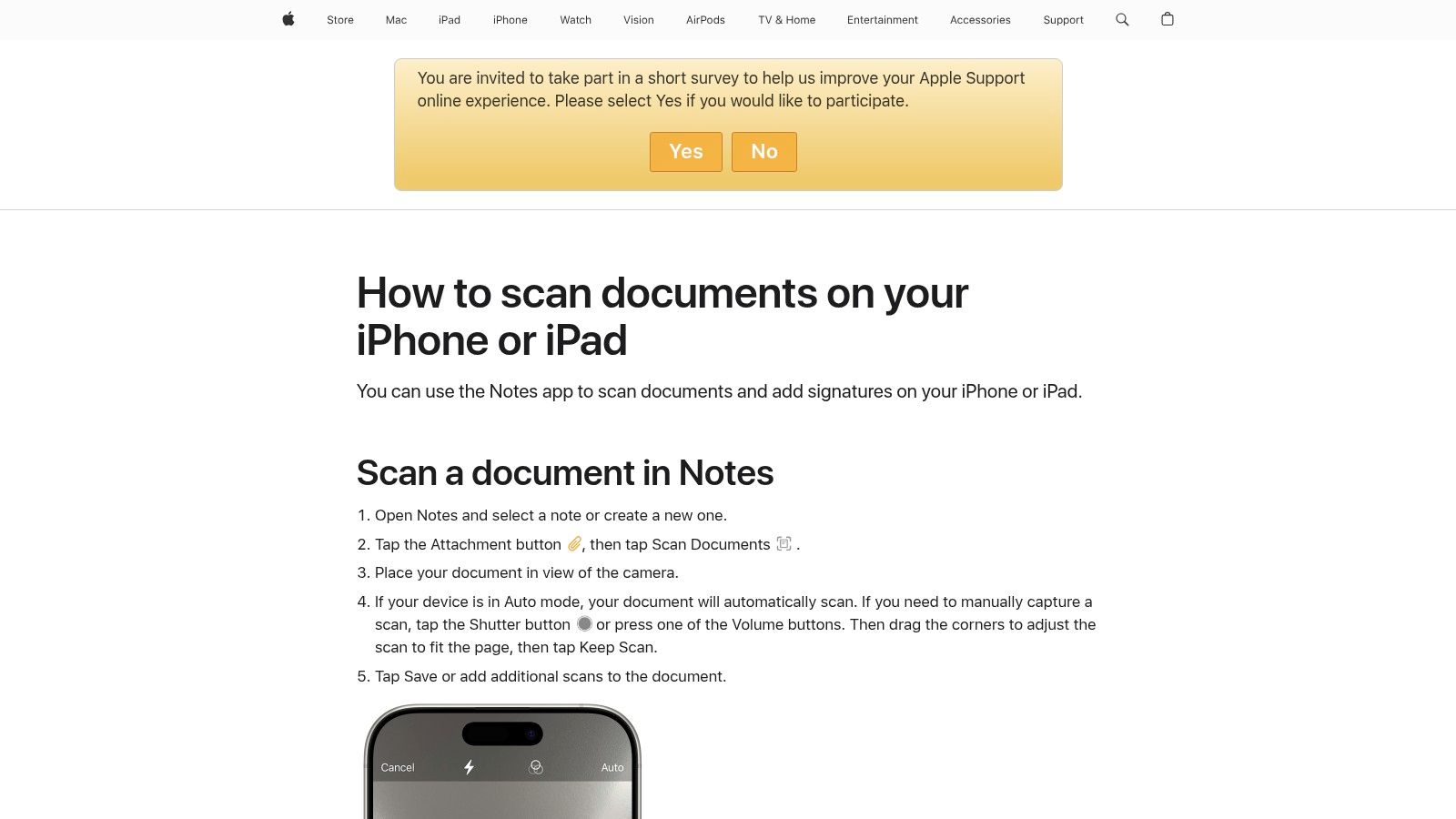
The key advantage of the Notes scanner is its deep integration and privacy. Scans are saved directly within a note, synchronised across all your devices via iCloud, and can be easily marked up, signed, or shared. The Continuity Camera feature even allows you to initiate a scan on your iPhone and have it appear instantly on your Mac, creating a fluid workflow. While it lacks advanced OCR, it’s an unbeatable zero-cost, zero-setup solution for Apple users.
Key Features and Limitations
This tool is the perfect choice for anyone prioritising privacy and convenience within the Apple ecosystem. It handles essential scanning tasks effortlessly, from receipts to contracts, without sending your data to external servers.
- Pros:
- Completely Free and Private: No cost, no ads, and all processing is done on-device.
- Deep Apple Ecosystem Integration: Flawless synchronisation with iCloud and features like Continuity Camera.
- No Extra App Needed: Built directly into iOS, iPadOS, and macOS for immediate access.
- Cons:
- Limited Export Options: Fewer sharing and automation options compared to dedicated scanner apps.
- Fewer Advanced Features: Lacks the robust OCR and editing tools found in specialised software.
Get the app: https://support.apple.com/en-us/HT210336
4. Dropbox mobile document scanner
For those already embedded in the Dropbox ecosystem, the built-in mobile document scanner offers a beautifully integrated experience. It transforms your phone into a convenient gratis pdf scanner, allowing you to capture high-quality, multi-page documents and save them directly to your cloud storage. The process is streamlined for efficiency; scan a receipt, contract, or whiteboard notes, and it instantly appears in your designated Dropbox folder, ready to be shared or organised across all your devices. The interface is clean and straightforward, prioritising speed and simplicity over complex features.
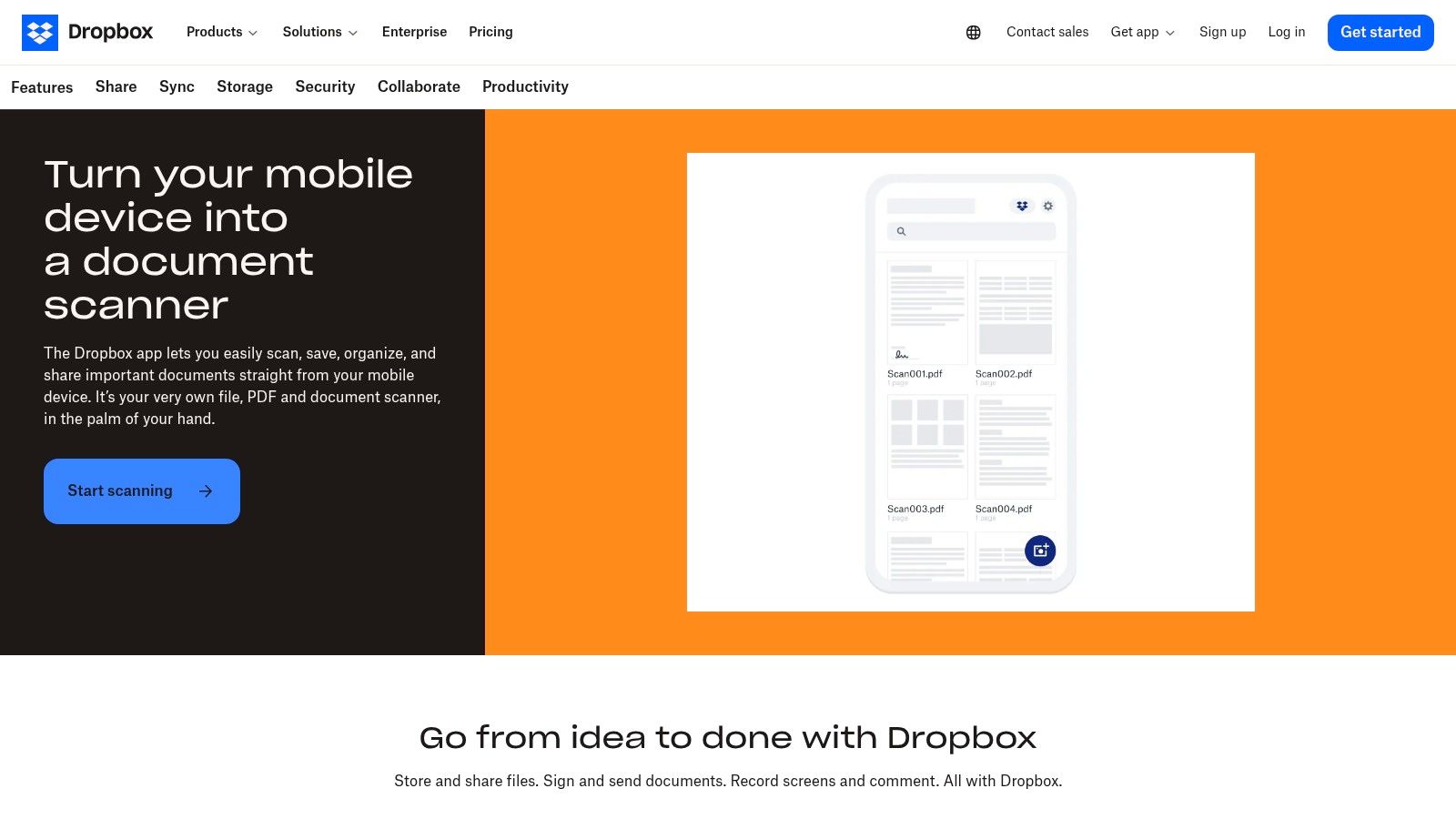
The key differentiator for the Dropbox scanner is its native integration with one of the world's most popular cloud storage platforms. This eliminates the extra step of scanning with one app and uploading to another, creating a seamless workflow for individuals and teams who rely on Dropbox for collaboration. While the free version covers basic scanning, its true power is unlocked in paid tiers, which add Optical Character Recognition (OCR), enabling full-text search within your scanned PDFs. To explore more about this, you can learn more about how to scan documents online.
Key Features and Limitations
This tool is a perfect fit for existing Dropbox users who need a quick, no-fuss way to digitise physical documents directly into their established cloud workflow.
- Pros:
- Seamless Dropbox Integration: Scans are automatically saved and synced to your Dropbox account.
- Simple and Fast: The user interface is minimalist and focused on quick capture.
- Cross-Platform Availability: Works consistently across both iOS and Android devices.
- Cons:
- OCR is Paywalled: Text recognition and search capabilities require a paid Dropbox subscription.
- Limited Editing Tools: Offers only basic adjustments like cropping, rotating, and filters.
Get the app: https://www.dropbox.com/features/productivity/document-scanner
5. NAPS2
NAPS2 (Not Another PDF Scanner 2) is a powerful, open-source gratis pdf scanner built for desktop users who need to process physical documents with a connected scanner. It’s a no-nonsense application for Windows, Mac, and Linux that excels at batch scanning and creating searchable PDFs. For anyone with a flatbed or automatic document feeder (ADF) scanner, NAPS2 offers a streamlined workflow to digitise single or multiple pages into PDF, TIFF, or image files with a single click.
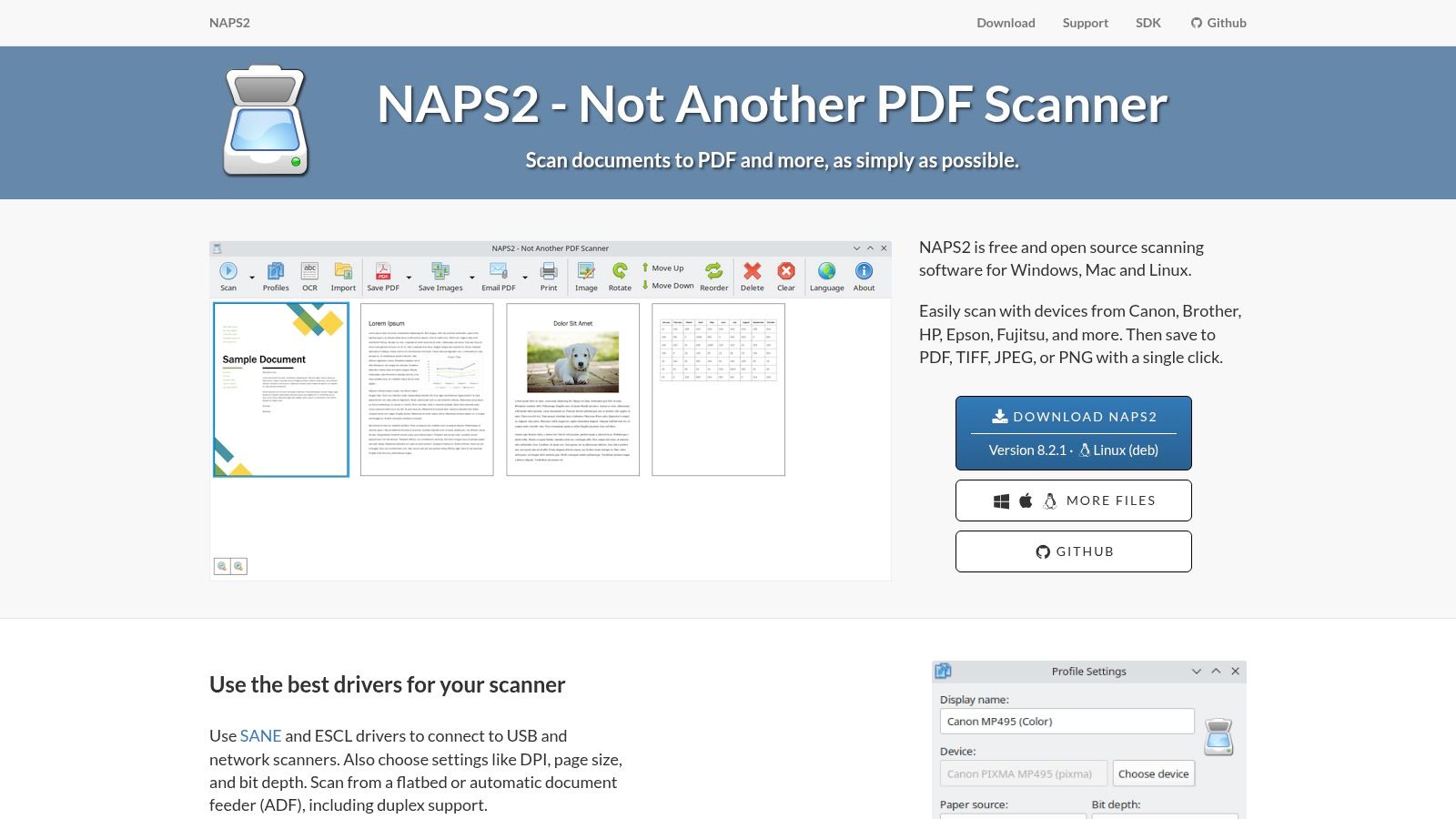
The platform’s strength lies in its simplicity and powerful backend. It integrates the Tesseract OCR engine, allowing it to recognise text in over 100 languages and embed it directly into the PDF, a feature often paywalled in other software. You can set up multiple scanning profiles with custom settings (DPI, page size, source) to speed up repetitive tasks. For users specifically interested in desktop solutions, understanding how to scan documents on Windows can be beneficial before diving into NAPS2.
Key Features and Limitations
As a completely free and ad-free tool, NAPS2 is a standout choice for high-volume scanning without the cost. Its focus on traditional scanning hardware makes it a reliable workhorse for office environments. The robust OCR capabilities also make it a valuable tool among other types of freeware OCR software.
- Pros:
- Completely Free & Open Source: No ads, subscriptions, or hidden costs.
- Excellent for Batch Scanning: Ideal for digitising large volumes of documents with ADF scanners.
- Powerful Built-in OCR: Uses the reliable Tesseract engine for searchable PDFs.
- Cons:
- Requires a Physical Scanner: Not a mobile app; it relies on a connected TWAIN, WIA, SANE, or ESCL scanner.
- Desktop-Only: Unsuitable for on-the-go scanning needs that mobile apps fulfil.
Get the app: https://www.naps2.com/
6. PDF24 Tools – Scan PDF
PDF24 Tools offers a uniquely accessible gratis pdf scanner that operates entirely within your web browser. This tool is perfect for users who need a quick scan without installing any software, leveraging your device's webcam or phone camera to capture documents directly. The platform prioritises convenience and speed, allowing you to turn a physical page into a PDF in just a few clicks. Its web-based nature makes it a universally compatible solution, accessible from any laptop, tablet, or smartphone.
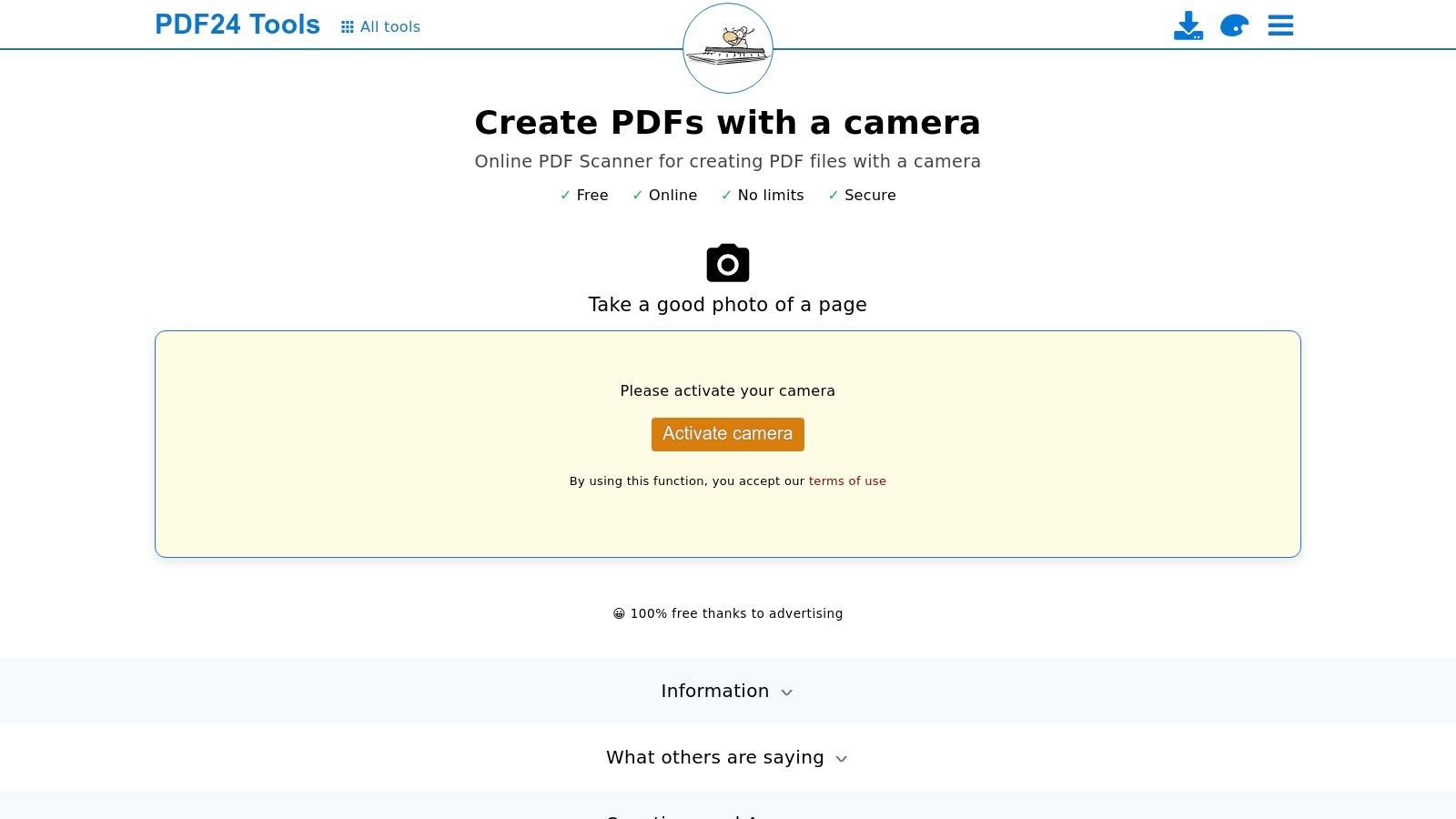
The key differentiator for PDF24 is its commitment to no-barrier access. There are no accounts to create, no software to download, and no limits on use. This makes it an ideal tool for one-off tasks or for users on shared or locked-down computers where app installation is not possible. While it lacks advanced features like automatic OCR, it provides essential controls like cropping and brightness adjustments to ensure a usable result.
Key Features and Limitations
For those who need a simple, immediate scanning solution without any commitments, PDF24’s browser tool is an excellent choice. It’s part of a larger suite of free PDF utilities, making it a handy bookmark for all kinds of document management tasks.
- Pros:
- Truly Zero-Installation: Works on any device with a modern browser and a camera.
- No Account Required: Completely anonymous and free to use without signing up.
- Immediate and Simple: Extremely straightforward interface for quick captures.
- Cons:
- Internet Dependent: Requires a stable internet connection to function.
- Basic Feature Set: Lacks the advanced image processing and OCR of dedicated apps.
Get the app: https://tools.pdf24.org/en/scan-pdf
7. Genius Scan (The Grizzly Labs)
Genius Scan has established itself as a reliable gratis pdf scanner with a strong emphasis on privacy and user control. It excels at the core scanning experience, offering rapid document capture, intelligent perspective correction, and high-quality image enhancement that works entirely offline. The app's interface is clean and efficient, allowing users to quickly assemble multi-page PDFs, organise them with tags, and secure them with a passcode. It's a fantastic choice for users who prioritise local processing and don't want to be tied to a specific cloud ecosystem.
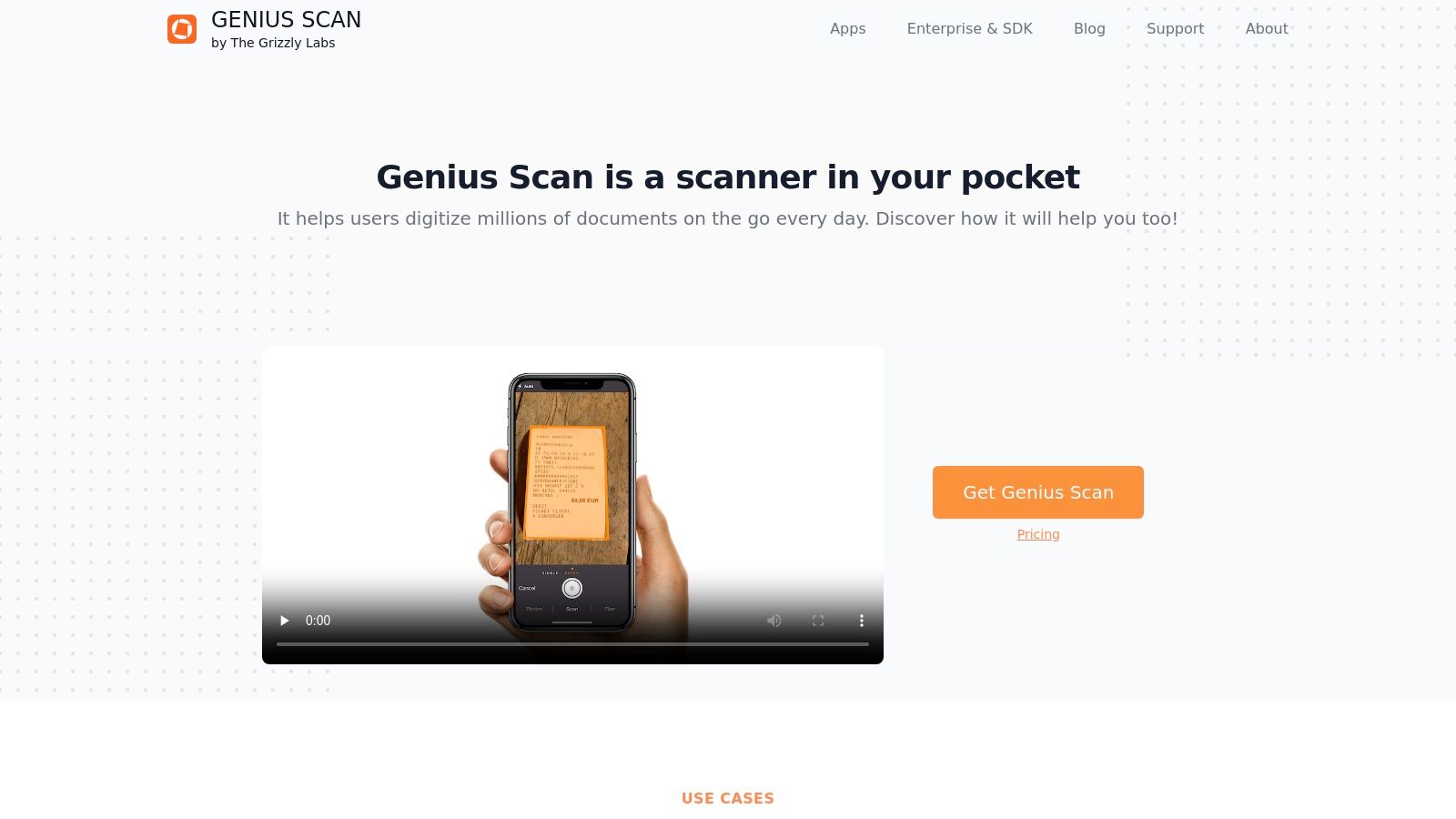
What sets Genius Scan apart is its commitment to a "privacy-by-design" philosophy. All scanning and processing happen directly on your device, ensuring sensitive documents never leave your control unless you explicitly choose to export them. This makes it an ideal tool for handling confidential contracts, personal identification, or any other private information without worrying about third-party data access. While advanced features are paywalled, the free version is robust for everyday scanning needs.
Key Features and Limitations
For users needing more power, a subscription unlocks OCR and automated exporting to various cloud services. However, the free tier remains a powerful, self-contained solution for creating and managing high-quality digital documents on the go.
- Pros:
- Privacy-Focused: All processing is done locally on the device, ensuring data security.
- Works Offline: Fully functional without an internet connection, ideal for field use.
- Excellent Free Tier: Provides high-quality scanning and organisation without a subscription.
- Cons:
- Paywalled OCR: Text recognition is a premium feature, unlike in some competitor apps.
- Cloud Sync is a Premium Feature: Automatic backup and syncing require a Genius Scan Plus subscription.
Get the app: https://thegrizzlylabs.com/genius-scan
8. SwiftScan
SwiftScan has established itself as a mature and reliable gratis pdf scanner that strikes an excellent balance between powerful features and user-friendly design. It excels at quickly capturing high-quality scans of documents, receipts, or whiteboards with automatic edge detection and image optimisation. The app is praised for its speed and simplicity, allowing users to create clean, professional multi-page PDFs with minimal effort. Its polished interface ensures a smooth workflow from scanning to sharing.
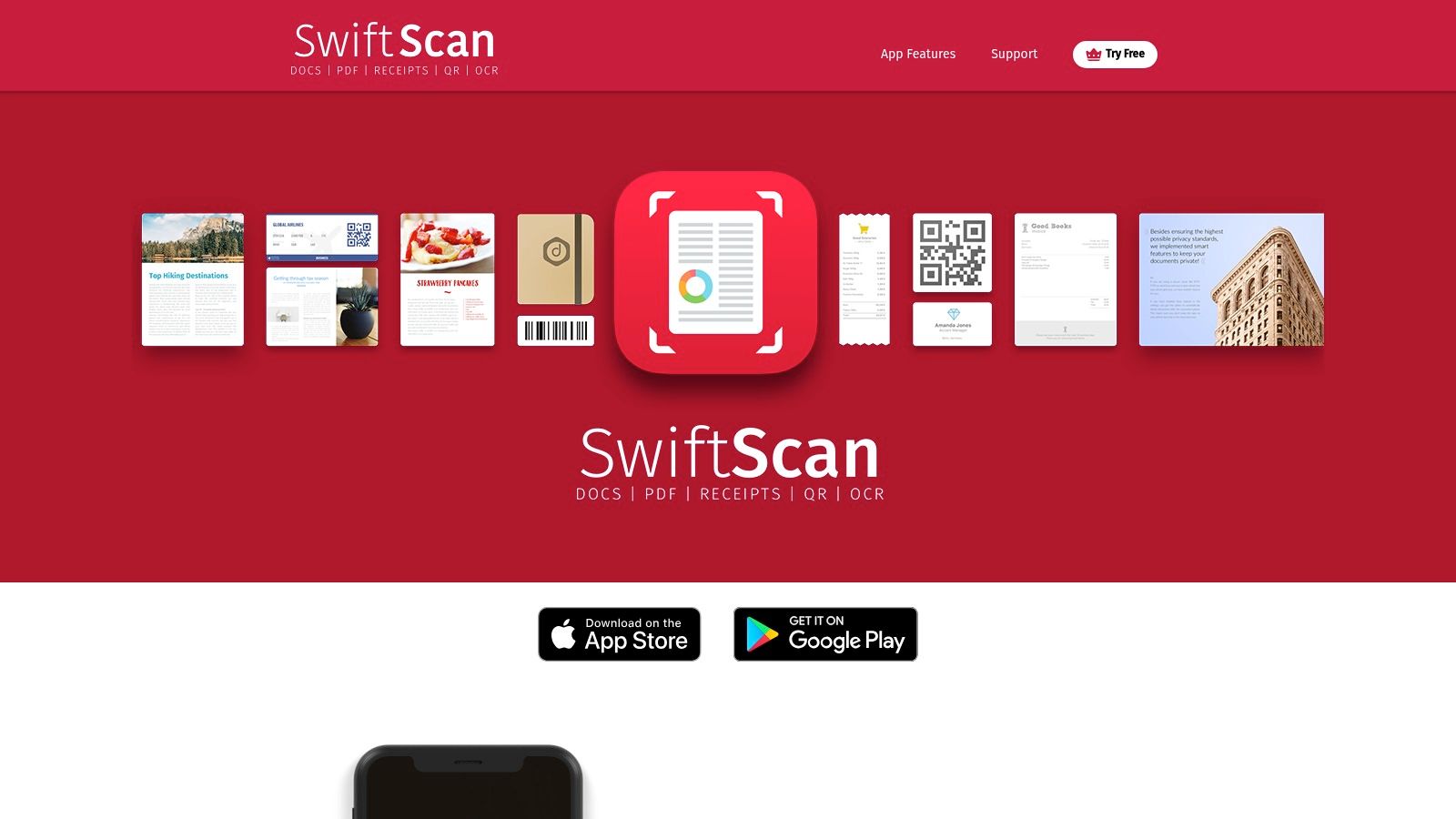
What makes SwiftScan a strong contender is its focus on robust organisational tools and sharing capabilities right out of the box. Users can easily manage their files with custom naming templates and folders. Furthermore, it supports a wide range of cloud services, making it simple to export scans to your preferred storage solution. While the free version is highly capable for everyday tasks, a premium subscription unlocks advanced features like OCR and PDF password protection.
Key Features and Limitations
For professionals and small teams needing a dependable scanner that just works, SwiftScan is a fantastic choice. It delivers consistently high-quality results without overwhelming users with an overly complex feature set, making it a productive tool for digitising paperwork on the go.
- Pros:
- High-Quality Scans: Excellent image processing and automatic optimisation.
- User-Friendly Interface: Intuitive and fast, making scanning a breeze.
- Good Organisational Tools: Features like custom folders and smart naming help manage documents efficiently.
- Cons:
- Advanced Features Paywalled: Key functionalities like OCR and encryption require a subscription.
- Feature Parity Issues: The feature set can sometimes vary between iOS and Android versions.
Get the app: https://swiftscan.app/
9. CamScanner
CamScanner is one of the most widely recognised names in the mobile scanning space, offering a comprehensive gratis pdf scanner loaded with features. It excels at quickly capturing documents, receipts, and whiteboards, providing a suite of editing tools to enhance scan quality. The app's auto-enhancement and smart cropping features ensure that documents are clean and professional, making it a reliable tool for users needing robust functionality on the go.
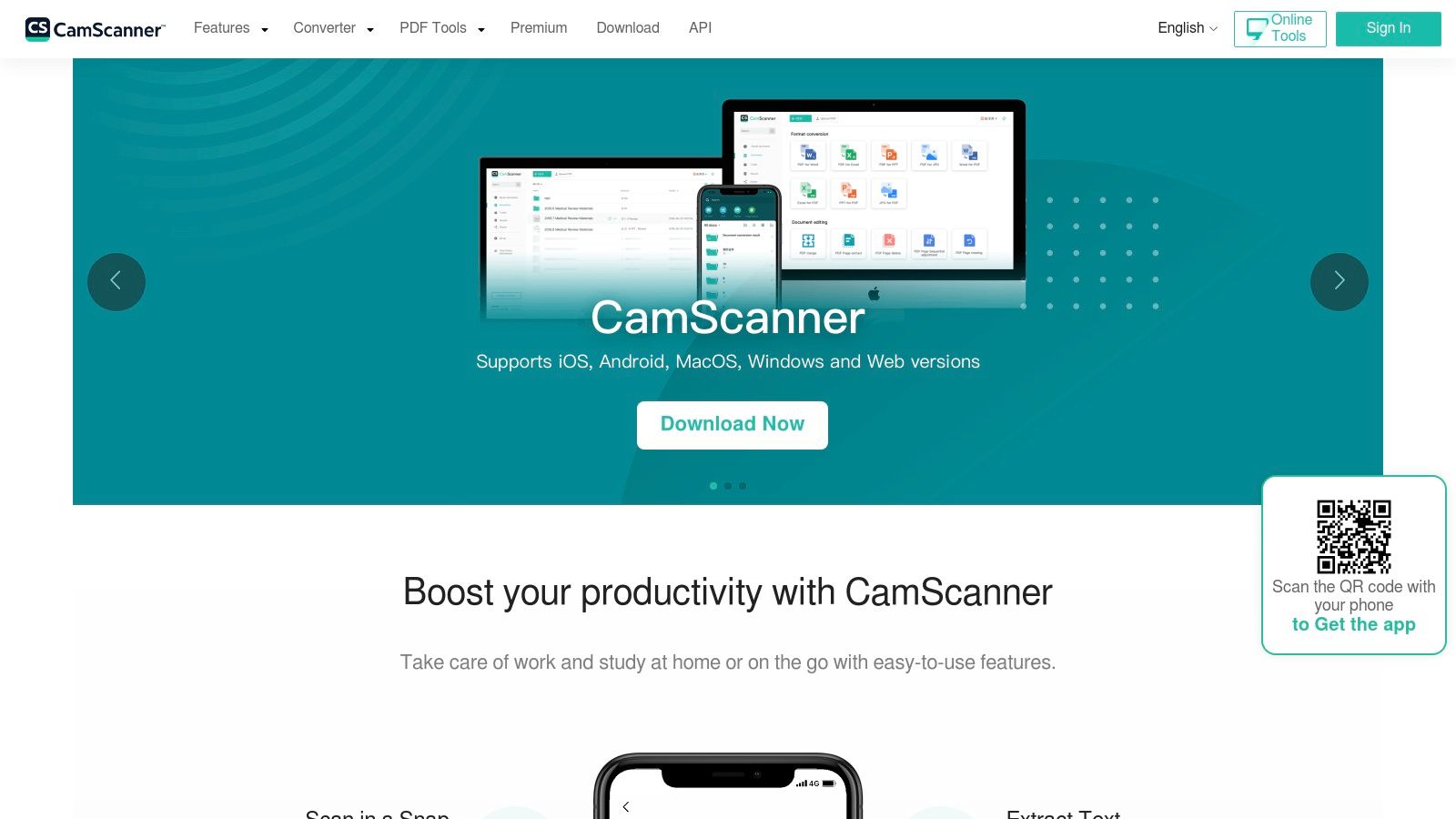
Its popularity stems from its cross-platform availability and a rich feature set that goes beyond basic scanning. The free version includes solid OCR capabilities for text extraction, which is crucial for digitising and searching documents. For those interested in how this technology works, you can learn more about OCR for scanners and how it transforms images into machine-readable text.
Key Features and Limitations
CamScanner’s free tier is powerful but comes with certain trade-offs, such as watermarks on exported files and advertisements within the app. Upgrading to a premium subscription unlocks its full potential, including higher-quality scans, more cloud storage, and advanced editing features.
- Pros:
- Rich Feature Set: Offers extensive tools for scanning, editing, and organising documents.
- Cross-Platform Support: Available on both iOS and Android with cloud synchronisation.
- Good OCR Functionality: The free version includes effective text recognition.
- Cons:
- Watermarks in Free Version: Exported PDFs include a "Scanned by CamScanner" watermark.
- Ads and Upselling: The free experience is supported by ads and prompts to upgrade.
Get the app: https://www.camscanner.com/
10. Smallpdf
Smallpdf extends beyond a simple scanner, positioning itself as a comprehensive, all-in-one gratis pdf scanner and toolkit. Its mobile app provides a clean and efficient scanning function, but its true strength lies in its seamless integration with a wide array of online PDF tools. Users can scan a document and immediately compress, convert, merge, or sign it within the same ecosystem, streamlining what would otherwise be a multi-step, multi-app process. This makes it ideal for users who frequently need more than just a digital copy of a document.
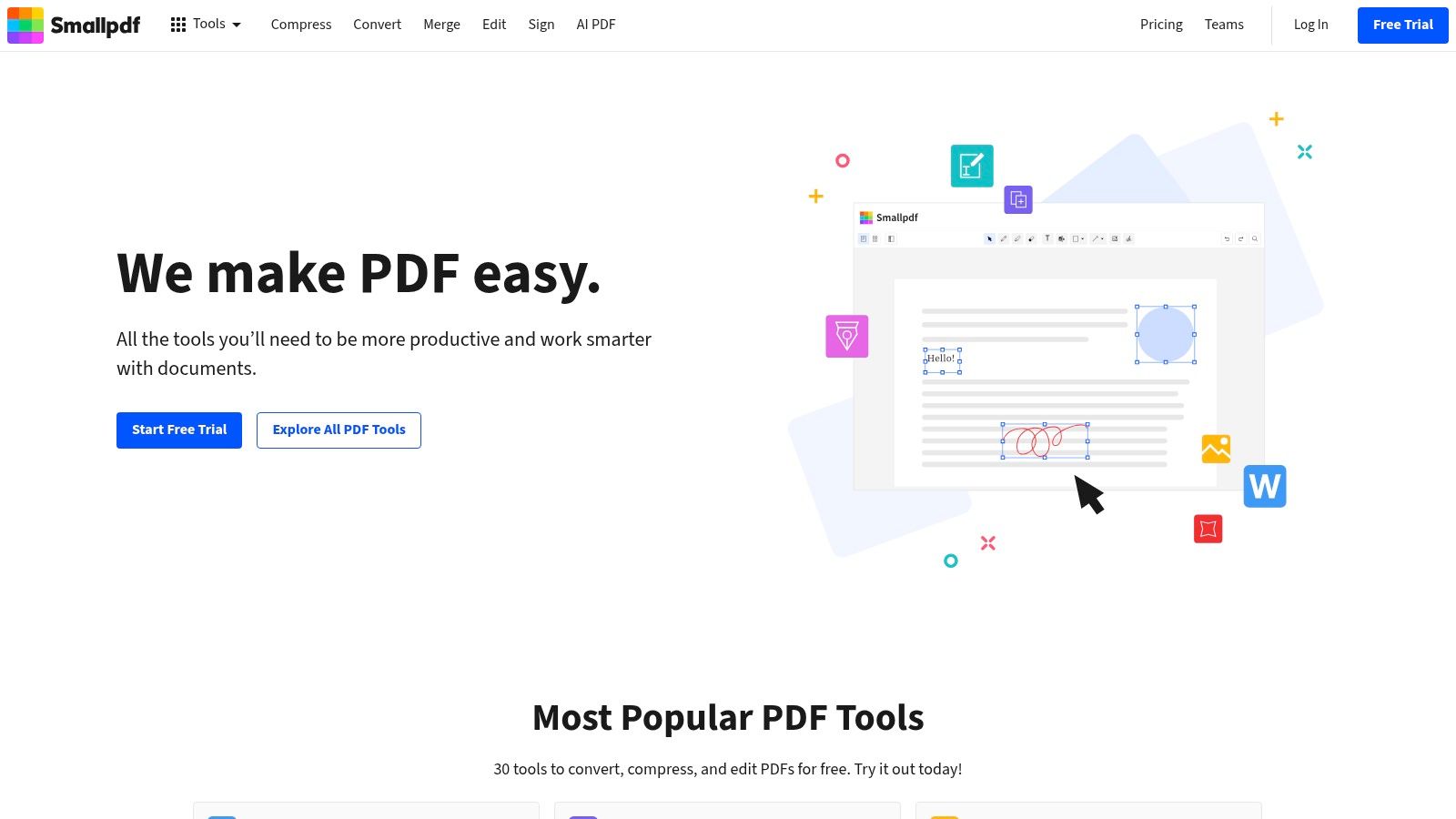
The platform’s major differentiator is its cross-platform workflow. A document scanned on your phone is instantly available on the Smallpdf web platform for more complex editing on a desktop. This flexibility is perfect for professionals who start tasks on the go and finish them at the office, creating a fluid and organised document management experience without being tied to a single device.
Key Features and Limitations
For those who need a versatile PDF toolset, Smallpdf offers a compelling package. The user interface is exceptionally clean and user-friendly, ensuring that even complex tasks like PDF conversion or editing feel straightforward and accessible.
- Pros:
- All-in-One PDF Toolbox: A comprehensive suite of tools (compress, convert, sign) is integrated with the scanner.
- Cross-Platform Sync: Effortless synchronisation between the mobile app and the web-based platform.
- Clean User Interface: Intuitive and easy to navigate for all levels of users.
- Cons:
- Daily Task Limits: The free version imposes a strict limit on the number of tasks you can perform per day.
- Advanced Features Paywalled: OCR and other powerful tools require a Pro subscription.
Get the app: https://smallpdf.com/mobile
11. iScanner
iScanner positions itself as a powerful, AI-assisted gratis pdf scanner aimed at users who need rapid document capture and robust organisational tools on the go. The app is celebrated for its speed, automatically detecting document boundaries and enhancing image quality with minimal user input. This makes it a fantastic choice for quickly digitising everything from business cards to multi-page reports with impressive clarity. Its interface is modern and is constantly updated with new features, reflecting its commitment to leveraging the latest technology.
The key differentiator for iScanner is its blend of speed and an ever-expanding feature set, including AI-driven tools for problem-solving tasks like calculations or object counting. While its free version is functional for basic scanning, its true power is unlocked with a subscription. The built-in OCR is effective for making documents searchable, which is a crucial feature for anyone looking to build an organised digital archive for their small business or freelance work.
Key Features and Limitations
For users who value cutting-edge features and don't mind a subscription model for advanced functionality, iScanner offers a compelling package. It provides a solid foundation for digitising documents and is well-suited for a variety of professional and personal use cases.
- Pros:
- Rapid Capture and AI Features: Extremely fast scanning process complemented by continual development of new, innovative tools.
- Large User Base: A popular and well-supported app with cross-platform availability (iOS/Android).
- Strong Organisational Tools: Excellent features for annotating, organising, and exporting PDFs.
- Cons:
- Subscription for Best Functionality: The most powerful features, including unlimited OCR and advanced tools, are behind a paywall.
- Limitations on Free Tier: The free version has notable restrictions on usage and features.
Get the app: https://iscanner.com/
12. QuickScan
QuickScan is a powerful gratis pdf scanner built exclusively for iOS users who prioritise privacy above all else. Its standout feature is that all processing, from scanning to text recognition, happens directly on your device. No data is ever uploaded to a server, ensuring your sensitive documents remain completely private. This on-device approach, combined with a clean and efficient interface, makes it a trusted choice for handling confidential receipts, contracts, or personal records without compromising security.
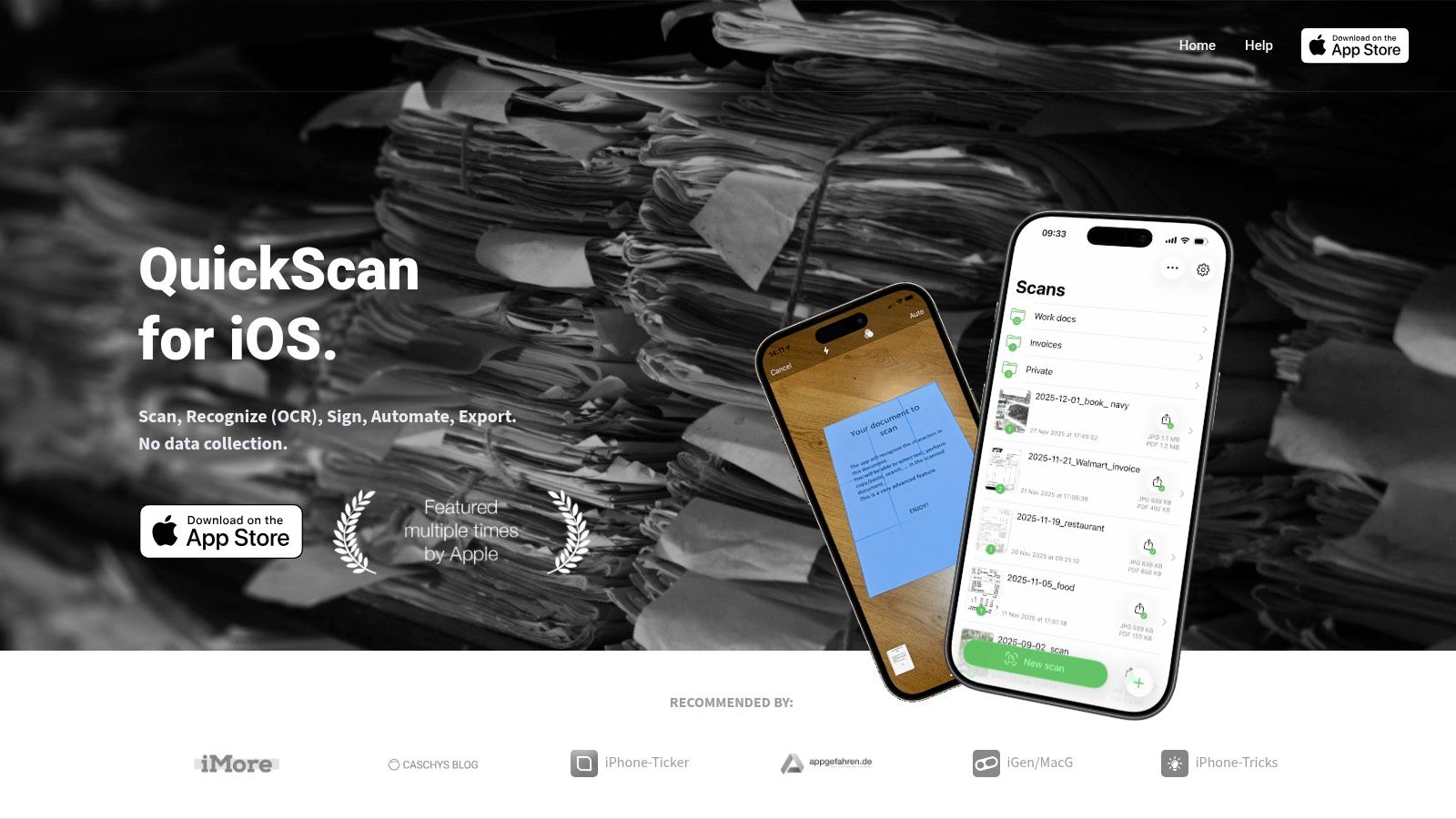
The app is donation-supported, meaning all core features, including its high-quality OCR, are available for free without restrictions or advertisements. QuickScan also provides robust export capabilities, allowing you to seamlessly save your organised scans to iCloud, Dropbox, OneDrive, or even a personal NAS via WebDAV. This flexibility is ideal for users who want control over their digital filing systems without being locked into a specific cloud ecosystem.
Key Features and Limitations
For the privacy-conscious individual or small business owner, QuickScan offers peace of mind. Added security through Face ID or Touch ID protection further solidifies its position as a secure scanning solution that doesn't sacrifice functionality.
- Pros:
- Privacy-Centric: All processing is done on-device with a strict no-data-collection policy.
- Completely Free: No paywalls for key features like OCR; the app is funded by optional donations.
- Broad Export Options: Integrates with numerous cloud services and local network storage.
- Cons:
- iOS Only: It is not available for Android or desktop users, limiting its accessibility.
- Separate Enterprise Licensing: Businesses requiring managed deployment need to arrange licensing separately.
Get the app: https://quickscanapp.com/
Top 12 Gratis PDF Scanners — Feature Comparison
| Tool | Core features | OCR & automation ★ | Integrations & export ✨ | Target audience 👥 | Price & USP 💰🏆 |
|---|---|---|---|---|---|
| Adobe Scan | Auto edge, de‑skew, multi‑page PDF | ★★★★☆ reliable OCR | Acrobat / Adobe Cloud sync | 👥 Adobe users, prosumers | 💰 Free + IAP — Trusted OCR 🏆 |
| Google Drive (scanner) | Auto capture, crop, save to Drive | ★★★★☆ searchable in Drive | Google Drive & cross‑platform | 👥 Google account users | 💰 Free (storage limits) — Seamless backup 🏆 |
| Apple Notes (scanner) | On‑device scan, markup, Continuity | ★★★☆☆ on‑device OCR | iCloud, Continuity Camera | 👥 iOS/macOS users wanting privacy | 💰 Free — Private, integrated UX 🏆 |
| Dropbox mobile scanner | Multi‑page scans, basic edits | ★★★☆☆ OCR on paid tiers | Saves directly to Dropbox ✨ | 👥 Dropbox users & teams | 💰 Freemium — Simple cloud workflow 🏆 |
| NAPS2 | Desktop bulk scan, profiles, CLI | ★★★★☆ Tesseract (100+ langs) | TWAIN/WIA/SANE/ESCL, CLI export | 👥 Office admins, high‑volume scanners | 💰 Free & OSS — Best for bulk/connected scanners 🏆 |
| PDF24 Tools – Scan PDF | Browser/webcam capture, quick PDFs | ★★★☆☆ basic OCR | Web exports, download/no account | 👥 Casual users, cross‑device quick scans | 💰 Free (ad‑supported) — No install needed 🏆 |
| Genius Scan | Fast capture, perspective correction | ★★★★☆ optional OCR | Cloud export / Genius Cloud sync | 👥 Privacy‑focused mobile users | 💰 Freemium — Privacy + offline mode 🏆 |
| SwiftScan | Auto enhancement, password protect | ★★★★☆ solid mobile OCR | File sharing, encrypted PDFs | 👥 Mobile users wanting simplicity | 💰 Freemium/IAP — Mature, easy UX 🏆 |
| CamScanner | Feature‑rich scanning, OCR & edit | ★★★★☆ powerful but gated | Major cloud integrations | 👥 Power users needing many features | 💰 Freemium/subscriptions — Broad feature set 🏆 |
| Smallpdf (mobile) | Scan + PDF toolbox (edit/sign) | ★★★★☆ OCR available | Web/mobile ecosystem exports ✨ | 👥 Users who want all‑in‑one PDF tools | 💰 Free limits / Pro sub — Full toolkit 🏆 |
| iScanner | AI‑assisted capture & management | ★★★★☆ AI OCR & enhancements | Cross‑platform export & sync | 👥 Fast‑capture mobile users | 💰 Freemium/sub — Rapid feature updates 🏆 |
| QuickScan | On‑device processing, Face/TouchID | ★★★★☆ on‑device searchable PDF | Wide export (iCloud, Dropbox, NAS) | 👥 Privacy‑centric iOS users | 💰 Free (donation) — On‑device privacy 🏆 |
Beyond Scanning: When to Automate Your Receipt Workflow
You now have a comprehensive overview of the best gratis pdf scanner tools available, from the powerful, integrated solutions like Adobe Scan and Apple Notes to versatile desktop options such as NAPS2. We've explored how each tool handles everything from basic document capture to advanced features like OCR, batch scanning, and cloud integration. The right choice for you ultimately depends on your specific needs, workflow, and the devices you use daily.
A freelancer occasionally scanning a single receipt might find the built-in scanner in Google Drive or Apple Notes perfectly sufficient. A small business processing a moderate volume of invoices may benefit from the more robust features of Genius Scan or SwiftScan. The key takeaway is that for simple digitisation, a free tool can be an incredibly powerful asset, transforming physical paper into organised, searchable digital files without any financial investment.
The Tipping Point: From Manual Scanning to Automated Finance
However, for many growing businesses, the act of scanning is only the first, and easiest, step. The real administrative burden lies in what happens after you have the PDF. Manually naming files, creating folder structures, extracting key data like vendor names and totals, and then painstakingly matching each receipt to its corresponding bank transaction is a significant time sink. This is where the limitations of a gratis pdf scanner become apparent.
When you find your team spending more time on data entry and reconciliation than on revenue-generating activities, you've reached a critical tipping point. This is the moment to transition from a simple scanning tool to a dedicated financial automation platform. The goal is no longer just to create a digital image of a receipt; it is to transform that image into structured, actionable data that integrates seamlessly into your accounting workflow. This shift from digitisation to automation is fundamental for scaling your financial operations efficiently and accurately.
The Strategic Leap to Intelligent Automation
Think of it this way: a gratis pdf scanner gives you a digital filing cabinet, but you still have to sort and file everything by hand. An automated solution not only scans the documents but also reads, understands, and files them for you, linking each one directly to its financial context. For example, platforms like Mintline are built to solve this exact post-scan challenge. Its AI-powered engine doesn't just create a PDF; it automatically links every receipt and invoice to the correct bank transaction, eliminating manual matching entirely. This process turns unstructured scans into audit-ready records, ensuring compliance and freeing up valuable hours.
This concept of intelligent document processing extends beyond finance. For a different perspective on how 'scanners' contribute to automated workflows, particularly in specialized fields, explore how top VCs utilize automated pitch deck scanners to streamline their deal flow. The underlying principle is the same: automating the extraction and organisation of information from documents to make faster, more informed decisions. By embracing this next level of automation, you move beyond simple convenience and towards true strategic efficiency in your business operations.
Ready to eliminate manual receipt matching for good? If you've outgrown your gratis pdf scanner and are tired of manual data entry, see how Mintline can automate your entire receipt-to-transaction workflow. Visit Mintline to discover how our AI-powered platform can save you hours of administrative work every month.