
Best: ocr software best for 2025—How to choose the right tool
Discover the ocr software best picks for 2025 with clear criteria, top features, and honest reviews to help you choose efficiently.
Optical Character Recognition (OCR) technology has evolved far beyond simple text scanning. For modern finance and operations teams, it's the engine that drives efficiency, eliminates manual data entry, and ensures audit-ready accuracy. But with a crowded market of desktop suites, cloud APIs, and integrated platforms, how do you determine which is the best fit for your specific needs? Finding the ocr software best suited to your organisation is no small task, as the right tool can fundamentally change your workflows.
This guide cuts through the noise. We will analyse 12 leading OCR solutions, focusing on the features that matter most for financial tasks: accuracy on invoices and receipts, batch processing capabilities, security posture, and integration potential. For instance, the strategic importance of OCR is exemplified in areas like check processing, where it is key to efficient and accurate data extraction, a concept explored in depth in resources like Mastering Remote Deposit Capture. Each review includes screenshots and direct links, giving you a clear view of the user experience.
We'll explore the critical differences between general-purpose PDF editors and specialised automation tools, helping you make an informed decision that saves time and prevents costly errors. Finally, we'll show how a purpose-built solution like Mintline leverages OCR to solve a very specific, high-value problem for finance teams: automatically matching every bank transaction to its corresponding receipt. This turns hours of tedious administration into minutes of simple review, showcasing the transformative power of specialised OCR. This list is your comprehensive resource for choosing a tool that not only digitises documents but truly optimises your financial operations.
1. ABBYY FineReader PDF
ABBYY FineReader PDF is a heavyweight champion in the OCR world, renowned for its precision and comprehensive PDF toolkit. It operates as a powerful desktop application for both Windows and Mac, positioning itself as a go-to solution for professionals who require consistently high-accuracy document conversion and robust editing capabilities. For finance teams and accounting firms, this platform is one of the best OCR software choices for transforming stacks of paper invoices, bank statements, and contracts into searchable, audit-ready digital files.
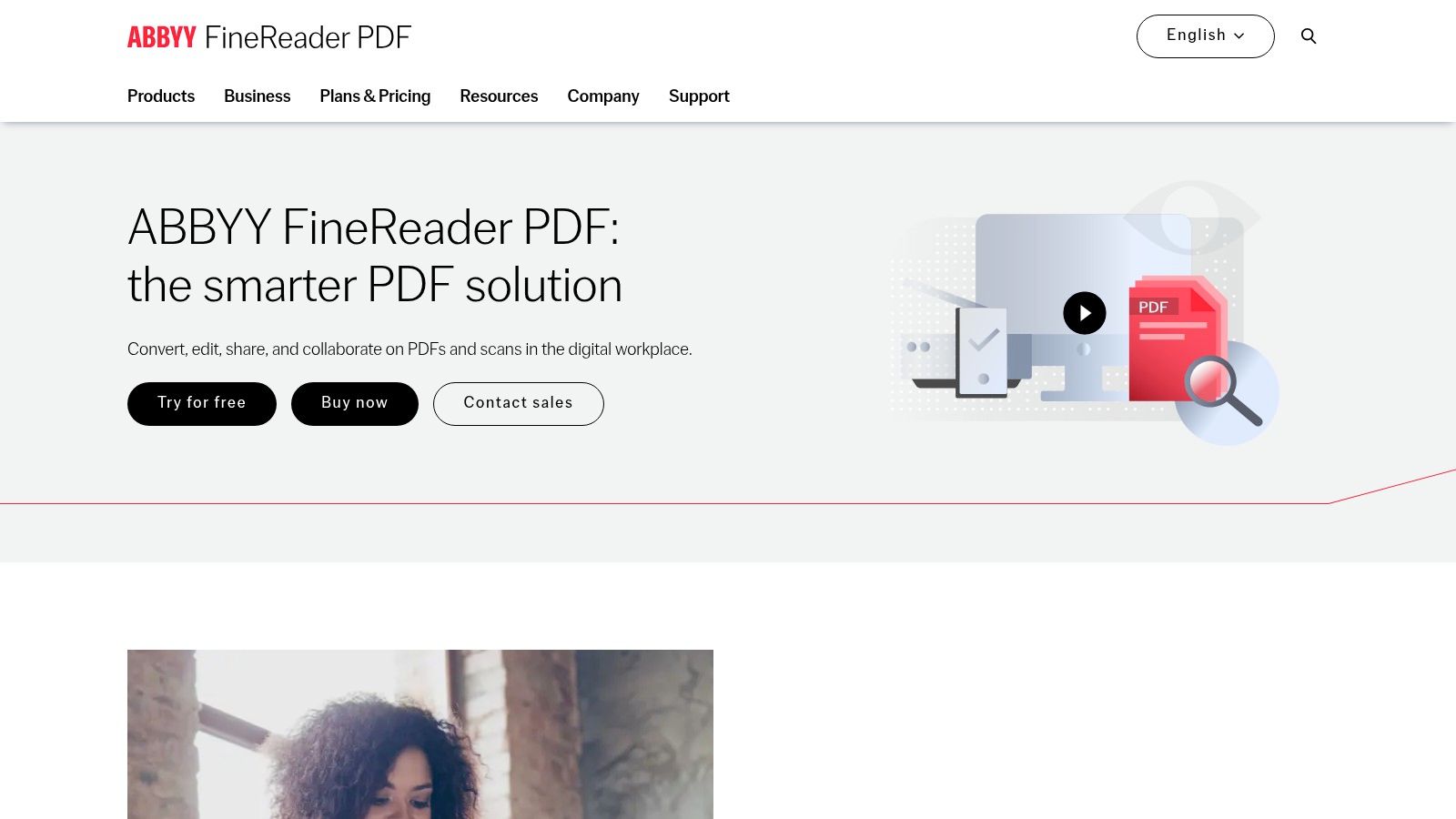
The software’s strength lies in its AI-powered recognition engine, which supports over 190 languages and excels at handling complex layouts with mixed text, tables, and images. Unlike lighter web-based tools, its "Hot Folder" feature in the Corporate edition allows for automated, hands-off processing of documents as they arrive in a designated network folder, a critical function for streamlining high-volume workflows like month-end closing. You can discover more about turning photos into usable text in our guide on foto-to-text conversion.
Key Features and Use Cases
- Best For: Finance departments, legal firms, and large organisations needing reliable, high-volume batch processing and document archiving.
- Standout Feature: The document comparison tool is exceptional for flagging discrepancies between two versions of a document, a crucial task for contract reviews and audits.
- Pricing: ABBYY offers perpetual licences and annual subscriptions, with clear tiers for Standard, Corporate (Windows), and Mac users. Volume licensing is available for larger teams.
- Limitations: The desktop installation is substantial, and automated processing in the Hot Folder has page limits on certain plans, which might be a constraint for some enterprise-level workflows.
Website: https://pdf.abbyy.com
2. Adobe Acrobat
Adobe Acrobat is the industry-standard PDF solution, and its powerful, built-in OCR engine makes it a cornerstone for many businesses. It excels at converting scanned documents and images into fully searchable and editable PDFs, integrating this core function within a comprehensive suite of tools. For auditors and accounting teams already operating within the Adobe ecosystem, it represents one of the best OCR software choices for standardising document workflows, from invoice capture to creating secure, audit-ready digital archives.
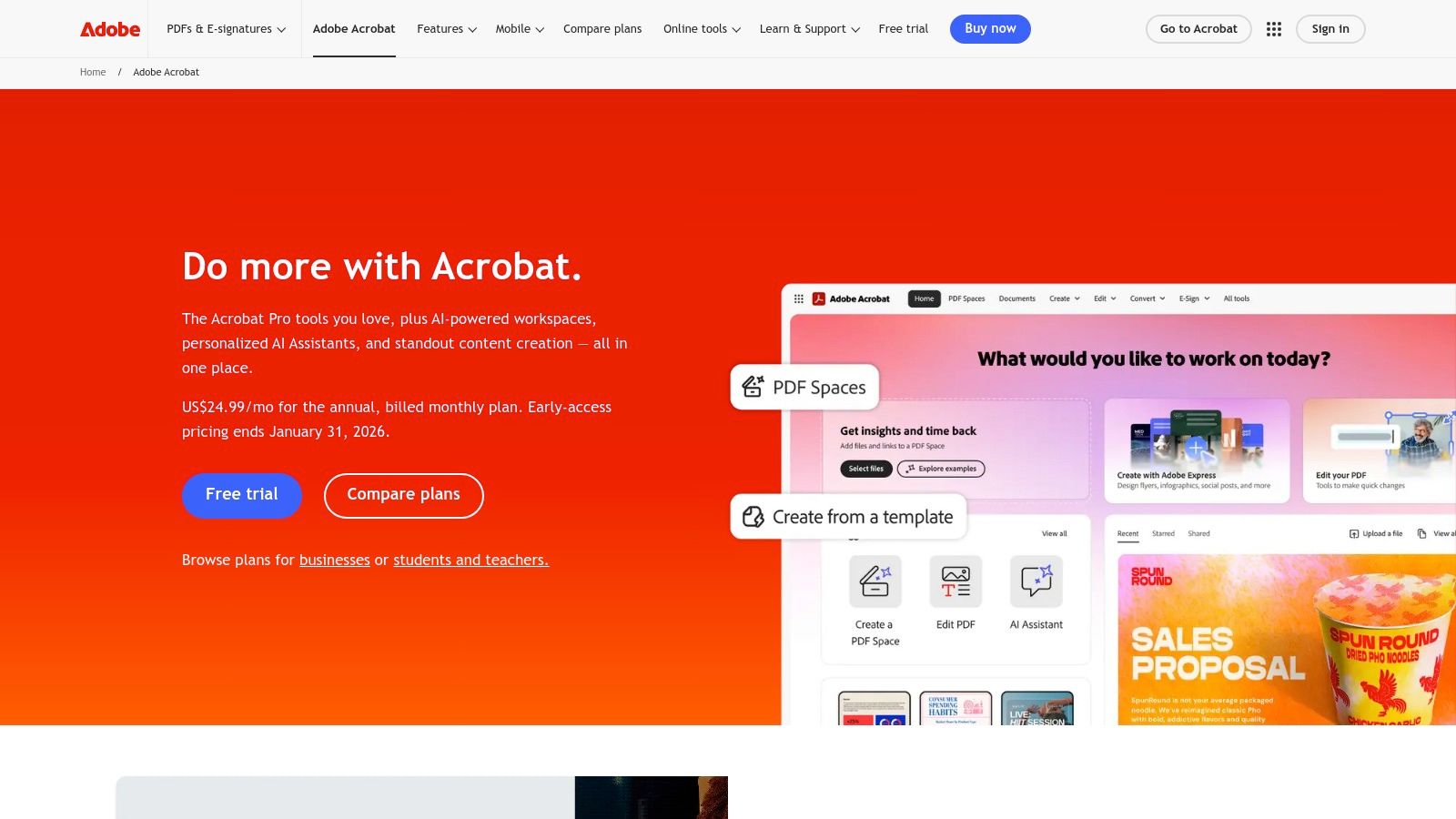
Acrobat’s primary strength is its ubiquity and deep integration across business platforms, including Microsoft and Google ecosystems. This makes collaboration seamless, allowing finance teams to edit, comment on, and e-sign documents without leaving their preferred environment. Unlike specialised OCR tools, Acrobat combines text recognition with robust editing, redaction, and security features, providing a single, reliable platform for the entire document lifecycle, from initial scan to final, compliant storage. Its mobile and web apps ensure access and functionality from anywhere.
Key Features and Use Cases
- Best For: Businesses of all sizes, especially those needing a unified solution for PDF creation, editing, e-signatures, and OCR within a secure, compliant framework.
- Standout Feature: The deep integration with Microsoft and Google suites, along with enterprise-level admin controls and SSO, makes it exceptionally easy to deploy and manage across teams.
- Pricing: Acrobat operates on a subscription model, with different tiers for individuals, teams, and enterprises. Recent plan changes can be confusing, so it is best to check regional pricing.
- Limitations: The subscription-centric model can be more costly over time compared to one-off licence purchases, and its OCR capabilities, while strong, are part of a much larger feature set which may be excessive for users needing only text extraction.
Website: https://www.adobe.com/acrobat
3. Tungsten Automation (Kofax) OmniPage
Tungsten Automation, formerly known as Kofax, offers OmniPage as a long-standing and powerful OCR solution, particularly for organisations that prioritise on-premise control and high-volume batch processing. It serves as a robust desktop and server-based engine, designed for deep integration and automation within established enterprise environments. For businesses managing immense quantities of physical documents that require digitisation, OmniPage provides the industrial-strength performance that many cloud-based tools cannot match.
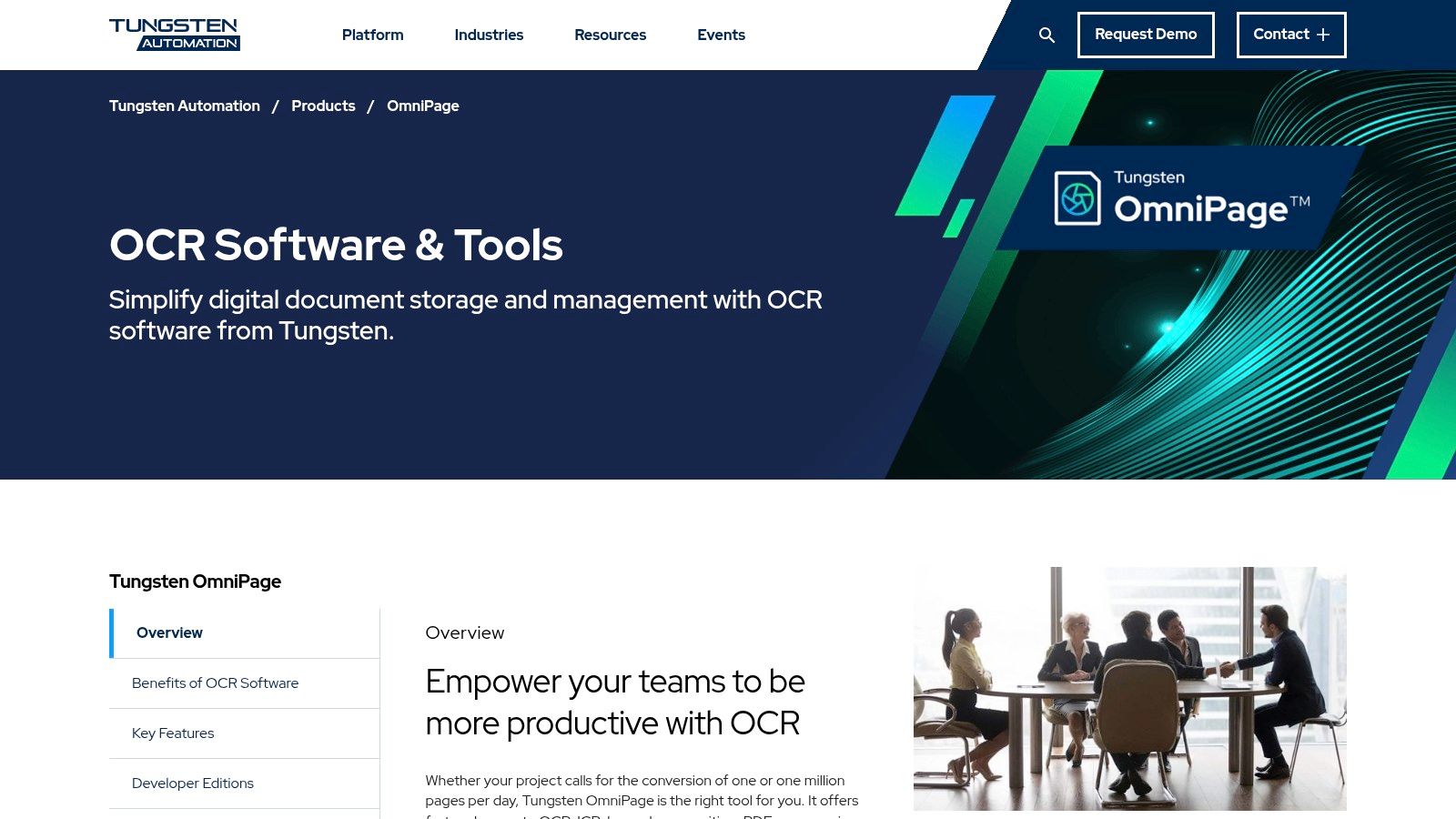
Unlike modern SaaS platforms, OmniPage's legacy is in its powerful, fast OCR engine that can be customised through server and SDK options. This makes it one of the best OCR software choices for developers building custom applications or for IT departments needing to route documents through complex network workflows, such as integrations with SharePoint. Its strength lies in sheer processing power and scalability for large-scale, automated digitisation projects where performance is paramount.
Key Features and Use Cases
- Best For: Large enterprises, government agencies, and businesses with strict data residency requirements needing on-premise, high-volume document processing and custom integrations.
- Standout Feature: The availability of a Server/CSDK (software development kit) allows for unparalleled customisation and embedding of its OCR engine into bespoke business applications and automated workflows.
- Pricing: Desktop editions (Standard and Ultimate) are available as a one-time perpetual licence. The more advanced Server and SDK versions require enterprise-level pricing and a direct sales consultation.
- Limitations: The user interface on the desktop versions feels dated when compared to modern, cloud-native software. The advanced automation features are locked behind enterprise-grade pricing, making it less accessible for smaller teams.
Website: https://www.tungstenautomation.com/products/omnipage
4. Readiris (IRIS)
Readiris, developed by IRIS (a Canon Group company), offers a robust desktop OCR and PDF management solution for both Windows and Mac. It positions itself as a practical and cost-effective choice, particularly for small to medium-sized businesses (SMBs) in Europe looking for a reliable alternative to bigger names. For finance teams needing to digitise invoices or contracts, Readiris provides a solid combination of text recognition and essential PDF editing tools without the enterprise-level price tag.
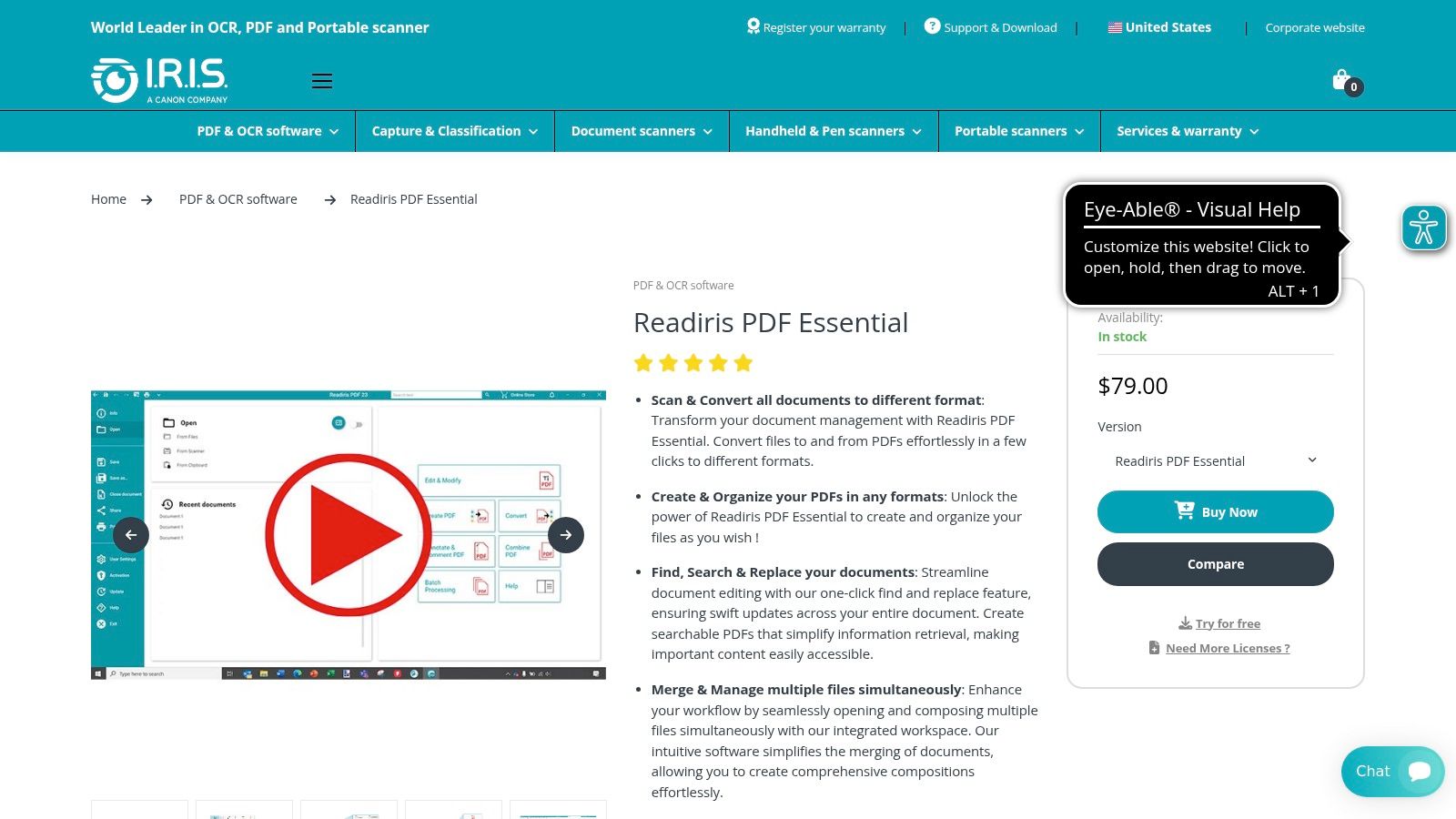
The platform’s strength lies in its balanced feature set, combining multilingual OCR (supporting over 100 languages) with high-quality PDF compression (iHQC technology). This dual capability is especially useful for archiving financial documents, as it makes files searchable while significantly reducing their storage size. Unlike purely cloud-based tools, Readiris integrates well with physical scanners, making it one of the best OCR software options for businesses transitioning from paper-heavy to digital workflows and who prefer a one-time purchase model.
Key Features and Use Cases
- Best For: SMBs, particularly within the EU, that require a dependable desktop tool for document digitisation, PDF editing, and storage optimisation.
- Standout Feature: The integrated iHQC compression is excellent for creating lightweight yet high-quality PDF archives, which is ideal for managing large volumes of financial records.
- Pricing: Readiris uses a perpetual licence model with different tiers (e.g., PDF, Pro, Corporate) and often runs promotions, offering good value for its feature set.
- Limitations: The product website can be slightly confusing with its various versions, and it lacks the advanced enterprise administration and cloud integration features found in competitors like Adobe or ABBYY.
Website: https://www.irislink.com/m2419/Readiris-PDF.aspx
5. Foxit PDF Editor
Foxit PDF Editor stands as a popular and cost-effective alternative to Adobe Acrobat, offering a comprehensive suite of PDF tools that includes robust OCR capabilities. It's designed for businesses seeking a full-featured solution for document management across desktop, mobile, and cloud platforms without the premium price tag. For finance departments and SMBs, Foxit provides an accessible platform to convert scanned receipts, contracts, and invoices into editable, searchable, and secure digital documents, complete with essential tools like redaction and e-signatures.
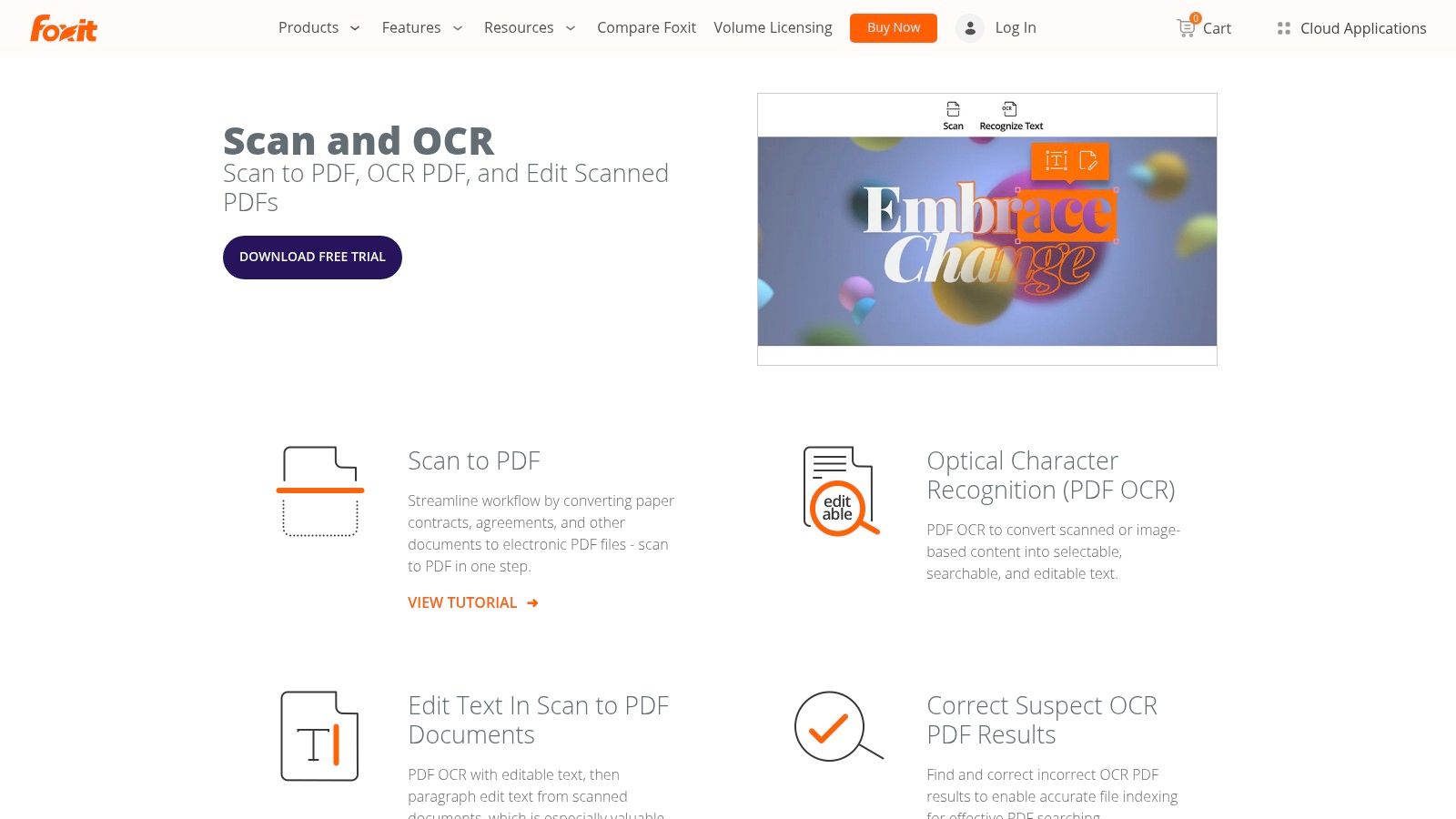
The platform's strength lies in its balance of features and affordability, making it one of the best OCR software options for teams needing more than just basic conversion. Its OCR engine can be run on single documents or entire folders, with options to correct "suspect" words where the software is uncertain about the recognition. This feature is particularly useful for clarifying ambiguous characters in financial statements or reports. The inclusion of business-ready features like administrative controls and team management makes it a scalable solution for growing organisations.
Key Features and Use Cases
- Best For: Cost-conscious businesses, legal teams, and administrative departments needing a full PDF editing suite with reliable OCR and security features.
- Standout Feature: The integrated e-signature and redaction tools within the same platform allow teams to manage the entire document lifecycle, from scanning and OCR to final sign-off and archiving.
- Pricing: Foxit offers both subscription and perpetual licence models, with clear tiers like Editor and Editor+, providing flexibility for different budget and feature requirements.
- Limitations: While powerful, some of the more advanced OCR settings and document automation features are reserved for the higher-tier Editor+ edition, which may be a consideration for teams with complex needs.
Website: https://www.foxit.com/pdf-editor/scan-to-pdf-ocr/
6. PDF‑XChange Editor (Tracker Software)
PDF‑XChange Editor by Tracker Software is a highly-regarded, lightweight Windows application that packs a surprising punch for its small footprint. It stands out for freelancers and small businesses who need fast, reliable, on-device PDF editing and OCR without the commitment of a subscription. The software offers a free, built-in OCR engine capable of making scanned documents searchable, which is a significant value proposition for cost-conscious users who occasionally need to digitise invoices or receipts.
Unlike cloud-based platforms, PDF‑XChange Editor operates entirely locally, ensuring document privacy and delivering snappy performance even on modest hardware. Its appeal lies in its perpetual licensing model, a welcome alternative for those looking to avoid recurring monthly fees. For users needing higher accuracy or broader language support, an optional Enhanced OCR plugin is available. This makes it a flexible and one of the best OCR software choices for users who want to buy a tool once and use it for essential document management tasks without needing advanced, automated workflows.
Key Features and Use Cases
- Best For: Freelancers, small businesses, and individual professionals on Windows who prioritise speed, affordability, and a one-time purchase model.
- Standout Feature: The combination of a fast, lightweight application with a perpetual licence makes it an exceptional value for essential PDF editing and OCR functionalities.
- Pricing: Offers perpetual licences with volume discounts available. The core OCR is free, while the Editor Plus and PRO bundles add more advanced features like form creation.
- Limitations: The software is primarily Windows-focused, with limited cross-platform support. Its user interface is more utilitarian than modern, and achieving the highest OCR accuracy requires purchasing the Enhanced OCR plugin.
Website: https://www.pdf-xchange.com/buy-now
7. Nitro PDF Pro
Nitro PDF Pro is a widely recognised PDF editor that integrates capable OCR functionality directly into its workflow. Positioned as a strong alternative to Adobe Acrobat, it is designed for business professionals and teams who need more than just text recognition. For growing businesses, this platform consolidates PDF editing, form creation, e-signing, and document conversion into a single, cohesive environment, making it a contender for the best OCR software when a broader feature set is required.
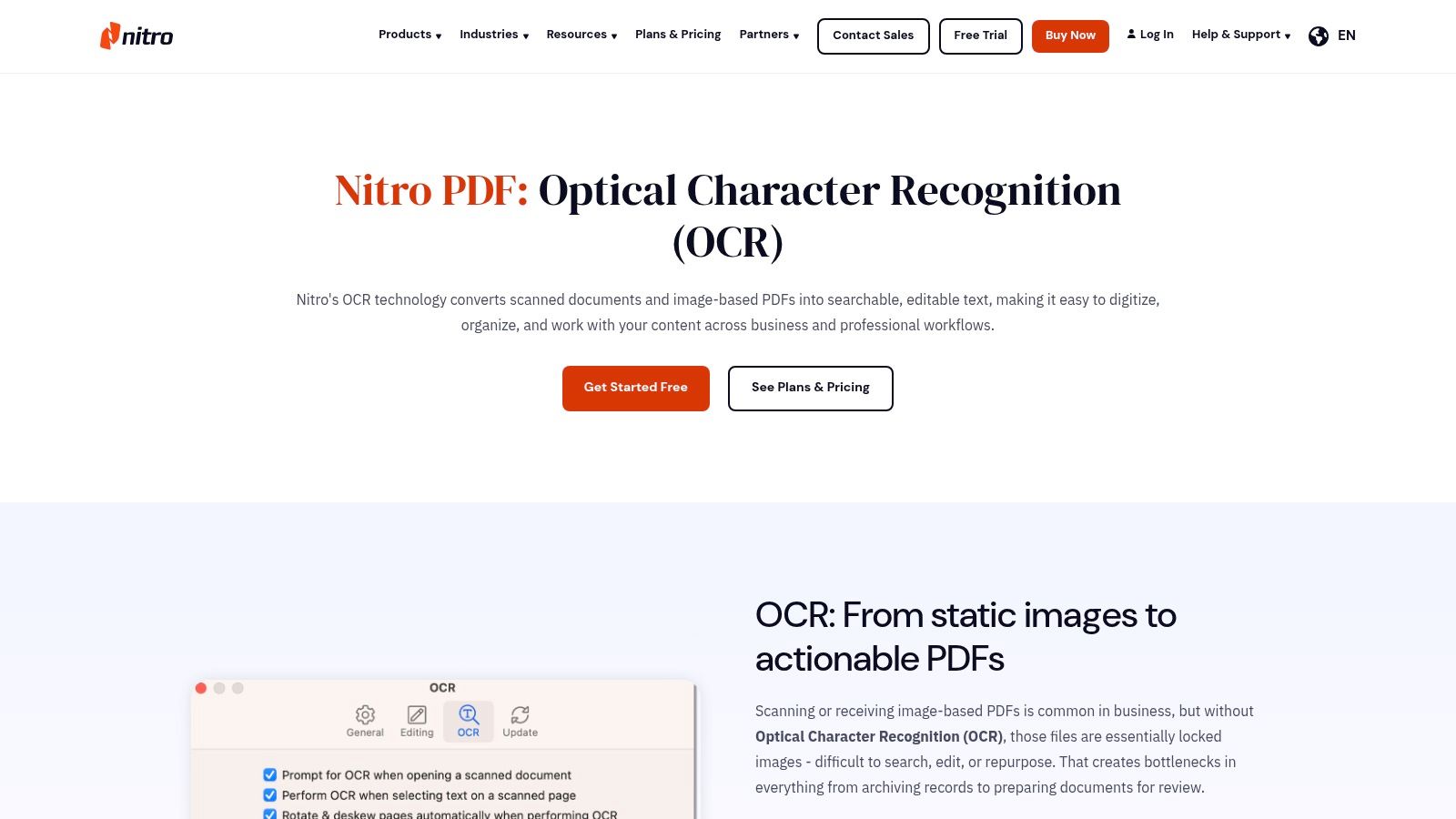
The platform’s OCR engine includes useful pre-processing tools like deskewing and image adjustment to improve the accuracy of scanned documents. Its batch OCR capabilities are particularly useful for teams that need to process multiple files simultaneously, converting entire folders of static images or non-searchable PDFs into editable text. Unlike specialised OCR-only tools, Nitro’s strength is embedding this function within a comprehensive productivity suite available across Windows, Mac, and iOS, supporting a flexible, multi-device work style.
Key Features and Use Cases
- Best For: Small to medium-sized businesses and teams seeking an all-in-one PDF productivity and OCR tool to streamline document workflows.
- Standout Feature: The integration of OCR with robust e-signing and team management features in its Business plans provides a unified solution for document handling from creation to final signature.
- Pricing: Nitro has largely moved to a subscription model, with plans for individuals and teams. Some region-specific, one-time purchase options may still be available, but this varies.
- Limitations: The shift away from perpetual licences has been a point of contention for some long-time users. The OCR is powerful but may not match the specialised precision of dedicated tools for extremely complex or low-quality documents.
Website: https://www.gonitro.com/ocr
8. Smallpdf
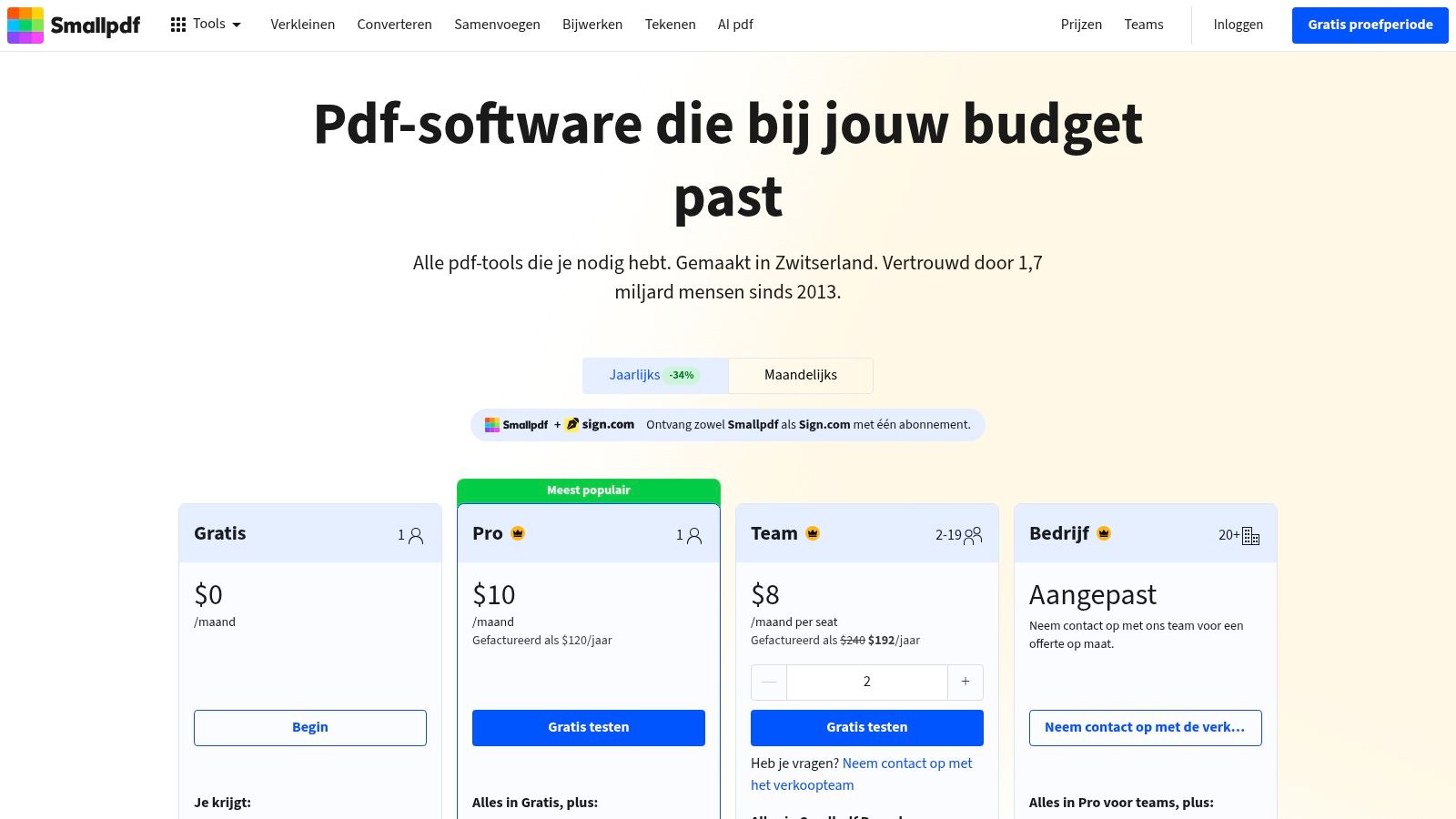
Smallpdf is a cloud-first, browser-based toolkit that has become a favourite for quick and accessible document management. While it offers over 30 PDF tools, its OCR functionality is integrated into its Pro and Team plans, making it a highly convenient option for users who need to occasionally convert scanned documents or images into searchable PDFs without installing any software. For freelancers or small teams in the EU, its strong GDPR and ISO 27001 compliance provides an added layer of trust and security for handling sensitive data.
Unlike dedicated desktop applications, Smallpdf's value lies in its simplicity and cross-device accessibility. A user can start converting a document on their laptop and finish editing it on a tablet without any hassle. This makes it one of the best OCR software choices for distributed teams or professionals on the move who prioritise ease of use for ad-hoc tasks over complex automation features. The platform is designed for straightforward jobs like making a scanned invoice searchable or grabbing text from a photo of a receipt.
Key Features and Use Cases
- Best For: Individuals, freelancers, and small businesses needing an all-in-one, easy-to-use PDF toolkit with occasional OCR requirements.
- Standout Feature: The intuitive, web-based interface that requires zero installation, allowing users to perform OCR tasks from any device with an internet connection instantly.
- Pricing: A free tier exists with limitations. Full OCR access requires a Pro or Team subscription, which offers unlimited processing, centralised billing, and admin controls for teams.
- Limitations: The platform is not built for high-volume, automated batch OCR processing, making it less suitable for enterprise-level workflows that require server-based automation.
Website: https://smallpdf.com/nl/pricing
9. Google Drive / Google Workspace (Docs OCR)
For many freelancers and small businesses, the best OCR software is the one that’s already integrated into their daily workflow. Google Drive offers a surprisingly capable, built-in OCR function that activates when you upload an image or PDF and choose to open it with Google Docs. This makes it an incredibly accessible, zero-cost option for quick text extraction from receipts, contracts, or scanned notes without needing specialised software.
The magic happens behind the scenes: Google’s engine processes the file and spits out the recognised text into a new Google Doc. While it doesn't preserve complex formatting like dedicated tools, its primary function is to make text searchable and editable instantly. This simplicity is its greatest strength, offering a frictionless way to digitise documents directly within the familiar Google Workspace ecosystem. For more advanced needs, it serves as a gateway to Google's powerful, pay-as-you-go Cloud Vision AI for high-accuracy, automated data extraction.
Key Features and Use Cases
- Best For: Individuals, startups, and small teams needing quick, occasional text extraction without additional software or cost.
- Standout Feature: The seamless integration with Google Drive’s search functionality. Once a document is processed, its text content becomes fully searchable, making it easy to find specific invoices or notes later.
- Pricing: The basic OCR function via Google Docs is free with any Google account. Advanced capabilities are available through Google Cloud's AI services on a pay-per-use basis.
- Limitations: The process is manual and not suited for high-volume batch processing. It often struggles to maintain the original layout, tables, and complex formatting, which can be a significant drawback for financial documents.
Website: https://docs.google.com
10. Microsoft OneDrive / OneNote
For teams already embedded in the Microsoft 365 ecosystem, OneDrive and OneNote offer surprisingly capable built-in OCR features that require no additional software or expense. This integrated functionality isn't designed to compete with dedicated batch processing tools but serves as one of the best OCR software options for quick, on-the-fly text capture and making documents searchable within your existing cloud storage. It’s perfect for a small business owner snapping a picture of a receipt with the OneDrive app or a consultant saving meeting notes as a searchable PDF.
The process is remarkably simple: use the OneDrive mobile app to scan a document, and it automatically processes the file to make the text selectable and searchable. Similarly, in OneNote, you can right-click any image or printout and select "Copy Text from Picture," instantly extracting the content for use elsewhere. This low-friction approach is ideal for professionals who need to quickly digitise and index information without disrupting their workflow, similar to the functionality found in other cloud-based suites. You can see how this compares to other platforms in our guide to OCR in Google Docs.
Key Features and Use Cases
- Best For: Individuals and teams using Microsoft 365 who need a simple, integrated way to capture and find text from images and scanned documents.
- Standout Feature: The seamless integration with Microsoft Search, which allows you to find keywords within scanned PDFs and images stored in OneDrive directly from any Office 365 app.
- Pricing: The OCR functionality is included with most Microsoft 365 subscriptions (including Business and Personal plans) at no extra cost.
- Limitations: The OCR accuracy and language controls are basic and can vary between the mobile and desktop applications. It is not a substitute for high-accuracy, dedicated systems needed for complex financial document processing.
Website: https://www.microsoft.com/onedrive
11. OCR.space
OCR.space is an API-first platform that stands out for its flexibility and developer-centric approach, making it an excellent choice for businesses looking to integrate OCR capabilities directly into their custom software or automated workflows. It offers a straightforward online tool for quick conversions, but its real power lies in its robust API, which supports JSON responses and the creation of searchable PDFs. For tech-savvy finance teams or startups, this platform provides the building blocks for a custom document processing engine without the overhead of building one from scratch.
The service is particularly noteworthy for its consideration of data privacy and residency, offering dedicated regional endpoints in the EU, US, and Asia. This is a critical feature for European businesses needing to comply with GDPR or other data localisation regulations. Unlike turnkey desktop applications, OCR.space is designed for integration, allowing developers to automate the intake of invoices, receipts, or contracts directly from an application's backend, making it a powerful component in a larger financial tech stack.
Key Features and Use Cases
- Best For: Developers, startups, and businesses needing to build custom, automated OCR workflows or integrate text recognition into existing applications.
- Standout Feature: The availability of regional API endpoints (including the EU) and on-premise licensing options provides exceptional flexibility for meeting data privacy and compliance requirements.
- Pricing: OCR.space offers a generous free tier for low-volume use, with paid PRO and Enterprise plans that scale based on processing needs. On-premise licensing is also available for full data control.
- Limitations: The free version's searchable PDFs are watermarked. As an API-first service, it requires development resources to integrate, which is a significant departure from ready-to-use desktop software.
Website: https://ocr.space/ocrapi
12. Capterra Netherlands — OCR Software category
Capterra Netherlands is not a single piece of software but an essential resource for finding the right OCR solution. It serves as a localised software directory, allowing businesses to compare a wide range of OCR tools, from desktop applications to cloud-based APIs, with a specific focus on the Dutch and European markets. For finance teams in the region, this platform is one of the best ways to discover OCR software that meets specific EU compliance standards and local integration needs, like connecting with region-specific accounting platforms.
The platform's value lies in its structured comparison tools and verified user reviews. You can filter options by features, deployment type, business size, and even find free OCR solutions, making it a powerful starting point for your research. Unlike simply searching online, Capterra provides feature matrices and direct comparisons that help you shortlist vendors that align with your budget and technical requirements before committing to demos or trials. This organised approach saves significant time when navigating the crowded OCR software landscape.
Key Features and Use Cases
- Best For: Dutch and EU-based SMBs, finance managers, and IT departments looking to compare and shortlist multiple OCR vendors based on local user feedback and feature requirements.
- Standout Feature: The robust filtering system, combined with user-submitted reviews and ratings, provides a balanced view that contrasts vendor marketing claims with real-world user experiences.
- Pricing: Capterra itself is free to use. It aggregates pricing information from vendors, often linking directly to free trials, quotes, and subscription pages on the respective software websites.
- Limitations: Be aware that sponsored listings may appear more prominently in search results. It is a directory, not a direct vendor, so all transactions and support are handled by the software provider you ultimately choose.
Website: https://www.capterra.nl/directory/31459/ocr/software
Top 12 OCR Software Comparison
| Product | Core features & automation ✨ | Accuracy / UX ★ | Price & value 💰 | Target & USP 👥 / 🏆 |
|---|---|---|---|---|
| ABBYY FineReader PDF | AI OCR (190+ langs); Hot Folder batch automation; PDF edit/compare ✨ | ★★★★★ — mature, high‑fidelity | 💰 Enterprise/volume licensing; can be costly at scale | 👥 Finance teams, month‑end; 🏆 top accuracy & batch workflows |
| Adobe Acrobat | OCR + full PDF editor; e‑sign & collaboration; cross‑platform ✨ | ★★★★ — ubiquitous, polished UX | 💰 Subscription‑first; higher enterprise cost | 👥 Auditors/accounting; 🏆 ecosystem & compliance features |
| Tungsten (Kofax) OmniPage | Fast OCR + ICR/barcode; Server & SDK; perpetual desktop ✨ | ★★★★ — high performance, dated UI | 💰 Perpetual & enterprise pricing; costly for server/SDK | 👥 Large orgs/dev teams needing on‑prem & scale; 🏆 server/SDK options |
| Readiris (IRIS) | Multilingual OCR; PDF compression (iHQC); scanner support ✨ | ★★★★ — practical for SMBs | 💰 Good value tiers; frequent promos | 👥 SMBs, EU buyers preferring Canon group; 🏆 EU vendor & compression |
| Foxit PDF Editor | OCR, redaction, forms, e‑sign; admin & cloud options ✨ | ★★★★ — business‑ready, competitive UX | 💰 Competitive vs Adobe; subscription or Editor+ | 👥 Cost‑conscious teams; 🏆 solid feature set for price |
| PDF‑XChange Editor | Lightweight OCR (free tier); Enhanced OCR plugin; fast ✨ | ★★★★ — very fast, utilitarian UI | 💰 Perpetual licensing; strong price/value for freelancers | 👥 Freelancers/SMBs/Windows users; 🏆 speed & low footprint |
| Nitro PDF Pro | OCR with deskew/batch; editing & e‑sign for teams ✨ | ★★★★ — integrated PDF workflow | 💰 Subscription focus; region varies for one‑time buy | 👥 Teams needing PDF productivity; 🏆 integrated OCR + workflow |
| Smallpdf | Web OCR + 30+ PDF tools; EU privacy posture (GDPR/ISO) ✨ | ★★★ — simple, web‑first UX | 💰 Pro/Team subscriptions; ad‑hoc friendly | 👥 Occasional users & distributed teams; 🏆 easy cloud capture with EU focus |
| Google Drive / Docs OCR | Auto OCR on upload; searchable Drive; scales to Cloud Vision ✨ | ★★★ — zero‑cost, basic fidelity | 💰 Free basic; pay‑as‑you‑go for Cloud Vision | 👥 Casual users & scale‑up to devs; 🏆 no‑friction & included with Google |
| Microsoft OneDrive / OneNote | Mobile/OneNote OCR; searchable PDFs in M365 ✨ | ★★★ — handy for capture in ecosystem | 💰 Included with Microsoft 365 | 👥 Microsoft 365 users; 🏆 seamless capture & archive |
| OCR.space | JSON OCR API; EU/US/ASIA endpoints; on‑prem option ✨ | ★★★★ — reliable for dev integrations | 💰 Generous free tier; PRO/Enterprise & on‑prem plans | 👥 Developers, privacy‑sensitive deployments; 🏆 regional endpoints & on‑prem flexibility |
| Capterra Netherlands | NL‑focused directory: filters, reviews, pricing comparisons ✨ | ★★★ — research UX for vendor shortlisting | 💰 Free to use (vendor leads may be paid) | 👥 Buyers in NL/EU researching vendors; 🏆 quick shortlist & user reviews |
From General OCR to Specific Solutions: Making the Right Choice for Your Finances
Navigating the landscape of OCR technology reveals a clear distinction between general-purpose tools and specialised, problem-focused solutions. We have explored a wide spectrum of options, from robust desktop applications like ABBYY FineReader PDF and Adobe Acrobat, ideal for high-volume, detailed document conversion, to accessible cloud-based services such as Smallpdf and the integrated OCR within Google Workspace, perfect for quick, occasional tasks. Each of these tools excels in its own right at the fundamental task of turning images into text.
The critical takeaway, however, is that selecting the ocr software best suited to your needs requires looking beyond raw data extraction. It demands an honest assessment of the workflow you are trying to improve. For freelancers, startup founders, and finance teams at small to medium-sized businesses, the ultimate goal is rarely just about digitising a document. It is about what happens after the text is extracted: organising data, reconciling accounts, and preparing for audits.
Evaluating Your Core OCR Needs
Your journey towards the right tool begins with a simple question: What is the primary business problem I need to solve? Answering this will guide you to the most effective solution.
-
For Comprehensive Document Management: If your primary need is creating searchable PDF archives, editing scanned documents, or converting large volumes of varied file types, a powerful, feature-rich platform like ABBYY FineReader, Tungsten Automation's OmniPage, or Nitro PDF Pro will provide the necessary control and precision. These are the workhorses of general digitisation.
-
For Occasional, Quick Conversions: When you just need to make a scanned invoice searchable or pull text from a single image, the convenience of web-based tools like OCR.space or the built-in functions of Microsoft OneDrive cannot be overstated. Their value lies in accessibility and ease of use, not deep functionality.
-
For Financial Reconciliation and Automation: This is where the limitations of generalist OCR become apparent. If your core challenge is the time-consuming, error-prone task of matching receipts, invoices, and bank statements, then a generic tool is merely the first, inefficient step in a much longer manual process. Extracting data is one thing; intelligently matching it to specific financial transactions is another entirely.
Beyond Extraction: The Power of an Integrated Financial Workflow
This is precisely where a specialised platform like Mintline demonstrates its true value. We recognise that for finance professionals and business owners, OCR is a means to an end, not the end itself. The goal is financial clarity and operational efficiency. General OCR tools can give you the characters from a receipt, but they will not tell you which bank transaction it belongs to, flag a potential duplicate, or organise it for your bookkeeper.
Mintline has built its entire system around solving this specific, high-value problem. We have combined best-in-class OCR technology with intelligent machine learning algorithms designed for one purpose: to automatically and accurately link every single financial document to its corresponding transaction line. This transforms OCR from a simple data capture tool into a powerful engine for financial automation. Instead of just digitising your receipts, Mintline organises your finances. It eliminates the manual drudgery of reconciliation, reduces human error, and creates a clean, audit-ready financial record in real-time.
Choosing the right tool is about aligning its capabilities with your strategic goals. While many platforms can read a document, only a specialised solution can truly understand its financial context and use that understanding to save you time and money. For any business focused on streamlining its financial operations, the best OCR software is one that is deeply integrated into an automated, intelligent workflow.
Ready to stop just digitising documents and start automating your financial reconciliation? Discover how Mintline leverages specialised OCR to connect every receipt to its transaction automatically, saving you hours of manual work. Visit Mintline to see how our targeted approach provides the financial clarity and efficiency that general OCR tools simply cannot match.