
Top Tools for Text From Image Readers: 2025 OCR Apps and APIs
Explore top text from image reader tools in our 2025 review, covering accuracy, use cases, pricing, and security to help you pick the right OCR solution.
In a world of digital receipts, scanned invoices, and photographed documents, the ability to quickly and accurately extract information is no longer a luxury; it's a necessity. The core technology that makes this possible is known as Software Optical Character Recognition (OCR), a process that converts images of text into machine-readable data. But with a vast market of tools available, how do you find the best text from image reader for your specific needs? Whether you're a freelancer managing expenses, a small business processing invoices, or a finance team striving for accuracy, the right solution can save you hours of manual data entry and prevent costly errors.
This guide is designed to cut through the noise. We will provide a detailed comparison of the top OCR tools, from powerful desktop software and versatile mobile apps to developer-friendly APIs. Each review is structured to give you a clear, practical understanding of its capabilities, including accuracy benchmarks, best use-cases (like processing receipts or invoices), and important considerations such as pricing and data privacy. We'll offer direct links and screenshots for every platform, helping you make an informed decision. We'll also explore how specialized platforms like Mintline build upon this technology to deliver automated bookkeeping solutions.
1. Adobe Acrobat
Adobe Acrobat stands as a heavyweight in the document management world, and its optical character recognition (OCR) capabilities are a core part of its appeal. Rather than being just a simple utility, Acrobat positions itself as a comprehensive solution. Its primary function as a text from image reader is to convert scanned documents and images into fully editable and searchable PDFs, creating a seamless workflow from physical paper to digital, actionable data. This integration is ideal for businesses that need more than just text extraction; they need a robust platform for editing, signing, and securing the resulting documents.
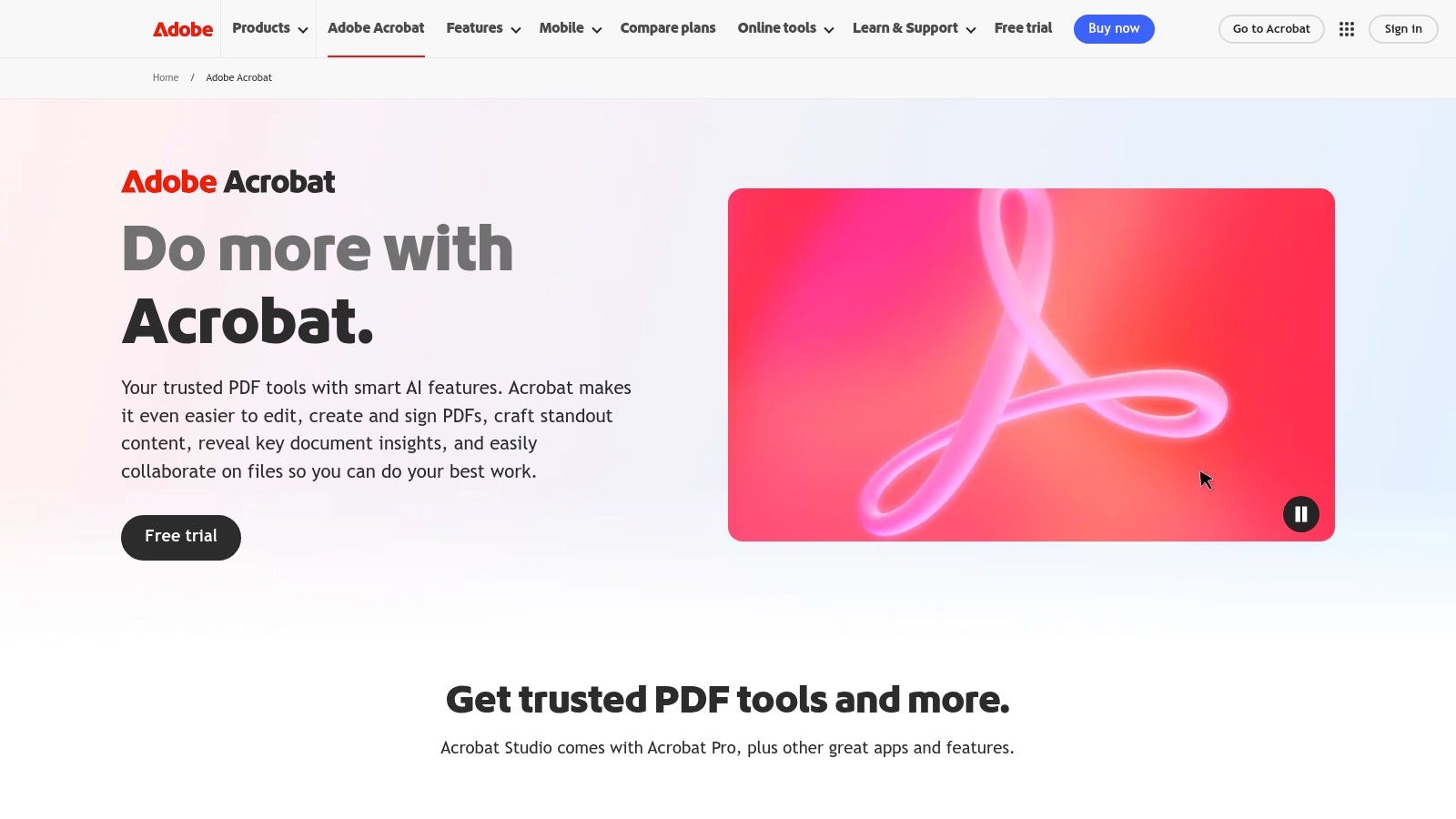
What makes Acrobat a top choice is its enterprise-grade reliability and extensive language support, ensuring high accuracy across various document types. For finance leads or accounting firms, this means turning a stack of invoices or receipts into a searchable archive becomes a straightforward task. However, its power comes at a price. The subscription model can feel costly for freelancers or small teams who only need occasional OCR functionality, and higher-tier features are locked behind more expensive plans.
Key Details & Takeaways
- Best Use-Case: Creating high-fidelity, searchable, and editable PDFs from scans and images within a unified document management ecosystem.
- Pricing: Requires an Adobe Acrobat Pro subscription, which can be a significant investment compared to single-purpose tools.
- Limitation: The cost is a major consideration. If your primary need is simply to extract text without advanced PDF editing, other more specialized tools might offer better value for money.
Website: https://www.adobe.com/acrobat/
2. ABBYY FineReader PDF
ABBYY FineReader PDF is a powerhouse in the OCR space, celebrated for its exceptional accuracy and robust feature set. It operates as a highly specialized text from image reader, designed to handle complex documents, challenging layouts, and large-scale digitization projects with precision. Where other tools might struggle with tables or mixed-language documents, ABBYY's AI-powered engine excels, making it a go-to solution for organizations that need reliable data extraction. This makes it particularly valuable for finance teams who need to process varied and intricate invoices without manual correction.
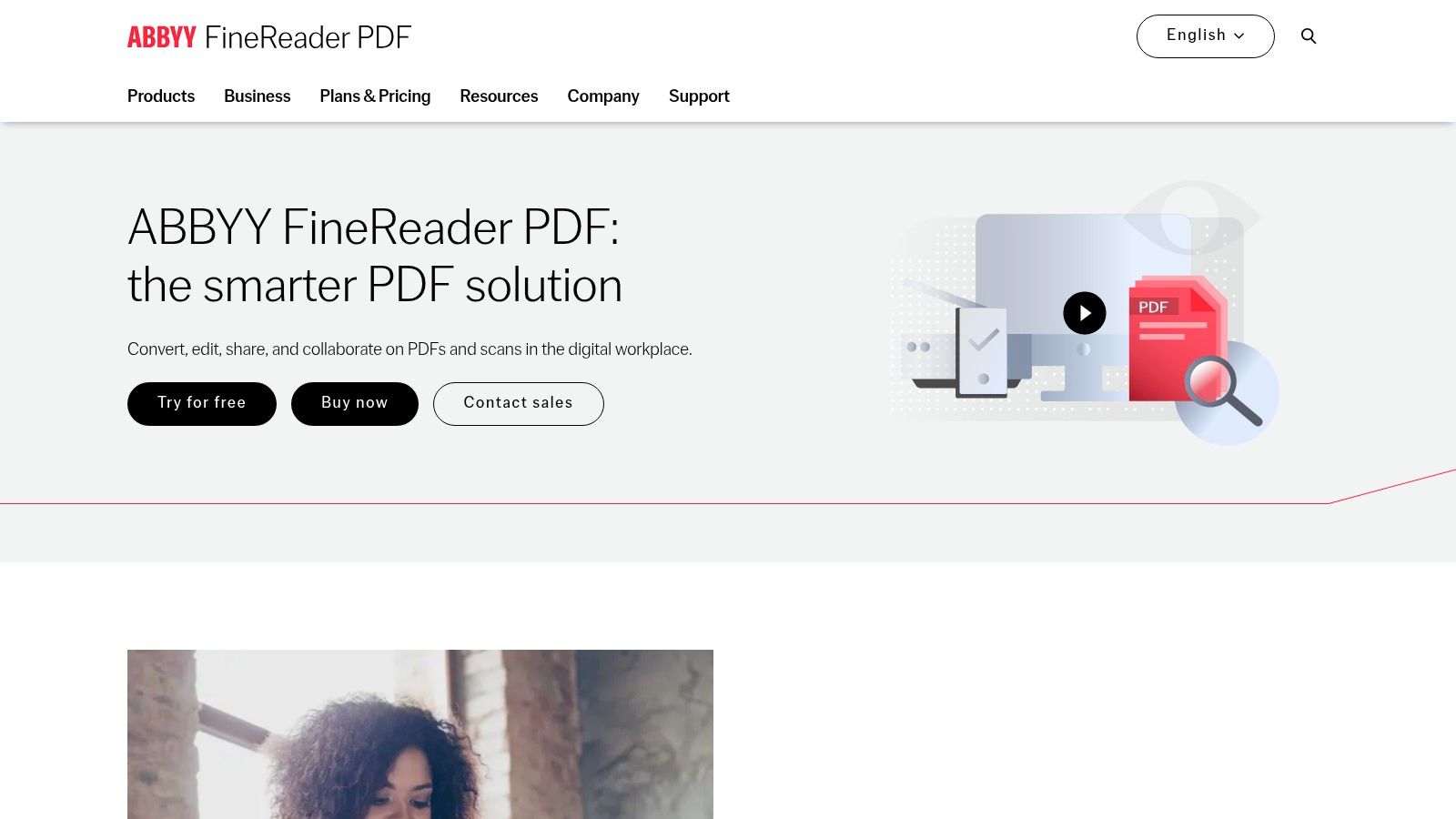
What sets FineReader apart is its focus on automation for high-volume workflows. Features like Hot Folder allow businesses to set up automated conversion processes, a significant time-saver for accounting firms processing hundreds of documents daily. While its professional-grade capabilities are a major advantage, the pricing reflects this. The subscription model and corporate editions can be more expensive than simpler consumer-focused tools, positioning it as a premium solution for users whose operations depend on OCR accuracy.
Key Details & Takeaways
- Best Use-Case: High-volume, automated document processing and converting complex layouts or poor-quality scans into accurate, editable formats.
- Pricing: Tiered pricing for individuals and businesses, with subscription models now being common. It represents a higher investment for professional-grade results.
- Limitation: The cost can be a barrier for freelancers or small teams with only occasional OCR needs, making it less ideal for simple, one-off text extraction tasks.
Website: https://pdf.abbyy.com/
3. Readiris 17 (IRIS / Canon)
Readiris 17 positions itself as an accessible yet powerful OCR and PDF suite, appealing particularly to home users and small businesses. Unlike subscription-heavy competitors, its strength lies in its one-time purchase model, offering a cost-effective solution for those who need reliable document conversion without recurring fees. Its core function as a text from image reader is to transform scans, images, and PDFs into a wide range of editable formats like Word, Excel, and searchable PDFs, making it highly versatile for general office tasks. The simple interface ensures users can quickly digitize documents without a steep learning curve.
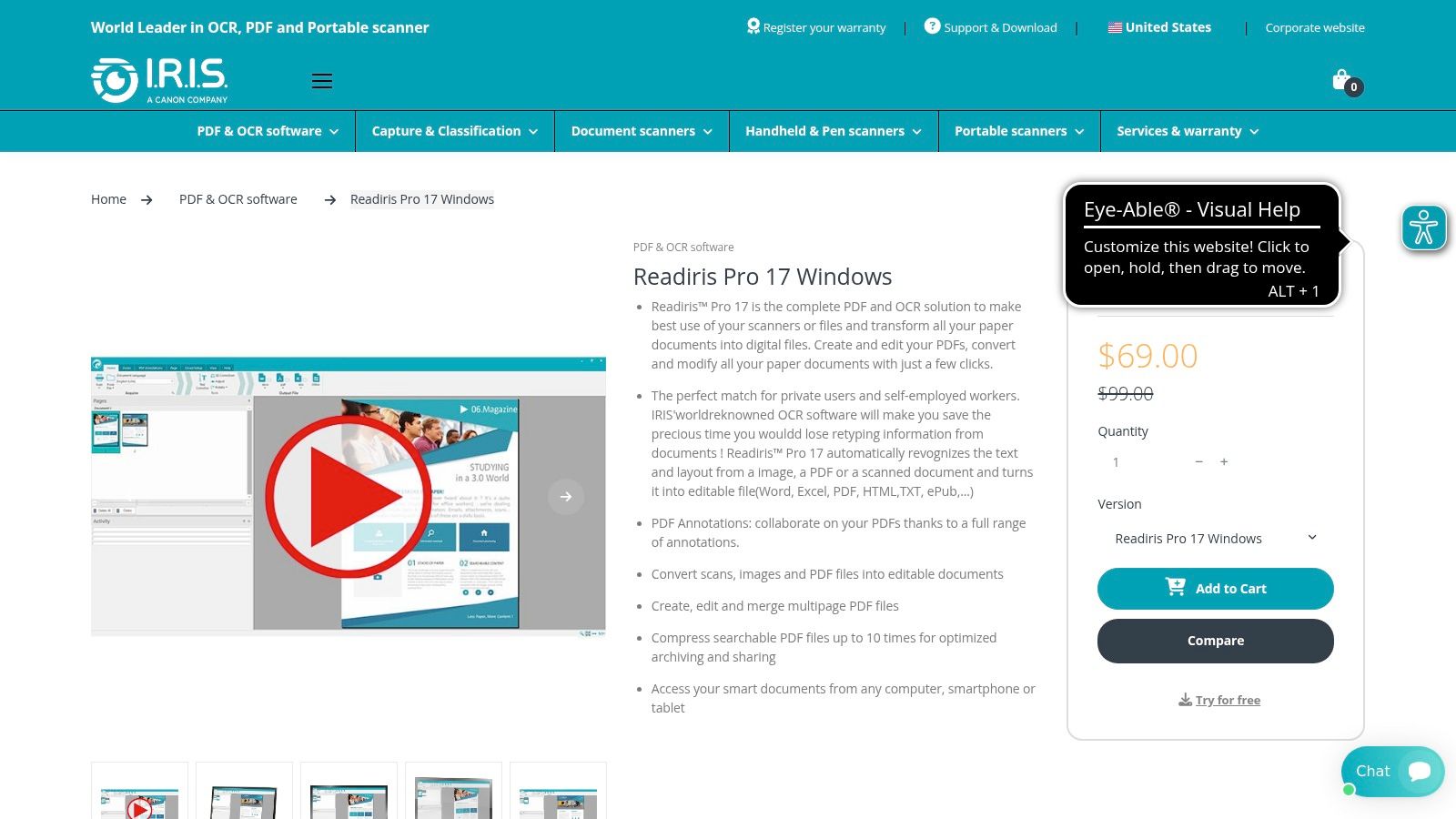
What sets Readiris apart is its balance of features and affordability. For a freelancer or small team managing invoices, contracts, or research papers, it provides essential tools like PDF merging, splitting, and annotation without the enterprise-level complexity. It even includes a unique text-to-speech feature, converting documents into audio files for enhanced accessibility. While it may lack the advanced automation or cloud integration of platforms like ABBYY, its value proposition for straightforward, high-quality document processing is exceptionally strong for its target audience.
Key Details & Takeaways
- Best Use-Case: Small offices, home users, and freelancers needing a reliable, one-time purchase OCR and PDF management tool for Windows or macOS.
- Pricing: Primarily offered as a lifetime license, making it a budget-friendly alternative to subscription-based software.
- Limitation: The feature set is more basic compared to enterprise-grade solutions, lacking advanced workflow automation and extensive cloud integrations.
Website: https://www.irislink.com/EN-US/c2421/Readiris-17.aspx
4. OCR.space
OCR.space offers a refreshingly direct approach to optical character recognition, positioning itself as both a no-install web utility and a powerful developer API. It stands out for its simplicity and accessibility, making it an excellent starting point for anyone needing a quick text from image reader without commitment. Its core function is to provide fast, straightforward text extraction from images or PDFs, making it ideal for freelancers or small teams who need occasional OCR without the overhead of complex software. The platform’s dual offering serves both casual users and developers looking to integrate OCR into their applications.
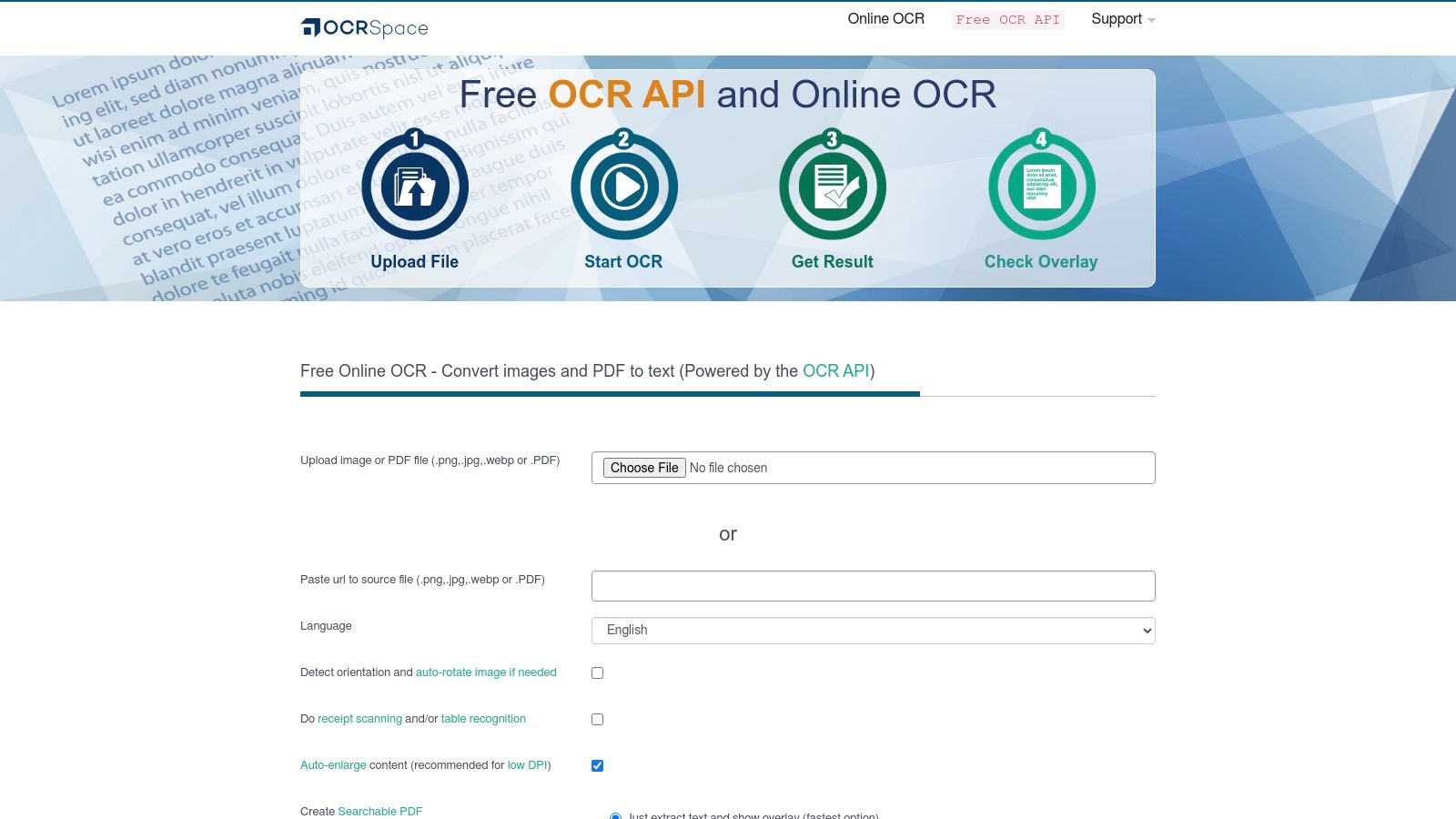
What makes OCR.space particularly compelling for a global user base is its focus on data privacy and compliance. It provides regional server endpoints in the EU, US, and Asia, allowing businesses to process data locally to meet regulatory requirements like GDPR. While the free online tool is generous, heavy or commercial use will likely require moving to a PRO plan to bypass rate limits and gain an uptime SLA. This scalability from a free tool to a professional API or even an on-premise solution offers a flexible pathway for growing businesses.
Key Details & Takeaways
- Best Use-Case: Quick, browser-based text extractions and for developers needing a simple, scalable OCR API with regional data hosting options.
- Pricing: A generous free tier is available for light use; PRO plans are subscription-based and required for higher volume and commercial applications.
- Limitation: The free version has usage limits, and while the regional hosting is a plus, uploading highly sensitive documents to any public web tool requires careful consideration of security policies.
Website: https://ocr.space/
5. OnlineOCR.net
OnlineOCR.net offers a straightforward, web-based solution for one-off conversions, establishing itself as a go-to tool for users needing a quick text from image reader without any software installation. Its simplicity is its core strength. You can upload an image or PDF, select your desired output format like Word, Excel, or plain text, and get the results in seconds. This makes it highly practical for freelancers or small teams who occasionally need to digitize a document without committing to a paid software ecosystem.
What sets OnlineOCR.net apart is its accessibility and no-frills approach, making it an excellent alternative to more complex platforms. While it lacks the advanced document management features of enterprise tools, its performance for basic text extraction is reliable. For those who find themselves needing this function within their existing workflows, similar capabilities can be unlocked in familiar applications. You can learn more about using OCR in Google Docs to see how this compares. The free tier is ad-supported and has usage limits, but paid options are available for those needing to process larger batches or multi-page documents.
Key Details & Takeaways
- Best Use-Case: Quick, ad-hoc conversions of single images or small documents directly in a web browser without needing to register or install software.
- Pricing: Offers a free, ad-supported service with limitations on pages per hour. Paid plans are available for higher volume and larger file sizes.
- Limitation: As a web-upload service, it may not be appropriate for processing documents containing sensitive or confidential information. The free version has notable restrictions.
Website: https://www.onlineocr.net/
6. Tesseract OCR
Tesseract OCR is less of a ready-made application and more of the foundational engine that powers many other tools, including sophisticated bookkeeping platforms. As the leading open-source text from image reader, its strength lies in its flexibility and power, making it a favorite among developers who need to integrate OCR directly into their own software. Rather than offering a polished interface, Tesseract provides a robust, command-line-driven core that can be trained and customized for specific tasks, from reading standard documents to recognizing unique character sets.
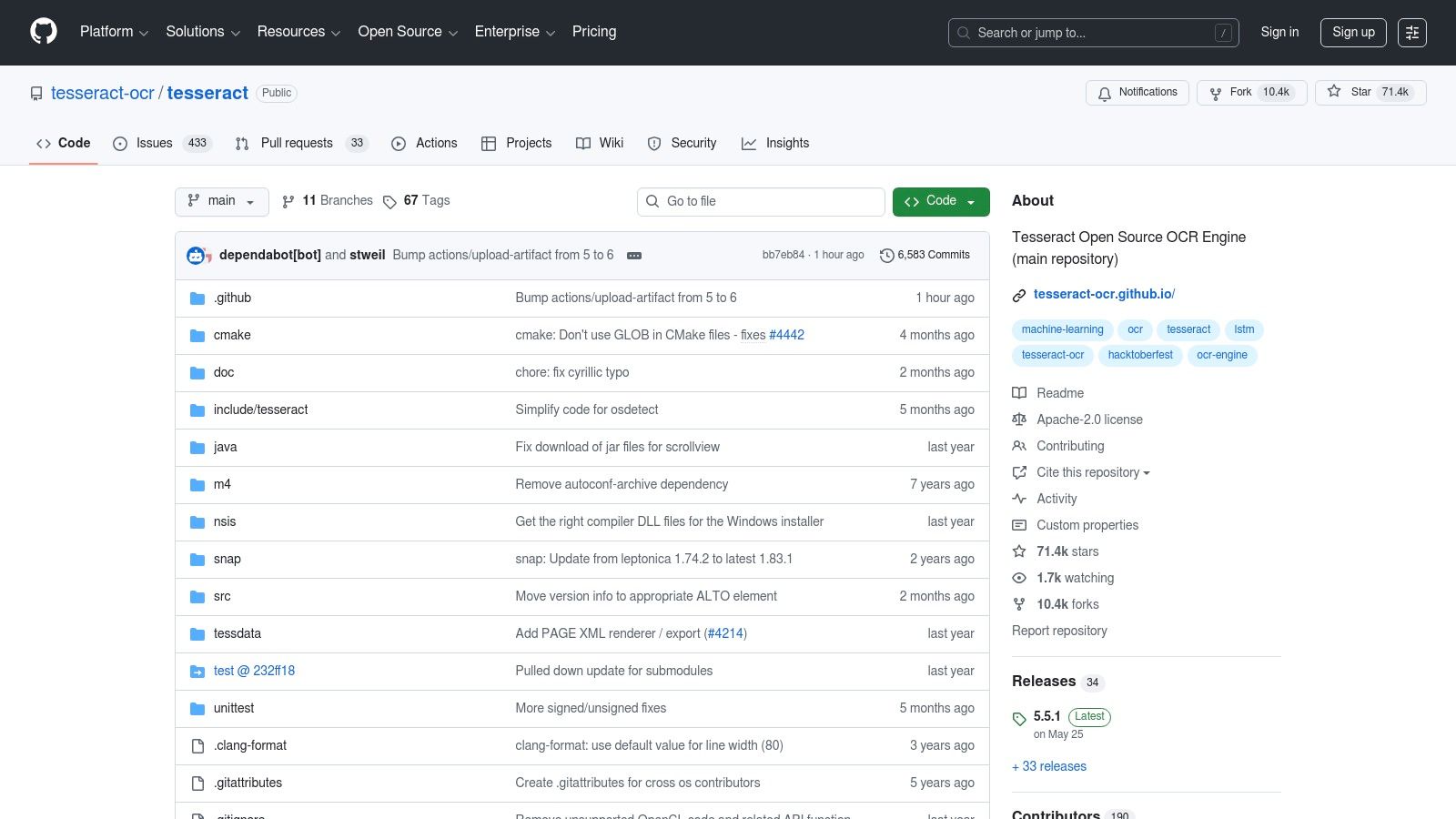
What truly sets Tesseract apart is its cost-effectiveness and adaptability; being free under the Apache 2.0 license removes any financial barrier to entry. Its active community and extensive language support (over 100 languages) ensure it remains a relevant and powerful tool. For platforms like Mintline, this provides the building blocks for creating tailored financial data extraction models. However, its lack of a graphical user interface (GUI) and the need for image preprocessing mean it is not a plug-and-play solution for non-technical users. You can explore how developers leverage Tesseract to scan text from images in custom workflows.
Key Details & Takeaways
- Best Use-Case: Developers and technical users building custom applications or scripts that require a powerful, free, and highly customizable OCR engine.
- Pricing: Completely free and open-source, making it ideal for budget-conscious projects and widespread integration.
- Limitation: It demands technical expertise. Users must be comfortable with the command line or integrating libraries, and achieving high accuracy often requires pre-processing images to clean them up first.
Website: https://github.com/tesseract-ocr/tesseract
7. Google Lens
Google Lens transforms your device’s camera into an intelligent text from image reader, seamlessly integrated into the Google ecosystem. Rather than being a standalone application you must seek out, Lens is built directly into Google Photos, the Google app, and Chrome. Its strength lies in its immediacy; you can point your camera at a sign to translate it, snap a photo of a business card to copy the contact information, or highlight text from any image saved in your photos. This makes it an incredibly convenient tool for on-the-go text extraction without any setup.
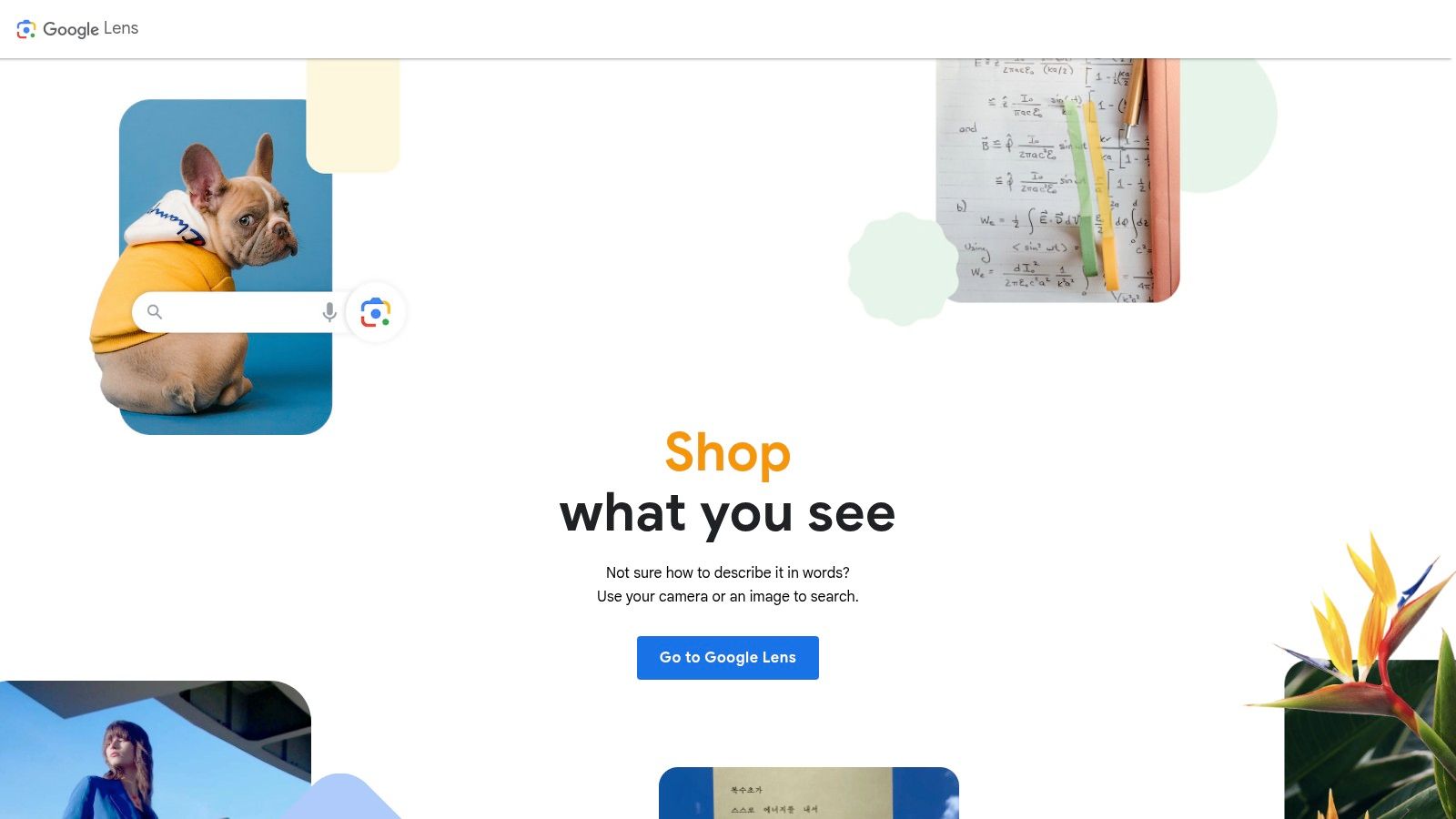
What truly sets Google Lens apart is its contextual intelligence and zero cost. It doesn’t just see text; it understands it, offering to call phone numbers, navigate to addresses, or add events to your calendar. While perfect for quick personal tasks, this approach differs from specialized bookkeeping tools that focus solely on extracting and structuring financial data like totals, dates, and vendor names from receipts. Its convenience is tied to the Google ecosystem, and its functionality is geared towards individual tasks rather than high-volume batch processing, which dedicated platforms handle better.
Key Details & Takeaways
- Best Use-Case: Instant, on-the-go text extraction, translation, and contextual actions directly from your phone’s camera or existing photos.
- Pricing: Completely free, integrated into existing Google services on Android, iOS, and Chrome.
- Limitation: Lacks batch processing capabilities for handling multiple documents at once and is best suited for quick, ad-hoc tasks, not systematic data extraction for accounting.
Website: https://lens.google/
8. Apple Live Text
Apple Live Text transforms the iPhone, iPad, and Mac into a powerful text from image reader by integrating OCR directly into the operating system. Instead of requiring a separate app, this feature is built into the Camera, Photos, and Safari, allowing users to interact with text in images and videos as if it were digital text. This seamless integration means you can point your camera at a receipt to capture an email address, copy ingredients from a photo of a recipe, or translate a sign on the fly. Its on-device processing ensures that all data remains private and secure, a significant advantage for handling sensitive business information without relying on cloud servers.
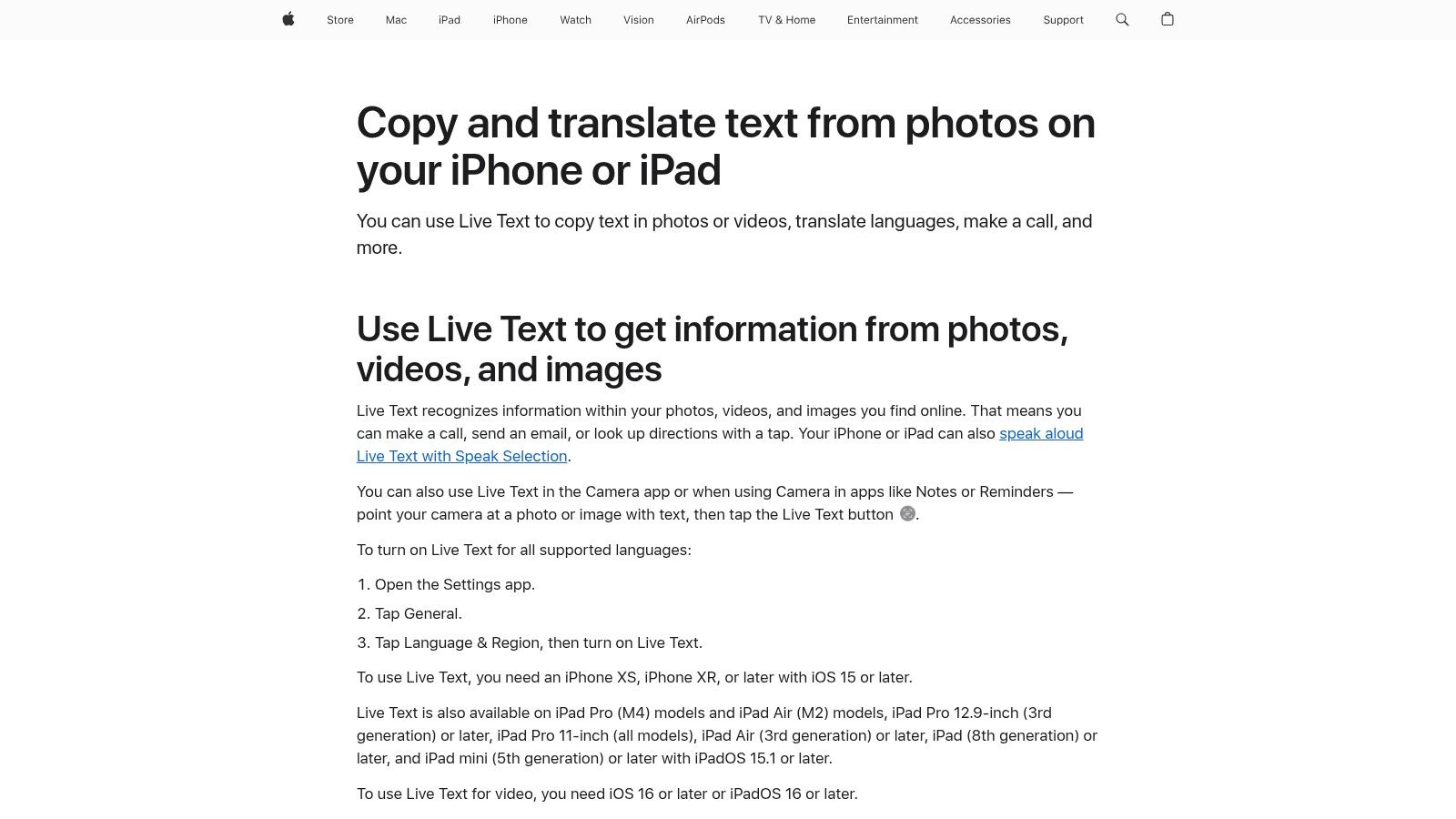
What makes Live Text exceptional is its convenience and cost-effectiveness for users already within the Apple ecosystem. It’s a fast, reliable tool for quick, on-the-go text extractions, perfect for a freelancer snapping a picture of a business card or capturing details from a whiteboard. However, its strength is also its limitation. It is not designed for batch processing or complex financial document workflows, lacking the specialized extraction capabilities of dedicated accounting tools. It works brilliantly for immediate, single-image tasks but is not a replacement for a comprehensive document management system.
Key Details & Takeaways
- Best Use-Case: Instant, on-the-spot text capture and interaction directly from photos and the live camera for Apple device users.
- Pricing: Included at no additional cost on supported Apple devices (iOS 15+, macOS Monterey+, and newer).
- Limitation: Exclusive to the Apple ecosystem and requires relatively recent hardware. It is not suitable for high-volume or automated document processing tasks.
Website: https://support.apple.com/120004
9. Microsoft Seeing AI
Microsoft Seeing AI is a unique and powerful application that redefines the purpose of a text from image reader by placing accessibility at its core. Designed primarily for the blind and low-vision community, this free iOS app uses AI to narrate the world. Its instant text reading feature can decipher short snippets of text in real-time as the camera points at them, from mail to street signs, providing immediate audio feedback. It also offers guided document scanning, ensuring users capture the entire page for accurate, full-document narration.
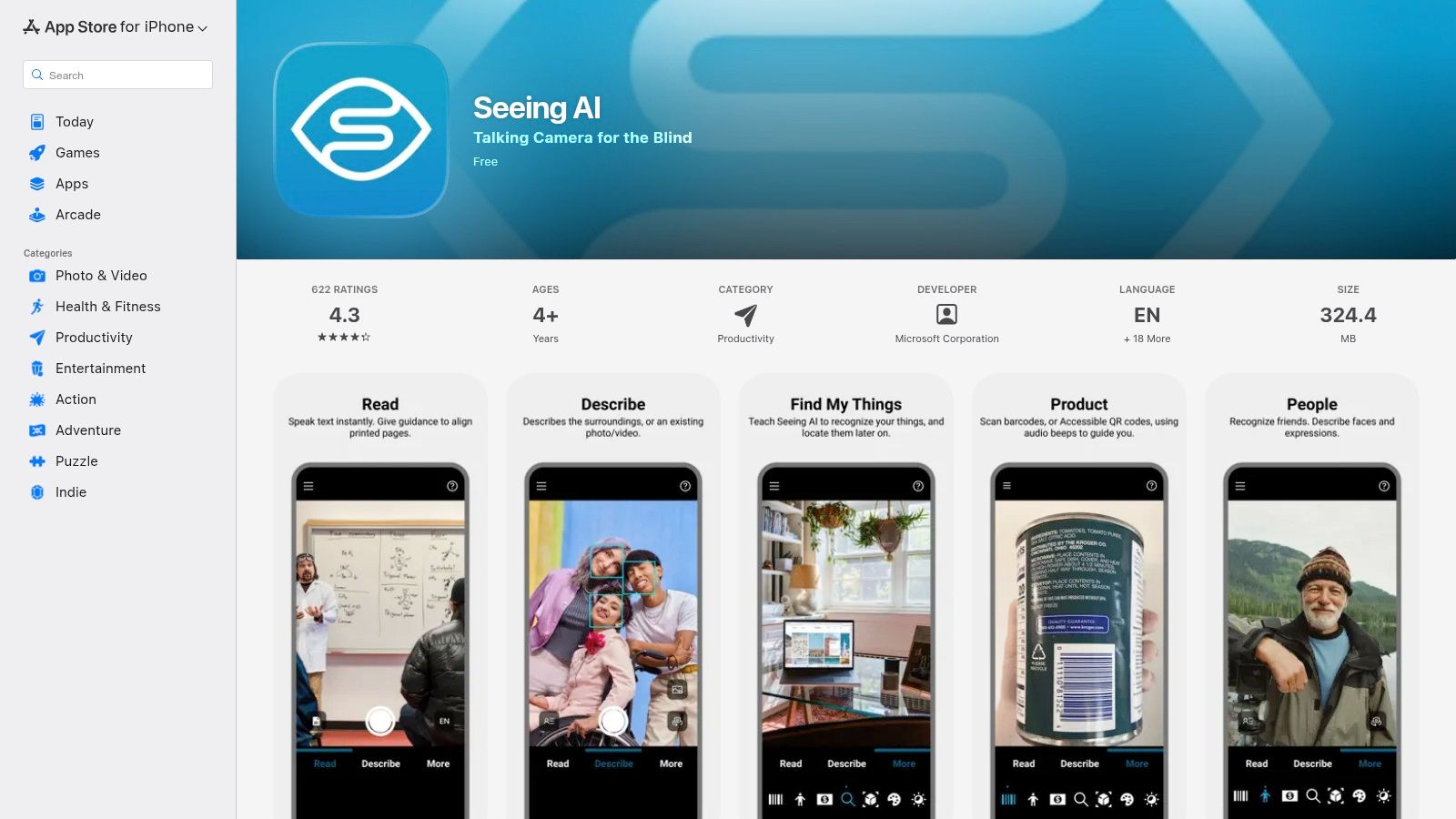
While not built for business workflows like processing invoices, its underlying technology is exceptionally robust, showcasing the power of on-the-go OCR. Beyond text, it identifies products via barcodes, recognizes currency, and even describes scenes and colours. Its focus on user experience through audio guidance makes it a standout example of technology built for a specific, vital purpose. The app is completely free, making it an invaluable resource, though its primary strength and availability remain focused on the iOS platform.
Key Details & Takeaways
- Best Use-Case: Instant, on-the-go text reading and environmental narration for individuals with visual impairments.
- Pricing: Completely free to download and use, with no hidden costs or subscriptions.
- Limitation: It is a purpose-built accessibility tool, not a data extraction solution for business documents like receipts or invoices. Android availability is also limited compared to its mature iOS version.
Website: https://apps.apple.com/app/seeing-ai/id999062298
10. OrCam Read
Shifting from software to specialized hardware, OrCam Read is a unique entry on this list. It is a handheld AI device designed specifically for people with dyslexia or low vision, functioning as a dedicated, offline text from image reader. Rather than extracting text for digital use, its primary goal is accessibility. The device photographs printed text from any surface, like a book or a menu, and instantly reads it aloud through its built-in speaker or connected Bluetooth headphones. This makes it an invaluable tool for its target audience, providing a phone-free, one-button solution for real-world reading challenges.
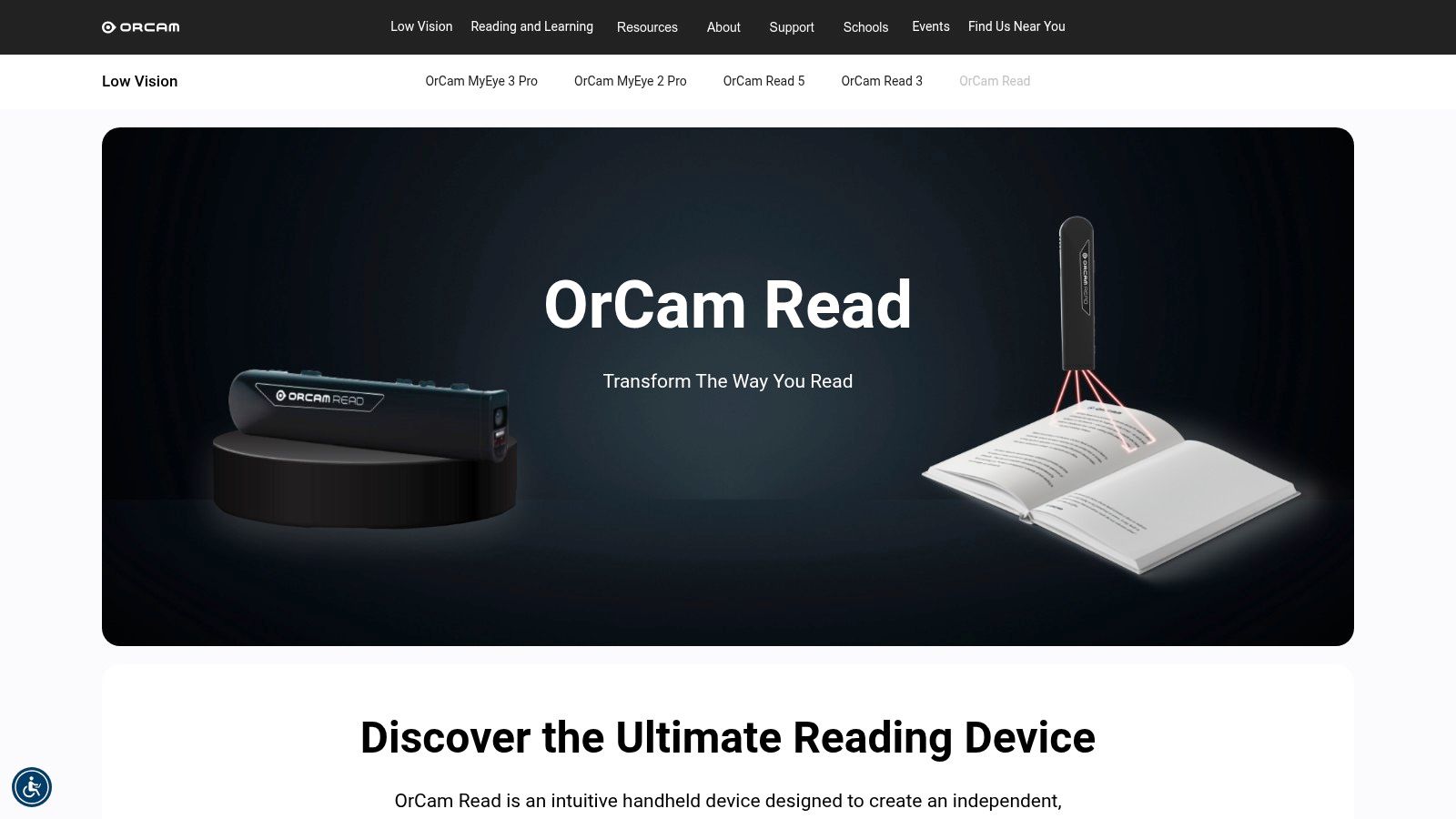
While not a direct fit for data entry workflows like invoice processing, its inclusion highlights the diverse applications of OCR technology. For individuals who need immediate auditory feedback from printed materials without the complexity of a smartphone app, the OrCam Read is purpose-built. It uses a laser guide for precise framing and performs all processing on-device. However, this specialized functionality comes at a premium price, making it a significant investment compared to software-based solutions that offer text extraction for business purposes.
Key Details & Takeaways
- Best Use-Case: A dedicated accessibility tool for individuals with reading difficulties or low vision who need printed text read aloud instantly.
- Pricing: Requires purchasing the physical device, which is a premium-priced piece of hardware. Pricing and availability vary by region.
- Limitation: It is not designed for data extraction or digital document management. Its purpose is purely for real-time auditory reading, not for creating editable text files.
Website: https://www.orcam.com/en-us/orcam-read
11. C‑Pen Reader 2
Shifting from software to specialized hardware, the C-Pen Reader 2 offers a unique, physical approach to text recognition. Unlike web or mobile apps, this device is a handheld scanner designed to read printed text aloud in real-time. As a dedicated text from image reader, its primary function is to support individuals with reading difficulties, such as dyslexia, by providing immediate audio feedback from books, documents, or notes. It operates completely offline, making it a reliable tool in educational settings or anywhere a computer isn't readily available.
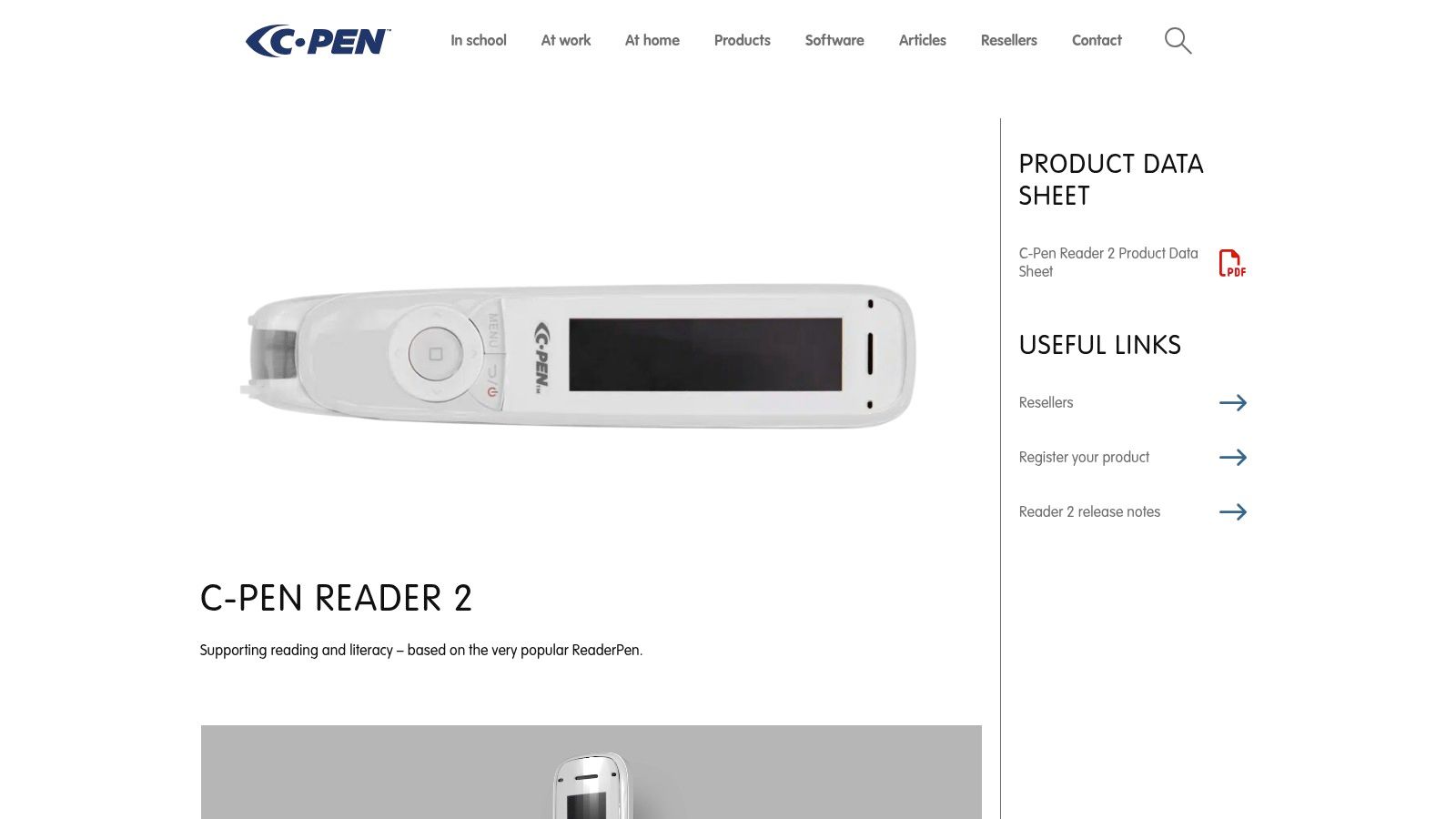
The C-Pen stands out by bridging the physical and digital worlds without needing an intermediary device like a phone. While it can connect to a computer to transfer scanned text, its core strength is its standalone functionality. For businesses, its use is niche but valuable for accessibility compliance or training purposes. However, it is not designed for high-volume data entry like processing stacks of invoices, where a software-based solution is more efficient. The initial hardware cost is a significant factor, and its OCR capabilities are focused on reading assistance rather than comprehensive data extraction.
Key Details & Takeaways
- Best Use-Case: Providing real-time, text-to-speech support for individuals with reading difficulties and for quick, offline text capture for note-taking.
- Pricing: Requires a one-time hardware purchase, which is more expensive upfront than many software subscriptions.
- Limitation: It is a specialized tool for reading assistance, not a bulk OCR solution for business workflows. The scope of its language support and text recognition is narrower than full desktop suites.
Website: https://cpen.com/products/c-pen-reader-2/
12. bol.com
For users in the Netherlands, the search for a physical text from image reader often leads to bol.com, the country's dominant e-commerce marketplace. Rather than offering software, bol.com serves as a vital hub for purchasing hardware like reading pens and portable scanners, such as the popular C-Pen models. This makes it an essential resource for those who need a dedicated, offline device for text extraction, whether for accessibility, studying, or digitizing physical documents without a computer. The platform centralizes a wide selection from various sellers, streamlining the comparison and purchasing process.
What makes bol.com a practical choice is the convenience of local service. Customers benefit from NL-based shipping, straightforward returns, and warranties that are easier to manage than with international suppliers. The platform's user reviews and multiple seller listings for the same product enable easy price and model comparison. However, since it is a marketplace, the quality and availability of stock can vary significantly between sellers. It is crucial to verify the specific model’s features and language support before purchasing, as prices and details can change frequently.
Key Details & Takeaways
- Best Use-Case: Purchasing physical OCR hardware like reading pens and portable scanners with the benefits of local Dutch shipping, returns, and customer service.
- Pricing: Varies widely depending on the device, seller, and current promotions. Comparison shopping on the platform is recommended.
- Limitation: As a marketplace, availability and pricing are inconsistent. Users must carefully check seller ratings and product specifications to ensure they are getting the correct model.
Website: https://www.bol.com/nl/nl/p/c-pen-ts1-digitale-leespen-handscanner-tekstscanner/9200000082300613/
Top 12 Text-from-Image Readers Comparison
| Product | Core OCR & Features ★ | Unique Selling Points ✨🏆 | Integration & Workflow Fit | Target Audience & Price 👥💰 |
|---|---|---|---|---|
| Adobe Acrobat | Accurate OCR, searchable/editable PDFs, full PDF toolset ★★★★★ | ✨PDF edit, e‑sign, cloud sync · 🏆enterprise reliability | Desktop + web, SDKs/cloud options; fits document workflows | 👥Individuals → Enterprise · 💰Subscription (can be costly) |
| ABBYY FineReader PDF | High‑accuracy OCR for complex layouts ★★★★★ | ✨Hot Folder automation & doc comparison · 🏆best for bulk/enterprise | Desktop + corporate editions, SDKs, on‑prem/cloud options | 👥Businesses, legal, publishing · 💰Business/enterprise pricing |
| Readiris 17 | Consumer OCR + basic PDF tools ★★★★ | ✨One‑time license, text‑to‑speech export | Desktop (Windows/macOS); simple UI, local processing | 👥Home & SOHO users · 💰Often one‑time purchase (affordable) |
| OCR.space | Web OCR + developer JSON API ★★★★ | ✨Free tier, regional endpoints & on‑prem option · 🏆developer‑friendly | API + web UI; PRO with SLA and regional hosting (EU/US/ASIA) | 👥Developers & small teams · 💰Free limited / PRO & on‑prem paid |
| OnlineOCR.net | Web conversions to DOCX/XLSX/TXT ★★★ | ✨Quick, no‑install multipage/ZIP support | Web only; paid tiers for larger allowances, limited compliance | 👥Occasional users · 💰Free with limits / low‑cost plans |
| Tesseract OCR | Open‑source, trainable OCR engine ★★★★ | ✨100+ languages, flexible outputs · 🏆free & extensible | CLI/library for self‑hosted integration; needs preprocessing | 👥Developers & data teams · 💰Free (Apache 2.0) |
| Google Lens | Real‑time camera OCR & translate ★★★★ | ✨Live copy/translate, Chrome/Photos integration | Mobile & Chrome integrated; not a public OCR API for workflows | 👥Mobile consumers · 💰Free (Google account required) |
| Apple Live Text | On‑device OCR for photos & video ★★★★ | ✨On‑device privacy, action links (call/email) | Built into iOS/macOS; fast on supported hardware, no external API | 👥Apple device users · 💰Included with compatible devices |
| Microsoft Seeing AI | Accessibility‑first OCR reader ★★★★ | ✨Guided capture, barcode/currency recognition · 🏆accessibility focus | iOS app; optimized for low‑vision workflows (local/cloud mix) | 👥Blind/low‑vision users · 💰Free |
| OrCam Read | Handheld AI reader with TTS ★★★ | ✨Standalone one‑button full‑page capture | Device‑based; Bluetooth audio, standalone operation | 👥Dyslexia & low‑vision users · 💰Premium device purchase |
| C‑Pen Reader 2 | Scan/reading pen with offline TTS ★★★ | ✨Offline OCR + local storage; school‑ready hardware | Hardware device; offline use with transfer to PC | 👥Education & dyslexia support · 💰Hardware purchase |
| bol.com | NL marketplace for reading/scan devices ★★ | ✨Local delivery/returns, seller comparisons & reviews | E‑commerce platform — purchase & local logistics | 👥Buyers in the Netherlands · 💰Price varies by listing |
Choosing the Right Text Reader for a Smarter Workflow
Navigating the landscape of optical character recognition (OCR) tools reveals a powerful truth: the right text from image reader can fundamentally reshape how you handle information. From enterprise-grade solutions like ABBYY FineReader and Adobe Acrobat to the instant convenience of mobile apps like Google Lens, the technology is no longer a niche luxury but a core component of modern productivity, especially in finance and bookkeeping.
This guide has explored a diverse range of options, each with distinct strengths. While a general-purpose tool can handle basic text, specialized platforms designed for financial documents are crucial for accuracy in bookkeeping. The key takeaway is that the "best" tool depends entirely on your specific workflow. For simple tasks, a web tool might suffice. For automating your business finances, you need a solution built for that purpose.
Key Considerations Before You Commit
Making the final decision requires a careful assessment of your needs against the features on offer. Before you integrate a new tool, reflect on these critical factors:
- Use Case Specificity: Are you primarily digitizing invoices and receipts, or are you transcribing handwritten notes? A specialized text from image reader optimized for extracting financial data—like vendor, date, and total—will vastly outperform a general-purpose one for bookkeeping tasks.
- Accuracy and Reliability: Accuracy is paramount in finance. For mission-critical tasks where errors can have significant consequences, investing in a tool with a proven track record is non-negotiable. Always test a tool with your own real-world receipts and invoices before committing.
- Integration and Workflow: How will this tool fit into your existing processes? For automating financial records, a standalone app creates more work. A tool that integrates directly with your bank transactions to provide a complete, reconciled picture is essential for achieving true efficiency in digital bookkeeping.
- Cost vs. Value: Free tools are excellent for simple, infrequent tasks. However, for a business, the time saved and accuracy gained from an automated bookkeeping platform delivers a substantial return on investment. The goal is not just to scan receipts, but to eliminate the manual work that comes after.
From Data Extraction to Actionable Insights
Ultimately, a text from image reader is more than just a conversion utility; it's a bridge between the physical and digital worlds. For businesses, this technology unlocks the data trapped in paper receipts and invoices, transforming it into searchable, editable, and analyzable financial information. By choosing a solution like Mintline, you can eliminate tedious manual data entry, reduce human error, and accelerate your entire financial workflow. The goal is to move beyond simple extraction and towards a system where digitized information actively drives smarter business decisions.
Ready to see how intelligent OCR can transform your expense management? Mintline uses a sophisticated text from image reader to automatically extract data from your receipts and match it with your bank transactions, eliminating manual work. Discover how Mintline can streamline your bookkeeping today.