
Best ocr software: Top picks for 2025
Explore the best ocr software for receipts and statements in 2025. Compare accuracy, automation, security, pricing, and Mintline's edge.
In finance teams at startups and small firms, manual data entry from receipts and bank statements drains resources and introduces errors. Even a single misplaced digit can skew monthly reports. The best OCR software tools promise to automate capture, deliver high accuracy, and power Mintline’s AI-driven receipt matching for seamless end-to-end bookkeeping.
This listicle delivers a curated roundup of the best ocr software options for Dutch finance teams. Each platform profile includes screenshots and direct links for quick assessment. We focus on real usage scenarios for freelancers, independent contractors, SMB bookkeepers, agencies and CPAs. Our evaluation highlights:
- Accuracy: reliable text recognition for receipts and statements
- Automation: batch processing and rule-based workflows
- Matching: intelligent categorisation against ledgers
- Security: data encryption and compliance
- Integrations: connections to popular finance systems
- Pricing: clear tiers and ROI considerations
- Mintline integration: seamless connection to Mintline’s AI engine for receipt matching and reconciliation
You’ll also find concise pros and cons, implementation tips and honest notes on limitations. Whether you need a lightweight OCR for ad-hoc scans or an enterprise-grade engine with advanced PDF editing, this guide helps you decide faster. Plus, see how Mintline’s AI-driven receipt matching streamlines end-to-end bookkeeping with audit-ready exports in minutes.
In each section you’ll discover:
- A clear feature snapshot with bold takeaways
- Practical use-case examples from real teams
- Tables comparing key metrics at a glance
- H3 subsections for fast scanning
- Direct links to trials and demos
Ready to pick the best ocr software for your finance workflow? Scroll down to compare Adobe Acrobat, ABBYY FineReader PDF, Foxit PDF Editor and nine other leading platforms. Practical, concise and actionable – your next time-saving solution awaits.
1. Adobe Acrobat (Adobe)
Adobe Acrobat provides a robust full PDF suite with built in OCR that delivers high accuracy on scans and image only PDFs. Its batch processing and searchable PDF creation tools help freelancers and small teams streamline finance document workflows. Integrated redaction, deep editing and an AI assistant make it a versatile platform compared to narrow OCR tools.
Key Features
- Accurate OCR on scans and image only PDFs with language recognition
- Batch processing and automated searchable PDF output for faster workflows
- Deep PDF editing and redaction tools meet compliance needs
- Integrated AI assistant suggests edits and automates simple tasks
Pricing and Access
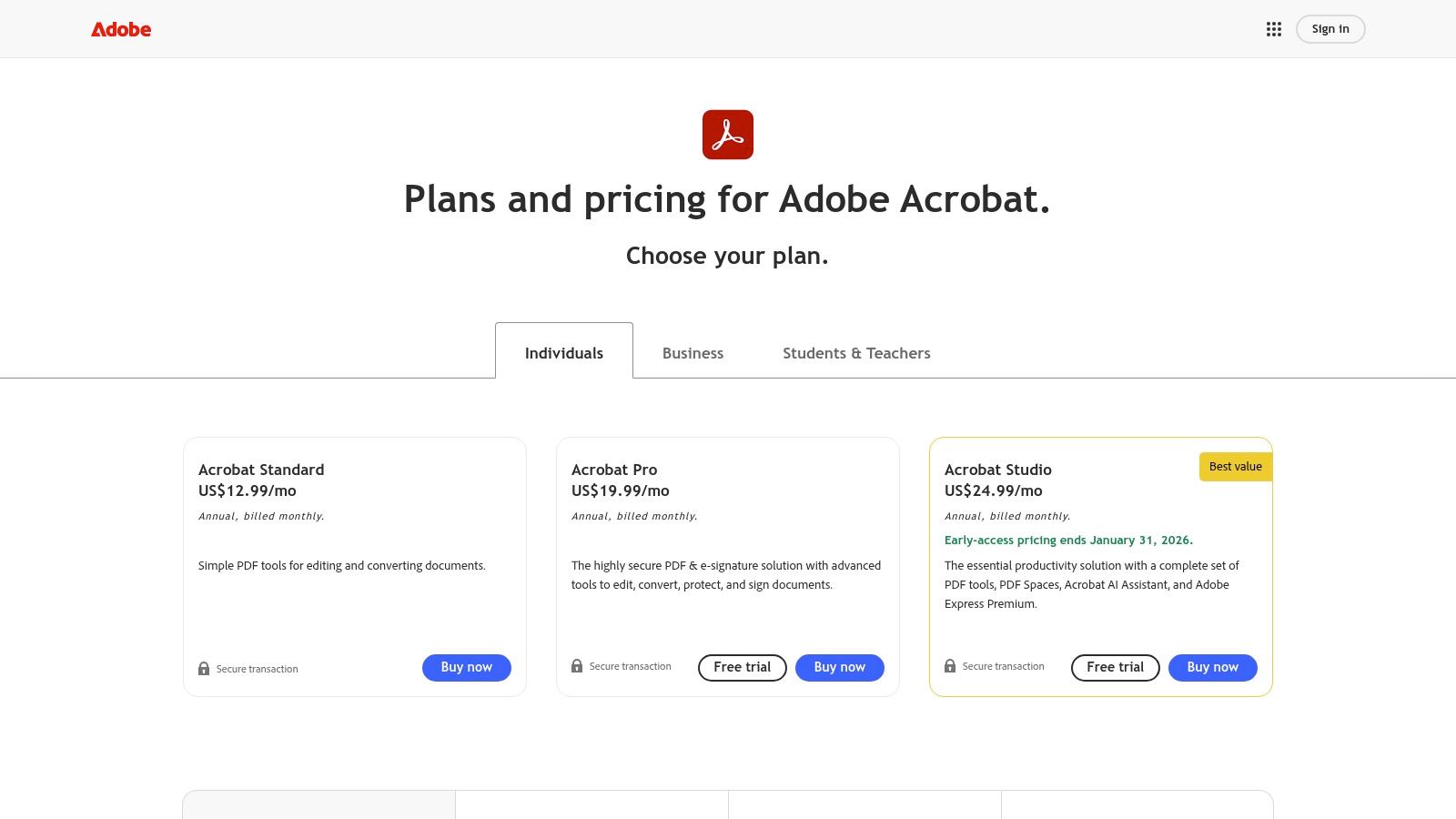
- Available in Standard and Pro tiers, billed monthly or annually
- Standard includes basic OCR and editing at €17.99 per month
- Pro adds advanced OCR, batch actions and Acrobat Studio at €24.59 per month
- All plans include cross-platform access, regular updates and web/mobile apps
- Details and trials at https://www.adobe.com/acrobat/pricing.html
| Tier | OCR Features | Price (per month) |
|---|---|---|
| Standard | Basic OCR, searchable PDF | €17.99 |
| Pro | Advanced OCR, batch actions | €24.59 |
Practical Tips
- Use watched folders for auto OCR of bank statements
- Combine Acrobat Actions with Mintline’s matching for seamless bookkeeping
- Apply custom stamps or redaction profiles to highlight sensitive fields
- Leverage the AI assistant for quick summaries on receipts
Pros and Cons
Pros
- Broad industry adoption and cross-platform compatibility
- Frequent updates and strong customer support
Cons
- Subscription pricing can be costly for occasional users
- Full OCR and batch features require Pro or Studio licence
2. ABBYY FineReader PDF (ABBYY)
ABBYY FineReader PDF is a leading OCR and PDF tool known for its best-in-class accuracy and layout retention. It supports AI-based OCR in over 190 languages, plus PDF editing, conversion and side-by-side document comparison. Corporate teams benefit from Hot Folder automation and flexible licence models that scale from per-seat to site-wide deployments.
Key Features
- AI-based OCR engine across 190+ languages with font and layout preservation
- PDF editing, export to Word/Excel and searchable PDF creation
- Document comparison highlights textual and layout differences
- Hot Folder automation for scheduled bulk OCR (Corporate edition)
Pricing and Access
- Individual licences available as subscription or one-off purchase
- Corporate plans offer per-seat, concurrent and site licences
- Monthly page allowances in Hot Folder automation; overage charged per page
- Details and trials at https://pdf.abbyy.com/
| Tier | Licensing Type | Price |
|---|---|---|
| Individual | Subscription or perpetual | from €7.99/m |
| Corporate | Per-seat, concurrent, or site | Custom quote |
Practical Tips
- Set up Hot Folders for auto-processing receipts and bank statements
- Use document comparison to audit vendor contracts or invoice revisions
- Pair ABBYY output with Mintline’s matching to accelerate bookkeeping
- Customise OCR profiles for multi-column layouts in financial reports
Pros and Cons
Pros
- Exceptional OCR accuracy with strong layout retention
- Flexible business licensing to suit growing teams
Cons
- Subscription only for most editions; perpetual licences deprecated
- Monthly page quotas may limit heavy automation users
3. Foxit PDF Editor (Foxit)
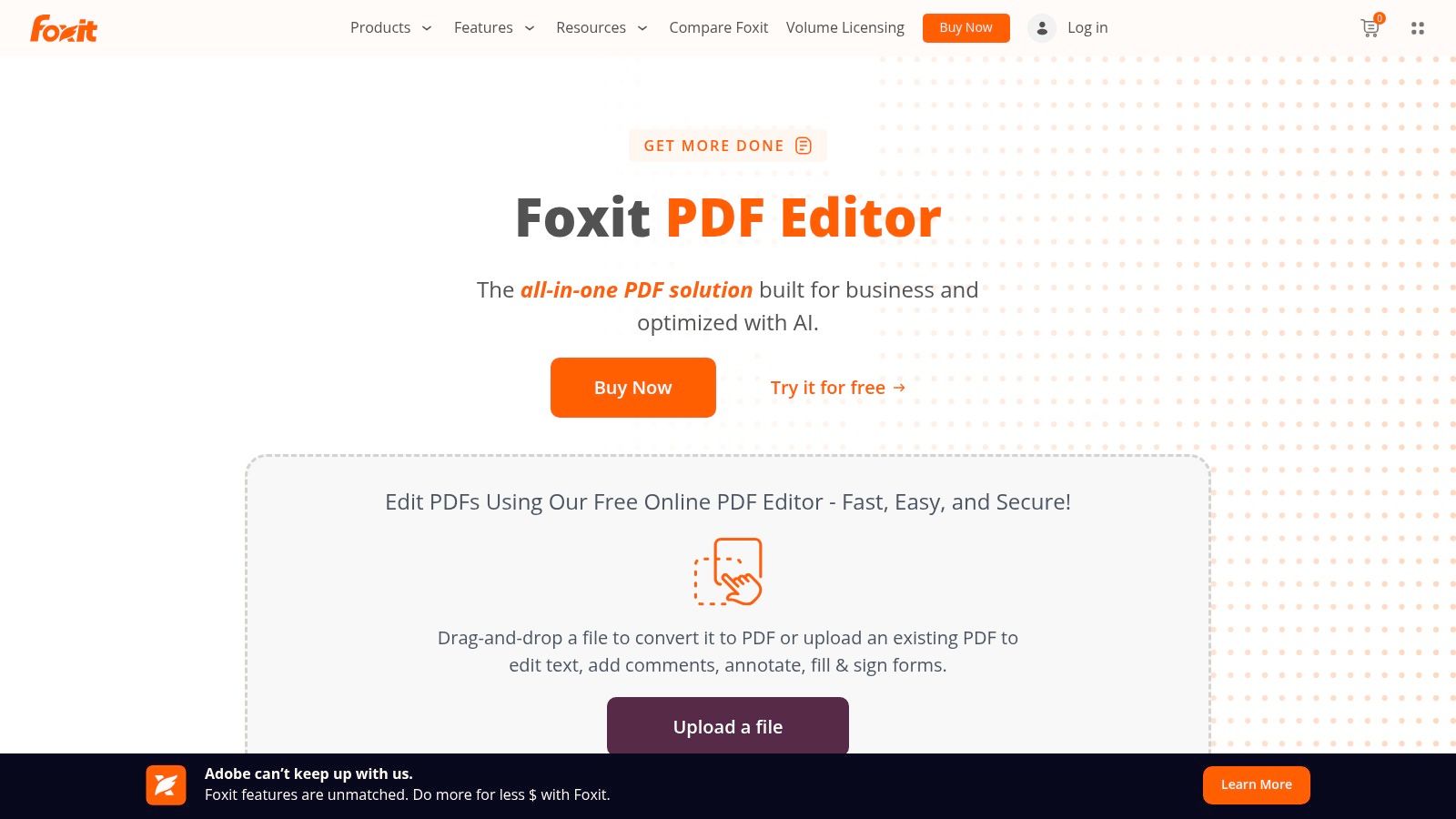
Foxit PDF Editor is a lightweight, performance-oriented PDF platform with integrated OCR and redaction, positioned as a strong alternative to Acrobat for SMBs and enterprises. Its fast processing engine and modular feature tiers help finance teams streamline receipt and bank-statement workflows. Cross-platform desktop apps plus mobile support make it ideal for on-the-go capture paired with Mintline’s matching and automation.
Key Features
- Built-in OCR and redaction in Editor+ for accurate text recognition and compliance
- Cross-platform support on Windows, Mac and iOS/Android mobile apps
- Team licensing and perpetual licence options via EU/NL resellers
Pricing and Access
- Available as subscription or perpetual licence through certified partners
- Subscription tiers start at €12.99/month (Editor) and €16.99/month (Editor+)
- Perpetual licences typically €125 (Editor) or €175 (Editor+) via resellers
- Volume discounts and enterprise deployment tools simplify rollout
- Details and trials at https://www.foxit.com/pdf-editor/
| Tier | OCR & Redaction Features | Price |
|---|---|---|
| Editor | Basic OCR, PDF editing | €12.99 per month or €125 one-time |
| Editor+ | Advanced OCR, redaction tools | €16.99 per month or €175 one-time |
| Enterprise | Site licences, admin controls | Contact reseller for quote |
Practical Tips
- Integrate Foxit watched folders with Mintline to auto-OCR inbound bank statements
- Use the mobile app to scan receipts and sync directly into your finance folder
- Deploy via local resellers for perpetual licences and EU-based support
- Customise redaction profiles to hide sensitive data before sharing with accountants
Pros and Cons
Pros
- High performance, often lower cost than Acrobat
- Flexible licensing: subscription or perpetual via local partners
Cons
- Feature split across Editor vs Editor+ tiers can confuse buyers
- Perpetual licences require purchase through resellers, not direct from Foxit
4. Kofax OmniPage (Kofax/Tungsten Automation)
Kofax OmniPage is a mature desktop OCR application for Windows that delivers high accuracy with layout preservation. Available in Standard and Ultimate editions, it excels at converting scanned receipts and bank statements into searchable PDFs. Enterprise features such as SharePoint integration and auto-redaction make it a strong contender among the best ocr software options for finance workflows.
Key Features
- High-accuracy OCR with original layout and font retention
- Searchable PDF creation for quick keyword lookups
- Ultimate edition includes auto-redaction to mask sensitive fields
- Built-in SharePoint integration for seamless document management
- Forms capture and MFP support for multi-function printers
Pricing and Access
- One-time purchase from official store or authorised retailers
- Standard edition covers basic OCR at €299 per licence
- Ultimate edition adds redaction and SharePoint at €499 per licence
- Volume discounts available for bulk licences
- Purchase details and downloads at https://kofaxstore.com/product-category/kofax-omnipage/
| Edition | Key Features | Price (one-time) |
|---|---|---|
| Standard | Core OCR, layout retention, PDF search | €299 |
| Ultimate | Auto-redaction, SharePoint integration | €499 |
Practical Tips
- Use the watched-folder feature to auto-process daily bank statements
- Combine with Mintline for invoice matching and receipt categorisation
- Export directly to PDF/A for long-term archiving compliance
- Schedule background OCR tasks during off-peak hours to save time
Pros and Cons
Pros
- Enterprise-grade OCR engine with proven accuracy
- One-time licence avoids recurring costs
Cons
- Windows-only application limits cross-platform use
- Interface feels dated compared to newer PDF suites
5. Readiris PDF (IRIS)
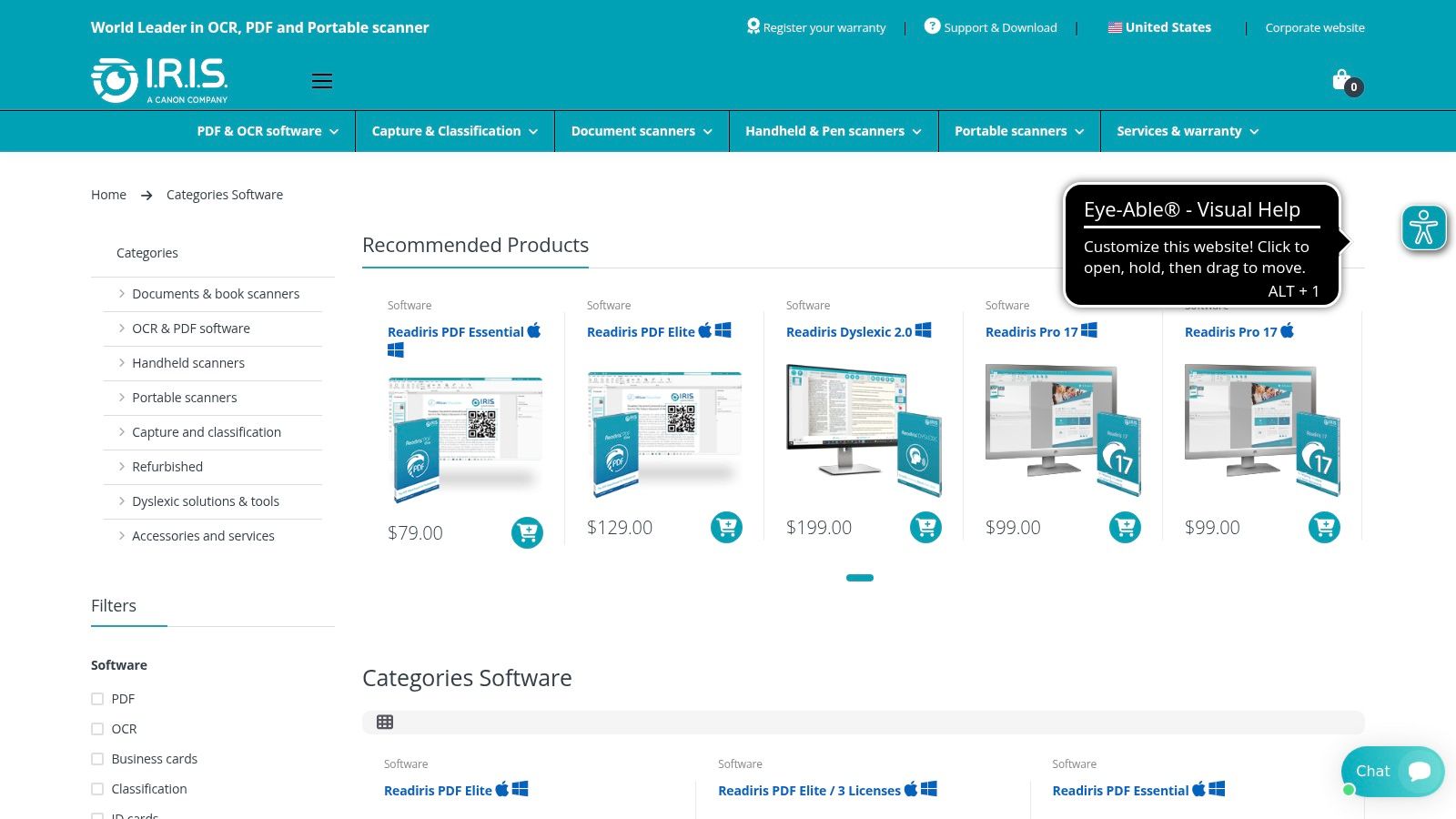
Readiris PDF from IRIS (Canon group) delivers specialised OCR for finance workflows with broad language support and flexible licensing. Available in Standard, Business and Enterprise variants, it offers both lifetime licences and subscription 365 options. Users benefit from a clean, organised interface, fast customer service and integrations with Google Drive, SharePoint and more—ideal for freelancers, small teams and accounting firms seeking robust OCR without extra bulk.
Key Features
- OCR in 130+ languages, including RTL scripts and accented characters
- PDF editing, conversion to Word/Excel and searchable PDF creation
- Cloud export connectors for Google Drive, OneDrive and SharePoint
- Redaction and advanced layout retention in Business and Enterprise tiers
Pricing and Access
- Standard: One-time licence (~€99) or annual subscription (€59/yr)
- Business: Lifetime licence (~€179) or subscription (€99/yr) for batch actions
- Enterprise: Custom pricing with automated workflows and server deployment
- Free trial available; all plans include updates, email support and cross-platform installers
- Details at https://www.irislink.com/EN-US/c2404/category-software.aspx
| Tier | Licence Type | Price |
|---|---|---|
| Standard | Perpetual or annual subs | €99 / €59 |
| Business | Perpetual or annual subs | €179 / €99 |
| Enterprise | Custom deployment and subs | Contact IRIS |
Practical Tips
- Enable language packs only as needed to reduce install size
- Use cloud exports to route OCR’d receipts straight into Mintline
- Select a lifetime licence for cost-sensitive SMBs
- Tweak the recognition area to improve table and column accuracy
Pros and Cons
Pros
- Attractive lifetime licences lower long-term costs
- Clean UI, fast installation and responsive customer support
Cons
- Version names can confuse new users
- Advanced automation reserved for top tiers
6. PDF-XChange Editor (Tracker Software)
PDF-XChange Editor is a popular Windows PDF editor with integrated OCR that delivers remarkable speed and value. Its perpetual licence model appeals to users who prefer a one-time purchase over subscriptions. With page-level OCR control and comprehensive editing tools, it ranks among the best OCR software solutions for finance workflows.
Key Features
- OCR to searchable PDF with fine-grained, page-level control
- Annotation, form creation and rich content editing
- Perpetual licences with optional maintenance and upgrades
- Lightweight client, fast load times on Windows
- Custom dictionaries and multi-language recognition
Pricing and Access
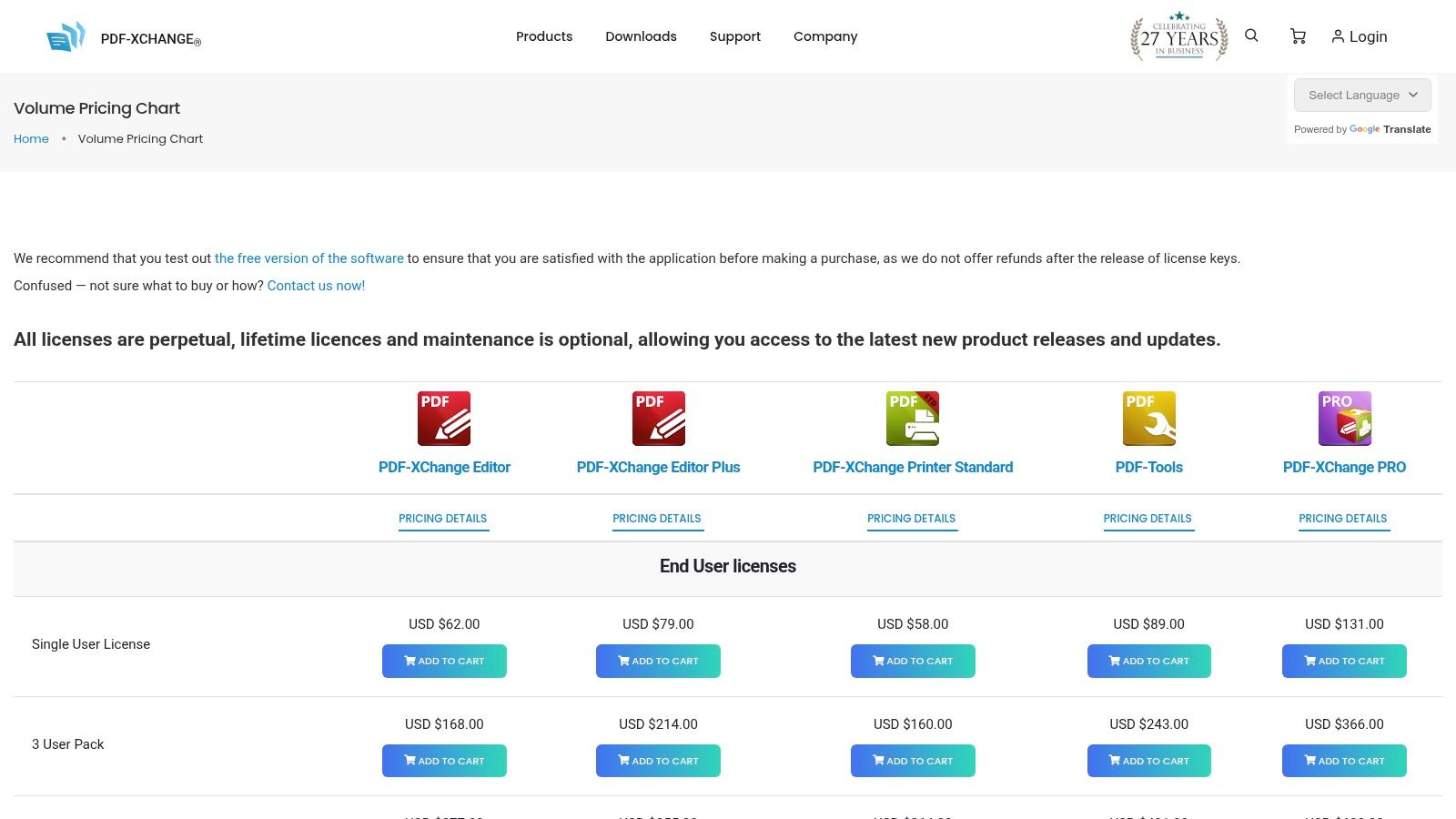
- Editor licence (basic OCR) – €46.50 one-time fee
- Editor Plus (advanced OCR & PDF Tools) – €56.50 one-time fee
- OCR Pro plugin for specialist OCR tasks – €36 add-on
- Windows only; no subscription overhead
- Purchase and download at https://www.pdf-xchange.com/pricing
| Tier | Features | Price |
|---|---|---|
| Editor | Basic OCR, annotations | €46.50 one-time |
| Editor Plus | Advanced OCR, PDF Tools | €56.50 one-time |
| OCR Pro plugin | Specialist OCR tasks | €36 add-on |
Practical Tips
- Scan receipts at 300 dpi for optimal text recognition
- Use batch OCR in watched folders to automate processing
- Exclude non-text pages via page-level OCR toggles
- Feed searchable PDFs into Mintline for seamless matching
Pros and Cons
Pros
- Competitive one-time cost with perpetual licence
- Fast performance and low system overhead
Cons
- Windows only, no macOS/Linux support
- Advanced OCR features require Plus licence
7. Google Cloud Vision / Document AI (Google Cloud)
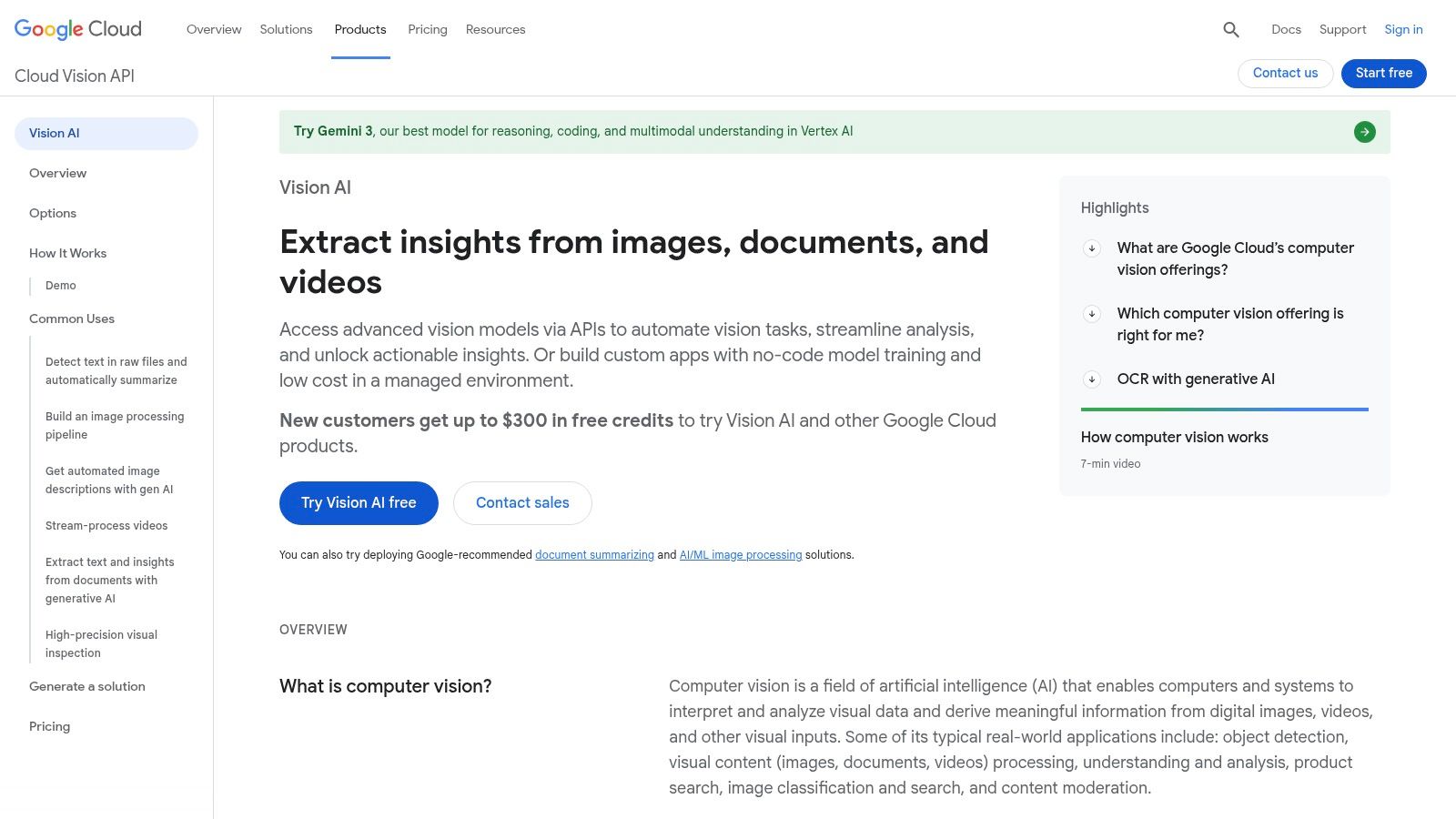
Google Cloud Vision / Document AI delivers cloud OCR and document understanding APIs for developers and IT teams. Its Vision OCR handles images and PDFs while Document AI processors target invoices and forms with structured data extraction. The platform scales elastically with competitive per-page pricing and EU data centre options for GDPR compliance.
Key Features
- Vision OCR for images and PDFs with multi-language recognition
- Document AI processors specialised for invoices, forms and custom schemas
- Pay-as-you-go pricing with first 1,000 pages free each month
- Enterprise security, EU region data residency and IAM integration
Pricing and Access
- Billing per page: Vision OCR at $1.50 per 1,000 pages, Document AI from $0.50 per page
- Free tier includes 1,000 Vision OCR pages monthly at no cost
- Accessible via REST APIs, client libraries and Google Cloud console
- Full documentation and signup at https://cloud.google.com/vision/
| Tier | OCR Features | Price |
|---|---|---|
| Vision OCR | Basic image and PDF OCR | $1.50 per 1,000 pages |
| Invoice Processor | Structured invoice data extraction | $0.50 per page |
| Forms Processor | Key-value pair and table parsing | $0.60 per page |
Practical Tips
- Use Cloud Storage triggers for automatic batch OCR workflows
- Combine results with Mintline for seamless receipt matching
- Adjust processor configurations via the console for field mapping
- Learn more about Google Cloud Vision / Document AI (Google Cloud) on mintline.ai
Pros and Cons
Pros
- Elastic scaling and deep integration with Google Cloud
- Competitive pricing tiers and free monthly quota
Cons
- Requires developer resources for integration
- On-prem OCR option has been retired
8. OCR.space (a9t9 software)
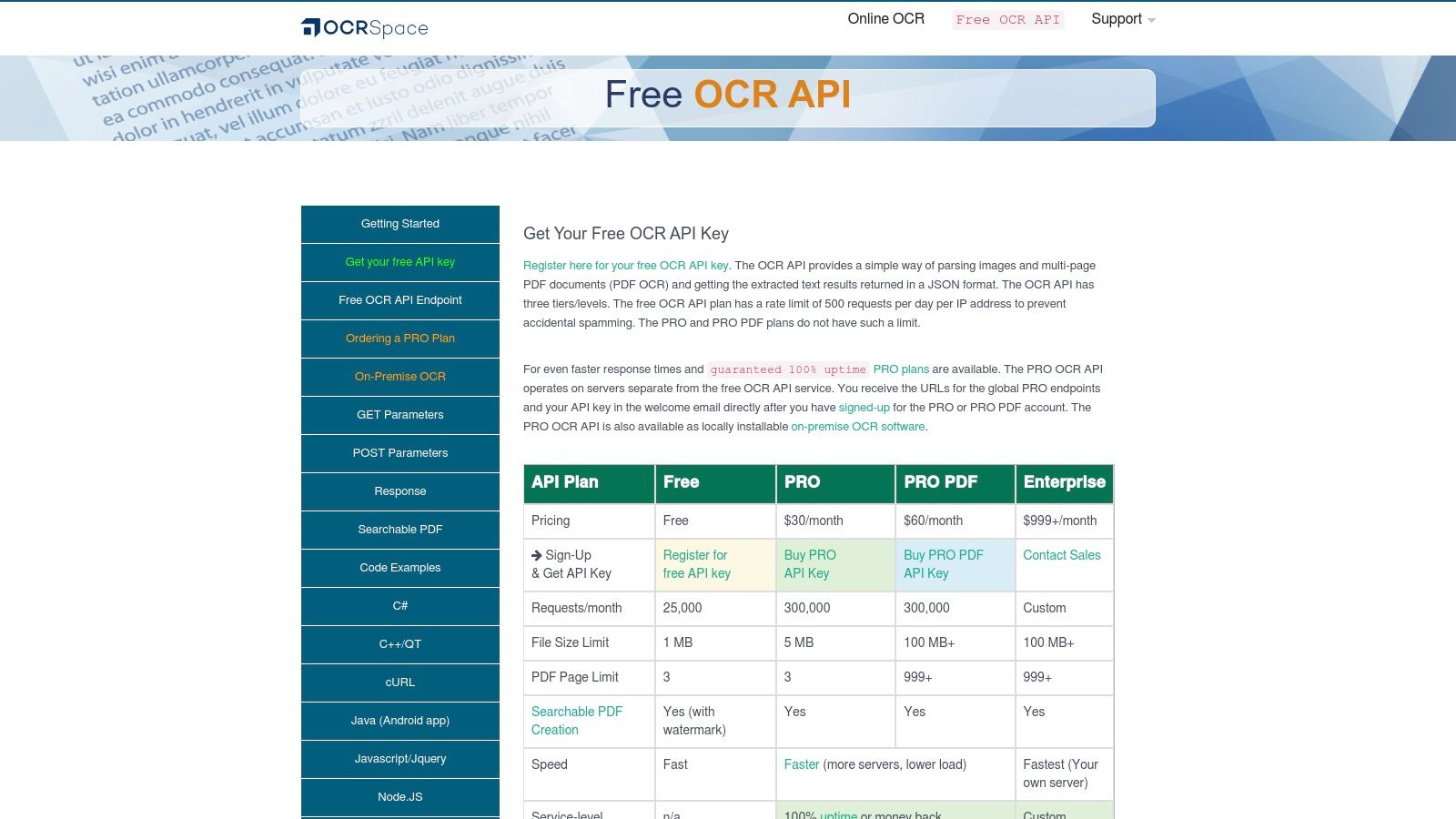
OCR.space provides a hosted OCR API with on-prem options and a free online tool for quick conversions. Its simple REST interface, JSON output and cross-region endpoints make it ideal for integrating OCR into apps or testing receipt and bank statement workflows. Startups, finance leads and CPAs can onboard OCR.space quickly and integrate with Mintline for end-to-end expense automation.
Key Features
- JSON results and searchable PDF output for seamless downstream parsing
- Simple REST API supporting multi-page PDF and common image formats
- EU, US and Asia endpoints to meet data residency requirements
- On-premise licence option for fully offline or regulated environments
- Generous free tier with 25 000 conversions per month
Pricing and Access
- Free tier: up to 25 000 conversions monthly, single-page limit, watermark applied
- PRO plans from €39 per month with higher limits and 100 % uptime SLA
- Custom enterprise pricing for on-prem licences and priority support
- Sign up and API docs at https://ocr.space/ocrapi
| Tier | Monthly Conversions | SLA | Price |
|---|---|---|---|
| Free | 25 000 | n/a | Free |
| PRO | 50 000 to 250 000 | 100 % | From €39 |
Practical Tips
- Pre-process images with noise reduction to improve text accuracy
- Select regional endpoints to comply with GDPR and local rules
- Combine OCR.space with Mintline’s matching engine for automated bookkeeping
Pros and Cons
Pros
- Generous free tier for testing integrations
- Clear flat-rate PRO plans with uptime guarantees
- On-premise option for offline or compliance use
Cons
- Developer-oriented – requires API familiarity
- Not a full desktop PDF editor
- Free tier watermarks searchable PDFs
9. Tesseract OCR (Open-source)
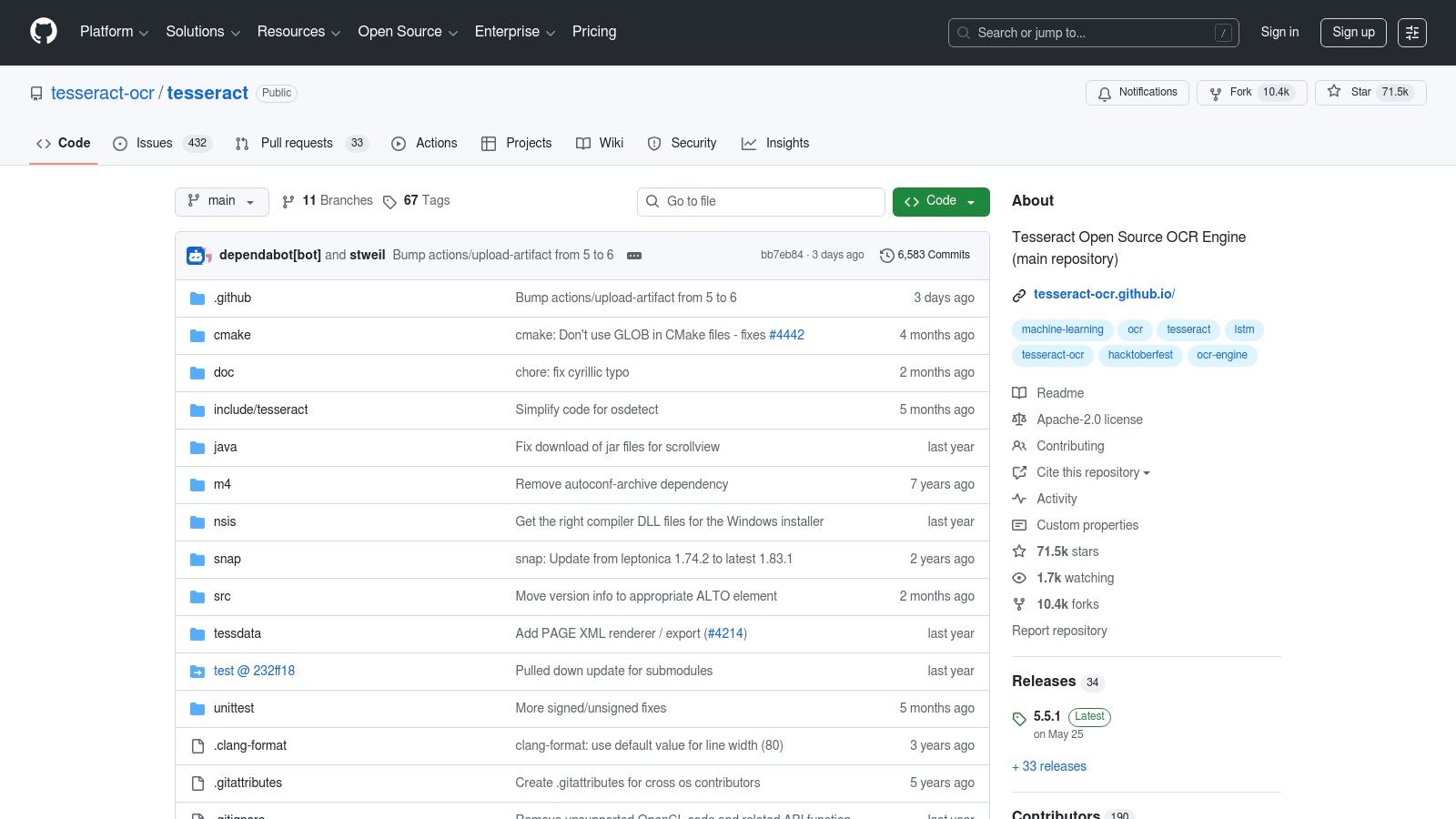
Tesseract OCR is the industry-standard open-source engine powered by LSTM networks, widely embedded in finance workflows for receipts and bank statements. Its free Apache 2.0 licence and community ecosystem make it ideal for developers and small teams that need a trainable, no-cost OCR core to build custom pipelines without vendor lock-in.
Key Features
- LSTM-based text recognition covering 100+ languages
- Outputs: plain text, hOCR, searchable PDF, TSV
- Trainable models and custom language packs for specialised scripts
- Cross-platform CLI toolkit for Windows, macOS and Linux
- Embeddable engine with REST wrappers or standalone binaries
Pricing and Access
- Free and open source under Apache 2.0 licence
- Install via Homebrew, apt-get or direct binaries
- No usage limits, subscriptions or hidden fees
- Source code and releases on GitHub: https://github.com/tesseract-ocr/tesseract
- Learn more about Tesseract OCR (Open-source) on domain.com
| Access Type | Cost | Platform Support |
|---|---|---|
| Open source | Free | Windows, macOS, Linux (CLI only) |
Practical Tips
- Pre-process scans to deskew and remove noise for higher accuracy
- Combine with Python or Node scripts to automate folder-watch OCR
- Use language packs matching invoice or receipt locale
- Post-process hOCR output to extract structured fields
- Integrate Tesseract outputs with Mintline’s API to automate field extraction and reconciliation
Pros and Cons
Pros
- Zero licensing cost and full customisation
- Large community plugins and wrappers
Cons
- Command-line only, no official GUI
- Requires pre/post processing scripts for best results
10. Rossum (IDP platform)
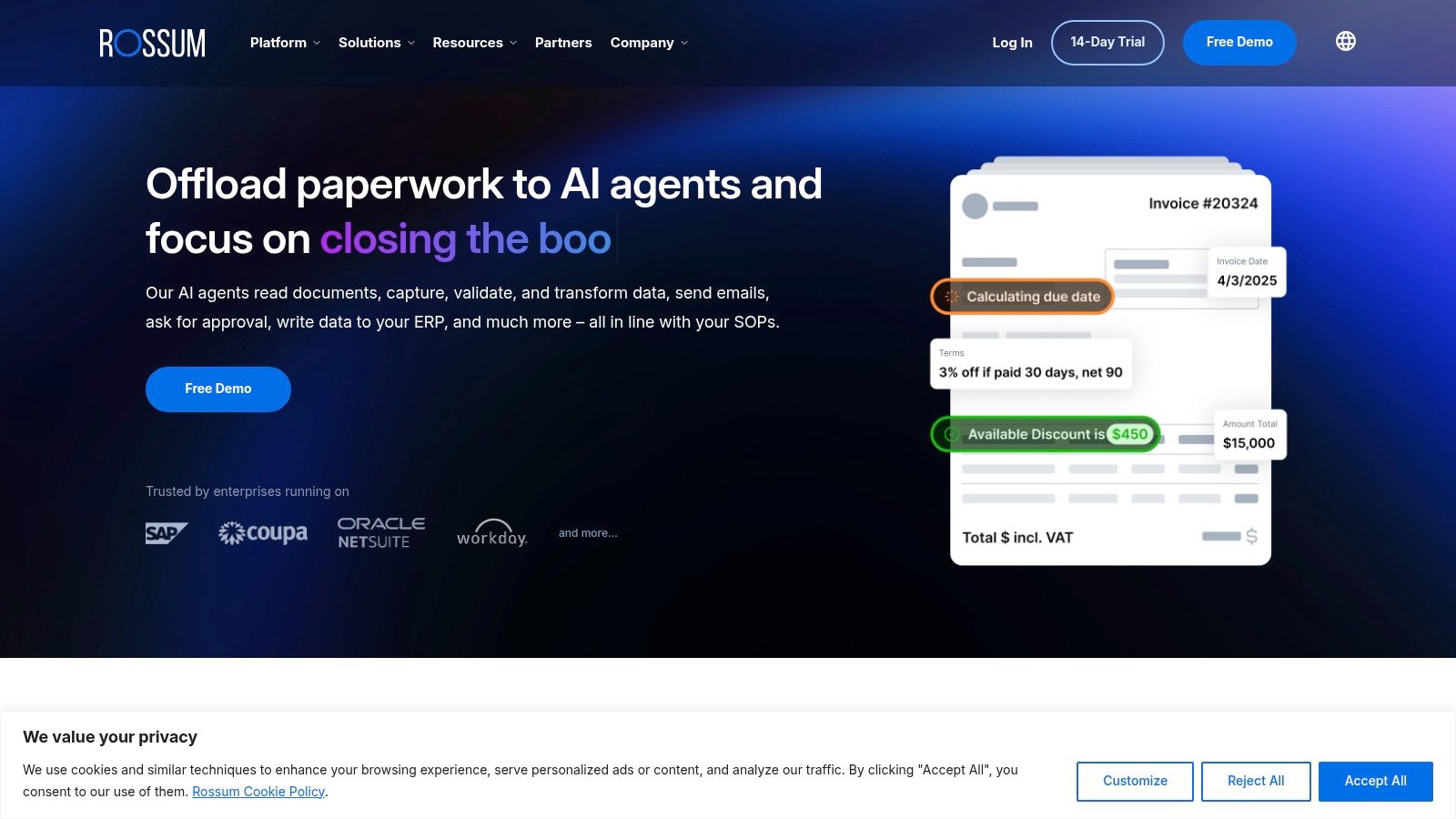
Rossum is an enterprise document processing platform combining OCR, AI-driven data extraction and workflow orchestration with human-in-the-loop validation. Designed for high-volume invoice, purchase order and logistics document automation, Rossum’s Aurora Document AI adapts to complex layouts and matches extracted fields against master data. It stands out for seamless API integrations and robust error-handling in finance and accounting pipelines.
Key Features
- End-to-end document pipelines with human-in-the-loop validation
- Aurora Document AI for adaptable, layout-agnostic OCR extraction
- Master-data matching to finance systems reduces manual reconciliation
- RESTful APIs and webhooks for custom integrations
- Workflow management: escalations, role-based reviews and audit trails
Pricing and Access
- Custom enterprise pricing with a minimum one-year term
- Cloud-hosted or on-premise deployments available
- Free trial and proof-of-concept via direct sales enquiry
- Volume-based API tiers scale with document throughput
| Tier | Monthly Volume | Price |
|---|---|---|
| Enterprise | Unlimited documents | Custom quote |
Learn more about Rossum (IDP platform) on mintline.ai
Practical Tips
- Define template-agnostic validation rules to catch anomalies early
- Use master-data lookups to auto-fill vendor and GL codes
- Route exceptions through Rossum’s review queue for fast human validation
- Export extracted data to Mintline for enhanced ledger matching and reconciliation
- Leverage webhooks to trigger downstream accounting workflows
Pros and Cons
Pros
- Recognised by Gartner for strong IDP capabilities
- Scales to tens of thousands of documents daily
- Deep finance integrations cut reconciliation time
Cons
- Enterprise pricing and one-year commitment may not suit ad-hoc use
- Configuration can be complex without vendor support
11. bol.com (Dutch marketplace) – OCR software listings
bol.com is the leading Dutch ecommerce platform for purchasing OCR software licences. Buyers can compare prices on ABBYY FineReader, Readiris and other key OCR tools, with EUR-based pricing, local shipping and automatic VAT invoicing. Its familiar interface and extensive seller feedback help freelancers and small teams make confident purchases.
The platform stands out for NL/BE delivery options and region-specific checkout rules. You’ll find older versions and boxed licences alongside download keys. User reviews highlight real-world install tips and compatibility notes, filling gaps left by official vendor pages.
Compared with a specialised finance OCR workflow like Mintline, bol.com excels at local availability but lacks integrated document matching or automated bank-statement pipelines. It is best used when you need a quick European licence purchase and clear support on shipping or VAT.
Key Features
- EUR-based pricing with VAT invoice at checkout
- Listings for current and legacy OCR software versions
- Local delivery within the Netherlands and Belgium
- Seller ratings, user feedback and comparison filters
Pricing and Access
- No subscription required; one-time licence fees from €50 to €200
- Automatic VAT invoice for accounting compliance
- Download keys delivered by email or physical media
- Purchase directly at https://www.bol.com/
| Price Range | VAT Invoice | Delivery Options |
|---|---|---|
| €50–€200 | Included | NL/BE courier or post |
Practical Tips
- Filter by “Nieuw” or “Download” to find boxed or digital licences
- Check delivery times if you need physical media for compliance
- Read seller comments for installation and serial key advice
- Use “Bewaarlijst” to compare multiple OCR offers
Pros and Cons
Pros
- Local EUR pricing and VAT support
- User reviews fill technical detail gaps
Cons
- Limited document-matching features
- No built-in finance workflow integration
12. TechRadar – Best PDF Editors guide
TechRadar offers an up-to-date editorial comparison and buying guide for PDF editors with OCR, making it a go-to research hub before purchasing. It ranks popular tools like Acrobat, Foxit and Nitro by OCR availability, platform compatibility and value. Freelancers and finance teams can quickly see which tiers include OCR and follow direct links to vendor trials or purchases.
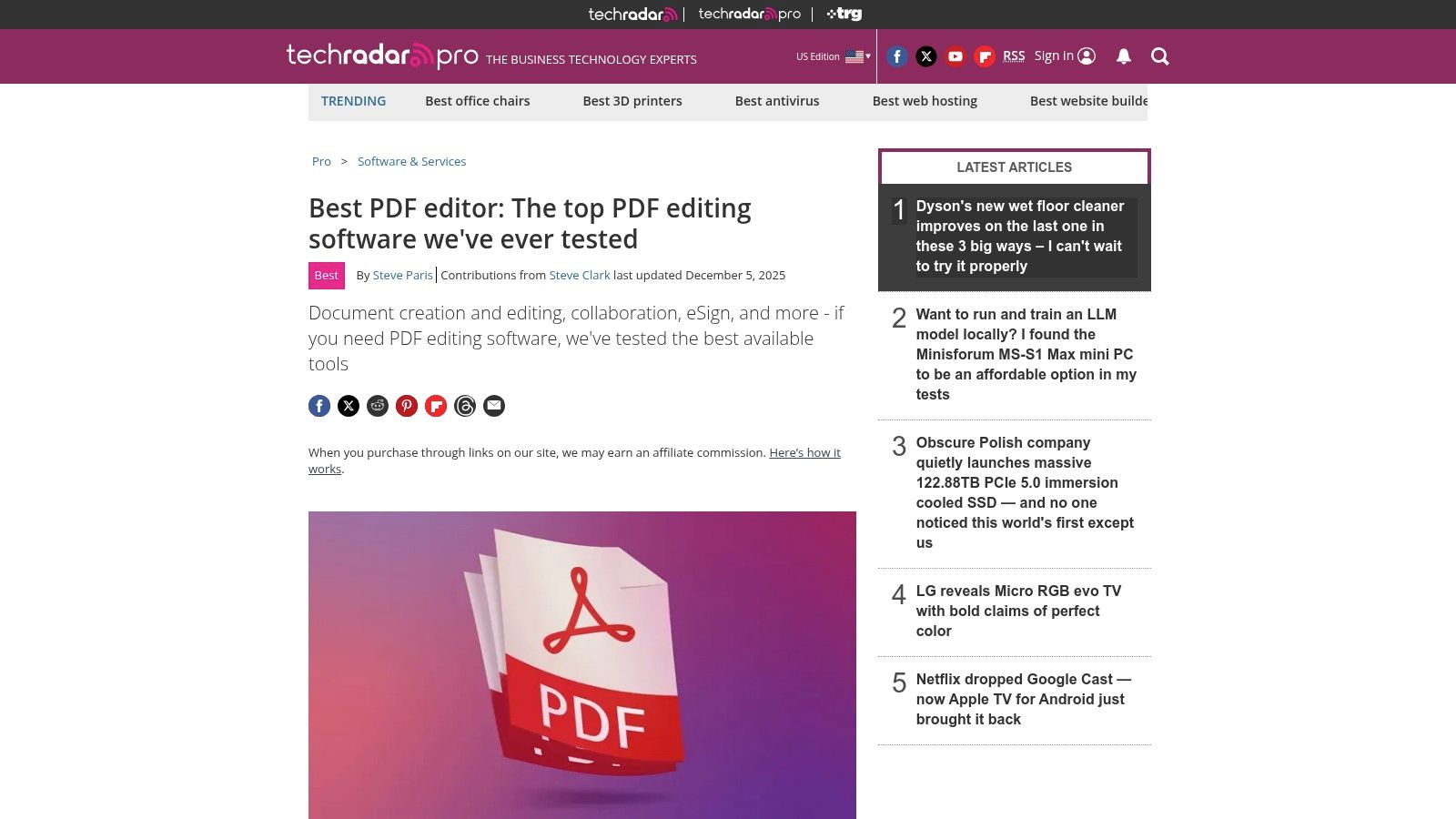
Key Features
- Regularly refreshed rankings of leading PDF editors, highlighting OCR support
- Side-by-side comparison table for OCR features, pricing and supported OS
- In-depth written reviews plus video walkthroughs and Editors’ Choice badges
- Expert buyer’s guide covering ease of use, customer support and update cadence
- FAQ section details OCR accuracy, languages supported and real-world performance
Pricing and Access
- Fully free to access online – no registration needed
- Direct links to vendor sites for trial downloads and purchase options
- Regional pricing details and promotional bundles available via vendor pages
- Compatible with all major browsers; mobile version for quick on-the-go checks
| Access Type | Cost | OCR Insight |
|---|---|---|
| Online guide | Free | Highlights OCR tiers |
Practical Tips
- Use filters to narrow by platform (Windows, Mac, Linux) and OCR language packs
- Compare Editors’ Choice picks to gauge real-world accuracy and support
- Bookmark the OCR comparison matrix for recurring finance workflows
- Cross-reference with Mintline’s matching features for end-to-end automation
Pros and Cons
Pros
- Comprehensive editorial analysis focused on OCR tiers
- Clean interface for quick comparisons and direct trial links
Cons
- No in-house trials or downloads provided
- Focuses on mainstream PDF editors, omitting niche SDKs
Top 12 OCR Tools — Quick Feature Comparison
| Product | Core features | UX/Quality (★) | Price/Value (💰) | Target (👥) | Unique (✨) |
|---|---|---|---|---|---|
| Adobe Acrobat (Adobe) | OCR + full PDF editing, redaction, e-sign, AI assistant | ★★★★☆ | 💰 Subscription; Pro/Studio for advanced OCR | 👥 Professionals → Enterprises | ✨ Deep PDF toolset & integrated e-sign |
| ABBYY FineReader PDF (ABBYY) | AI OCR, layout retention, document comparison, automation | ★★★★★ | 💰 Subscription/enterprise plans | 👥 Legal/Publishing/Finance teams | ✨ Best-in-class OCR accuracy & formatting |
| Foxit PDF Editor (Foxit) | Lightweight editor with OCR, mobile apps, team licensing | ★★★★☆ | 💰 Lower-cost; perpetual via resellers | 👥 SMBs & IT teams | ✨ Fast, low footprint + mobile support |
| Kofax OmniPage (Kofax) | High-accuracy OCR, searchable PDFs, SharePoint/forms support | ★★★★ | 💰 One-time & premium Ultimate tier | 👥 Enterprises (Windows) | ✨ Mature OCR engine + enterprise integrations |
| Readiris PDF (IRIS) | OCR (130+ langs), conversion, cloud exports, lifetime options | ★★★★ | 💰 Lifetime or subscription 365 | 👥 Small businesses & translators | ✨ Attractive lifetime licenses + cloud export |
| PDF-XChange Editor (Tracker) | OCR to searchable PDF, annotations, perpetual licenses | ★★★★ | 💰 Very competitive; perpetual model | 👥 Cost-conscious Windows users | ✨ Feature-rich, low system load |
| Google Cloud Vision / Document AI (Google) | Vision OCR + Document AI processors for invoices/forms | ★★★★★ | 💰 Pay-as-you-go; scalable for large volumes | 👥 Developers & enterprises | ✨ Specialized invoice/processors + scaling |
| OCR.space (a9t9 software) | Hosted OCR API, JSON output, searchable PDF, EU/US endpoints | ★★★★ | 💰 Free tier + flat PRO plans/SLA | 👥 Developers & testers | ✨ Simple REST API with regional endpoints |
| Tesseract OCR (Open-source) | LSTM OCR, 100+ langs, searchable PDF output | ★★★★ | 💰 Free (Apache 2.0) | 👥 Developers & researchers | ✨ Fully open, trainable engine for pipelines |
| Rossum (IDP platform) | IDP pipelines, AI extraction, human-in-the-loop validation | ★★★★★ | 💰 Enterprise pricing; 1-yr terms | 👥 Large finance/logistics teams | ✨ End-to-end invoice/PO automation |
| bol.com (Marketplace) – OCR listings | Vendor listings for OCR software, local checkout & VAT invoices | ★★★☆☆ | 💰 EUR pricing; local shipping/VAT | 👥 NL/BE buyers & resellers | ✨ Local purchasing & EUR invoicing |
| TechRadar – Best PDF Editors guide | Editorial rankings, OCR tier guidance, product links | ★★★★ | 💰 Free guide (links to vendors) | 👥 Buyers researching options | ✨ Regularly refreshed comparisons and tips |
Next Steps: How to Choose Your Ideal OCR Solution
As you wrap up this guide to the best ocr software, let’s translate insights into action. You’ve seen how accuracy, automation, receipt-matching and security shape performance. Now, focus on aligning those features with your unique workflows.
Assess Your OCR Priorities
Start by ranking what matters most in your organisation.
- Accuracy and language support: critical for bank statements in multiple currencies
- Automation level: from basic batch processing to AI-driven matching
- Integration needs: does it connect seamlessly with your accounting, ERP or expense-management tools (especially Mintline)?
- Security and compliance: ensure data encryption at rest and in transit
- Pricing and scalability: balance licence fees against expected document volumes
Pilot Your Top Contenders
A hands-on trial reveals real usage characteristics.
- Choose two or three OCR solutions from our list that fit your budget and volume forecasts
- Set up standard receipt-and-statement batches for each tool
- Measure processing speed, match rates and error corrections in a test environment
- Compare dashboard insights and reporting exports—evaluate how each platform highlights discrepancies and how Mintline enhances matching accuracy
“Mintline cut our month-end closing time by 60%,” says one small-team founder. That real-world result shows how an AI-driven approach can streamline reconciliation and boost match accuracy.
Evaluate Implementation Considerations
Before committing, consider:
- Onboarding effort: what training or professional services are required?
- API maturity: can you automate data flows without manual exports to Mintline?
- Support SLA: how quickly does the vendor troubleshoot?
- Customisation: can you tailor recognition rules for specialised invoice layouts?
- Regional compliance: does the tool meet GDPR or local fiscal regulations?
Map Solutions to Use Cases
Different teams have different needs.
- Freelancers and independent contractors: lean towards low-cost, easy-to-deploy tools like OCR.space or Tesseract OCR
- Startup founders and small teams: favour all-in-one editors with basic AI like PDF-XChange Editor or Foxit PDF Editor
- Finance leads and bookkeepers at SMBs: require robust matching engines—Mintline’s AI-powered workflows stand out here
- Accounting firms and CPAs: prioritise high accuracy and detailed audit trails found in ABBYY FineReader PDF or Kofax OmniPage
- Agencies and design studios: need flexible PDF editors with OCR features, such as Adobe Acrobat or Readiris PDF
Realise ROI and Long-Term Gains
Successful OCR adoption delivers more than time savings. It:
- Reduces human error by up to 90 percent
- Enhances data visibility with real-time dashboards
- Improves compliance through auditable logs
- Frees staff to focus on analysis rather than data entry
Keep these metrics in mind when you measure your pilot’s success.
Inspiring Your Next Move
Choosing the right OCR tool transforms month-end chaos into streamlined processes. Armed with this comparative analysis and clear implementation plan, you’re ready to revolutionise your document workflows. The key is to move swiftly but strategically—test early, gather feedback, then scale the solution that aligns best with your growth goals.
Ready to experience industry-leading receipt matching and automated bank-statement reconciliation? Discover how Mintline can accelerate your month-end close with AI-powered OCR accuracy and seamless integrations. Get started today with a free demo at Mintline.