
The Top 12 OCR Software Freeware Solutions for 2025
Discover the 12 best ocr software freeware tools for 2025. This in-depth guide covers free solutions for Windows, Mac, and web to digitise documents.
Buried in paperwork? Drowning in manual data entry? The simple act of converting images and PDFs into searchable, editable text can revolutionise your financial workflow, saving countless hours. You don't need a massive budget to start; high-quality ocr software freeware exists, offering powerful features for everything from digitising old archives to streamlining your bookkeeping.
However, navigating the landscape of free tools can be tricky. Some are command-line powerhouses ideal for developers, others are simple web-based converters for quick tasks, and many have hidden limitations regarding privacy, accuracy, or file types. This guide cuts through the noise. We will dive deep into the 12 best free OCR solutions available today, analysing their strengths, weaknesses, and ideal use cases, particularly for financial documents like receipts and invoices.
This curated list provides a practical breakdown of each tool, so you can find the perfect fit for your specific needs. We’ll show you not only what each tool does but how to use it effectively, complete with screenshots and direct links. For businesses aiming to go beyond simple text extraction and fully automate their financial admin, we'll also explore when it's time to upgrade. A specialised platform like Mintline, for example, uses OCR to automatically match receipts to bank transactions, turning a tedious monthly chore into a simple, one-click process. This article will help you take that first step towards a paperless, more efficient workflow.
1. Tesseract OCR
Tesseract is not just another OCR tool; it's the powerful, open-source engine that underpins a vast number of other applications, both free and commercial. Originally developed by Hewlett-Packard and now maintained by Google, Tesseract is revered for its high accuracy and extensive language support, making it a cornerstone of the ocr software freeware landscape. For those comfortable with the command line, it offers unparalleled control and flexibility for custom OCR projects.
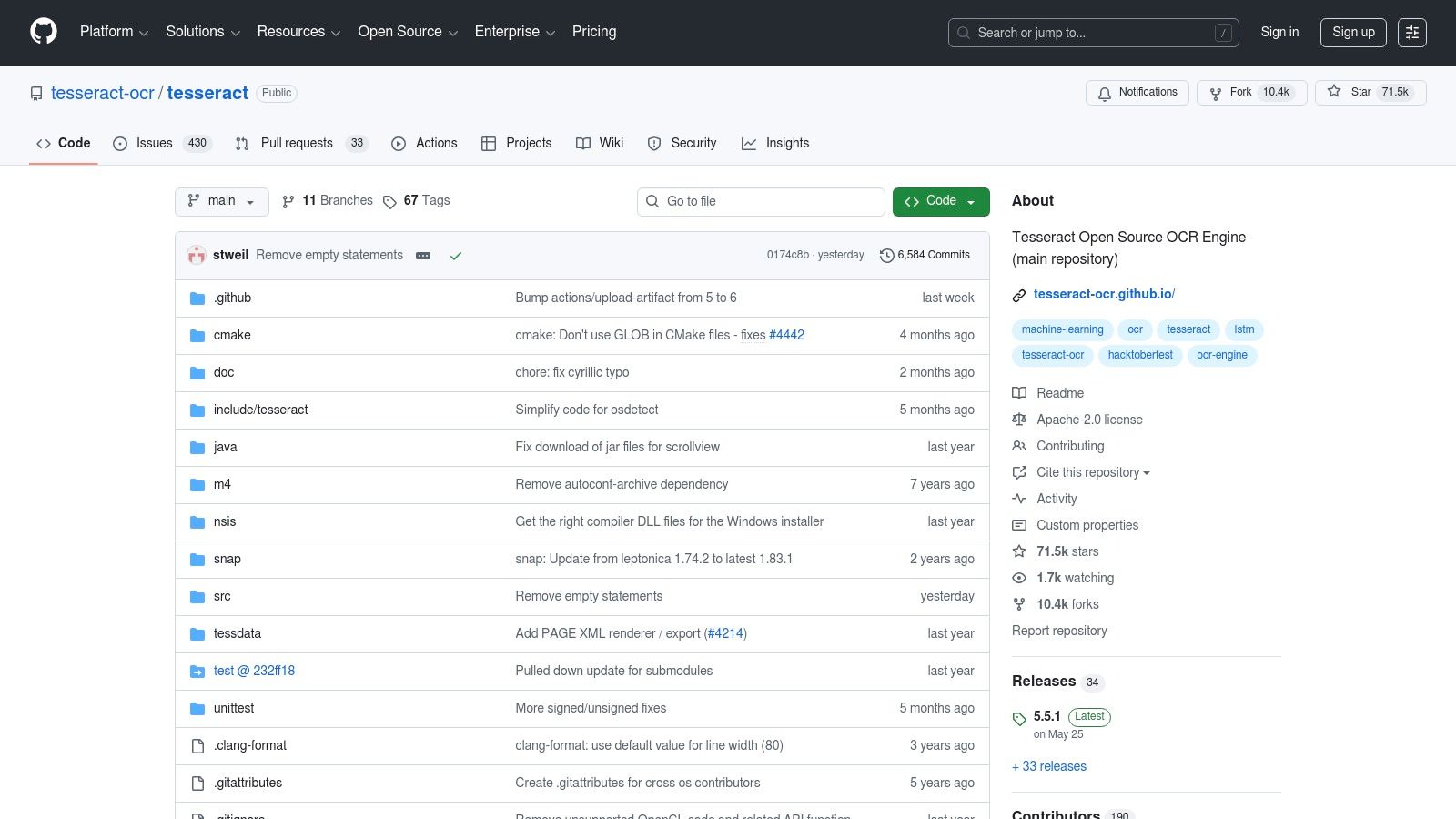
It stands out because it provides developers and tech-savvy users direct access to a highly trainable and configurable OCR system without any cost. This is ideal for building automated workflows, such as batch processing invoices or creating a custom script to extract data from bank statements into a specific format. While it lacks a graphical user interface (GUI) out of the box, its raw power is its main appeal.
Key Features and Assessment
- Platform: Windows, macOS, Linux (Command-Line Interface)
- Accuracy & Languages: Very high accuracy, especially on clean documents. It supports over 100 languages, including Dutch (
nld), which is crucial for local financial documents. - Best Use Case: Perfect for developers building custom applications or tech-savvy freelancers who need to integrate OCR into scripted, automated workflows for financial document processing.
- Security: As it runs locally on your machine, your data remains completely private. You are in full control.
| Feature | Details |
|---|---|
| Cost | Completely free (Apache 2.0 Licence) |
| Output Formats | Plain text, searchable PDF/PDF-A, hOCR, TSV |
| Batch OCR | Yes, easily scriptable for handling thousands of files. |
| Unique Offering | Its models are trainable, allowing you to improve accuracy for specific fonts or document types, a feature unheard of in most freeware. Explore how tools build on this powerful engine in our guide on converting photos to text. |
While its technical nature can be a hurdle, Tesseract is the ultimate choice for those who prioritise power, customisation, and privacy over a point-and-click experience. For automated receipt matching without the technical setup, an integrated solution like Mintline is a more direct alternative.
2. NAPS2 (Not Another PDF Scanner)
If Tesseract is the raw engine, NAPS2 is the user-friendly vehicle built around it. Standing for "Not Another PDF Scanner 2," this free and open-source tool brilliantly combines scanning, document organisation, and OCR into one simple application. It’s designed for those who need the power of Tesseract's text recognition without touching a single line of code, making it a standout piece of ocr software freeware for small offices and freelancers.

NAPS2 excels at transforming piles of paper into searchable digital files. You can scan directly from your device, import existing images or PDFs, reorder pages, and then run OCR to create a fully indexed PDF. Its simplicity is its strength; it demystifies the process of digitising and making sense of financial paperwork like invoices and receipts for archival purposes.
Key Features and Assessment
- Platform: Windows, macOS, Linux (Graphical User Interface)
- Accuracy & Languages: Leverages Tesseract's engine, offering access to over 100 languages, including Dutch (
nld), with accuracy dependent on the quality of the scan. - Best Use Case: Ideal for small business owners or administrative staff who need a straightforward way to scan multi-page documents like contracts or bank statements and make them searchable.
- Security: As a desktop application, all processing happens locally on your computer, ensuring your sensitive financial data remains private and secure.
| Feature | Details |
|---|---|
| Cost | Completely free and open-source (GPLv2 Licence) |
| Output Formats | Searchable PDF, Image formats (JPEG, PNG, TIFF) |
| Batch OCR | Yes, you can set up profiles to apply OCR to multiple documents with consistent settings. |
| Unique Offering | It provides a graphical front-end for Tesseract's OCR capabilities, combined with scanner controls and page editing tools in one lightweight package. |
While NAPS2 is excellent for creating searchable archives, it doesn't automate data extraction for bookkeeping. For workflows that require pulling specific line items from receipts to eliminate manual entry, a dedicated platform like Mintline offers a more efficient, automated solution.
3. PDF24 Tools – OCR
PDF24 Tools offers a suite of browser-based utilities, with its OCR function being a standout for its simplicity and accessibility. Hailing from Germany, it provides a straightforward, web-based solution for converting standard PDFs into searchable documents, a crucial step for digitising invoices and receipts. This makes it an excellent piece of ocr software freeware for quick, one-off tasks without needing to install any software, positioning it as a GDPR-friendly option for European users concerned about data handling.

It stands out by combining ease of use with useful pre-processing features like deskewing and noise removal, which help improve accuracy on scanned documents. For those who prefer working offline or need to handle more sensitive information, PDF24 also offers a completely free desktop application, the PDF24 Creator. This dual offering provides flexibility for freelancers and small businesses who may handle a mix of sensitive and non-sensitive documents.
Key Features and Assessment
- Platform: Web-based (all browsers), with a free downloadable desktop version for Windows (PDF24 Creator).
- Accuracy & Languages: Good accuracy on clear documents with support for major languages, including Dutch (
nld). The integrated clean-up filters can significantly enhance results from lower-quality scans. - Best Use Case: Ideal for freelancers or small businesses needing to quickly make a handful of supplier invoices or bank statements searchable without software installation or technical setup.
- Security: The online tool states that files are removed from their servers after a short period. For maximum privacy, the offline desktop PDF24 Creator is the recommended choice.
| Feature | Details |
|---|---|
| Cost | Completely free for both online and desktop versions. |
| Output Formats | Searchable PDF, PDF/A. |
| Batch OCR | Possible with the desktop creator, but the web tool is best for single files. |
| Unique Offering | A reputable, EU-based provider offering both a convenient online tool and a comprehensive offline desktop suite for free, with a clear focus on user privacy. |
While PDF24 is excellent for creating searchable archives, it doesn't automate the data extraction itself. For workflows that require pulling specific line items from receipts for bookkeeping, an integrated solution like Mintline provides the necessary automation to eliminate manual entry.
4. OCRmyPDF
OCRmyPDF takes a specialised approach within the ocr software freeware ecosystem. Instead of converting images to text, its primary function is to add a searchable text layer to existing PDF files. Built upon the powerful Tesseract engine, it's an open-source command-line tool designed to transform your scanned document archives-like years of invoices or bank statements-into fully searchable, archivable PDF/A compliant files.
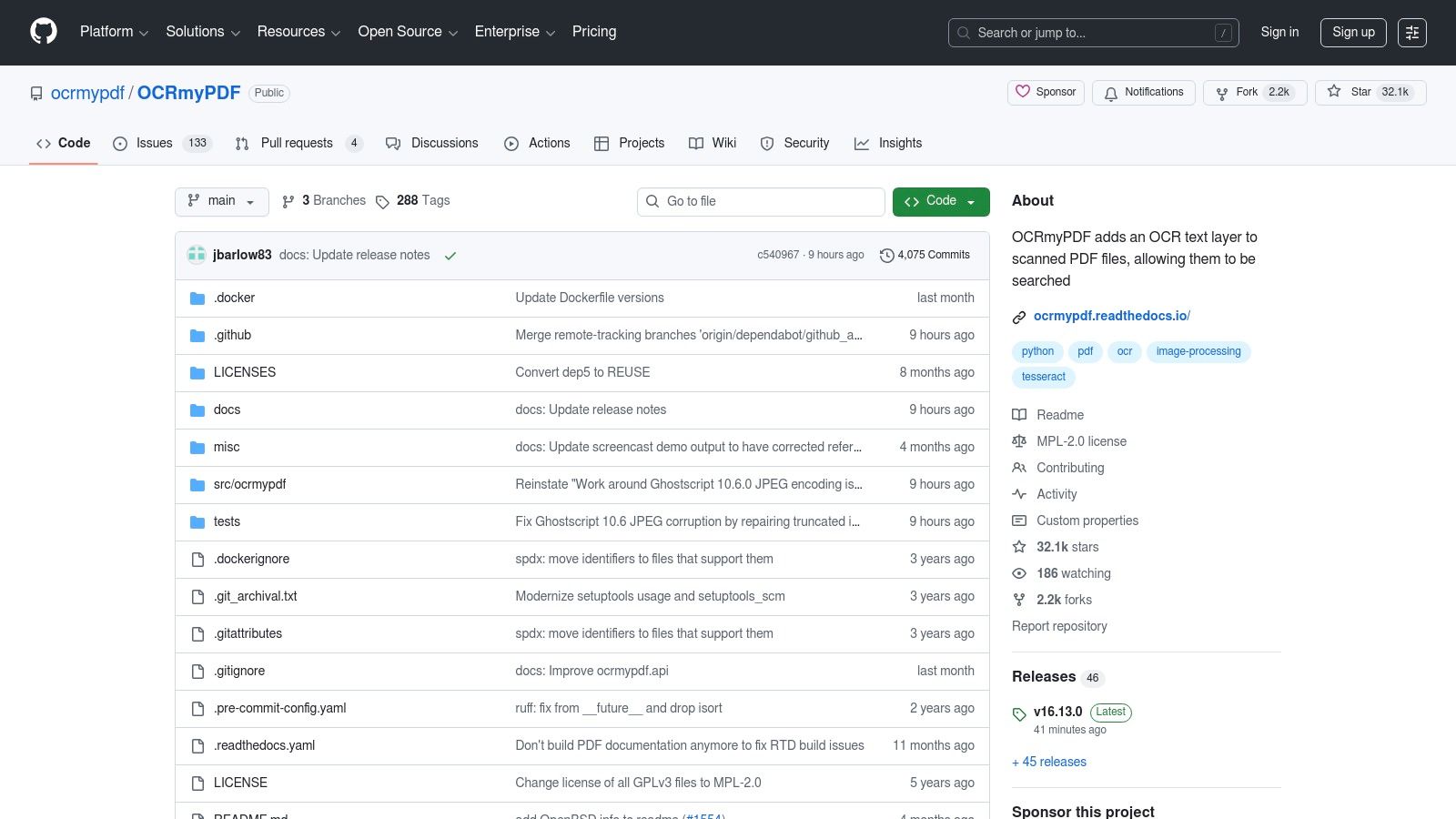
It excels by not just adding text, but by optimising the entire PDF. It automatically deskews crooked scans, rotates pages to the correct orientation, and cleans up images, often resulting in a smaller file size than the original. This makes it an invaluable utility for anyone looking to organise and standardise a large volume of digital financial records for long-term storage and easy retrieval without sacrificing quality.
Key Features and Assessment
- Platform: Windows, macOS, Linux (Command-Line Interface)
- Accuracy & Languages: Leverages Tesseract's high accuracy and support for over 100 languages, including Dutch (
nld), ensuring precise text recognition for local documents. - Best Use Case: Ideal for finance professionals or SMBs needing to batch process and archive large volumes of scanned PDF invoices and bank statements, making them keyword-searchable.
- Security: As a local command-line tool, it processes all files directly on your machine, guaranteeing your sensitive financial data remains private.
| Feature | Details |
|---|---|
| Cost | Completely free (Mozilla Public License 2.0) |
| Output Formats | Searchable PDF, PDF/A (for long-term archiving) |
| Batch OCR | Yes, designed for scripting and can leverage multiple CPU cores for speed. |
| Unique Offering | Its focus on creating optimised, valid, and archivable PDF/A files sets it apart. It doesn't just OCR; it preserves and standardises your documents. |
While its command-line nature requires some technical comfort, OCRmyPDF is the definitive tool for creating a high-quality, searchable digital archive. For businesses needing to extract data for immediate use, like receipt matching, a service like Mintline provides the automation without the setup.
5. gImageReader
For users who want the power of Tesseract without memorising command-line instructions, gImageReader provides the perfect solution. It acts as a graphical user interface (GUI) built on top of the Tesseract engine, making advanced OCR capabilities accessible through a familiar point-and-click environment. This tool bridges the gap between powerful but complex engines and user-friendly applications, making it a standout piece of ocr software freeware for hands-on document processing.
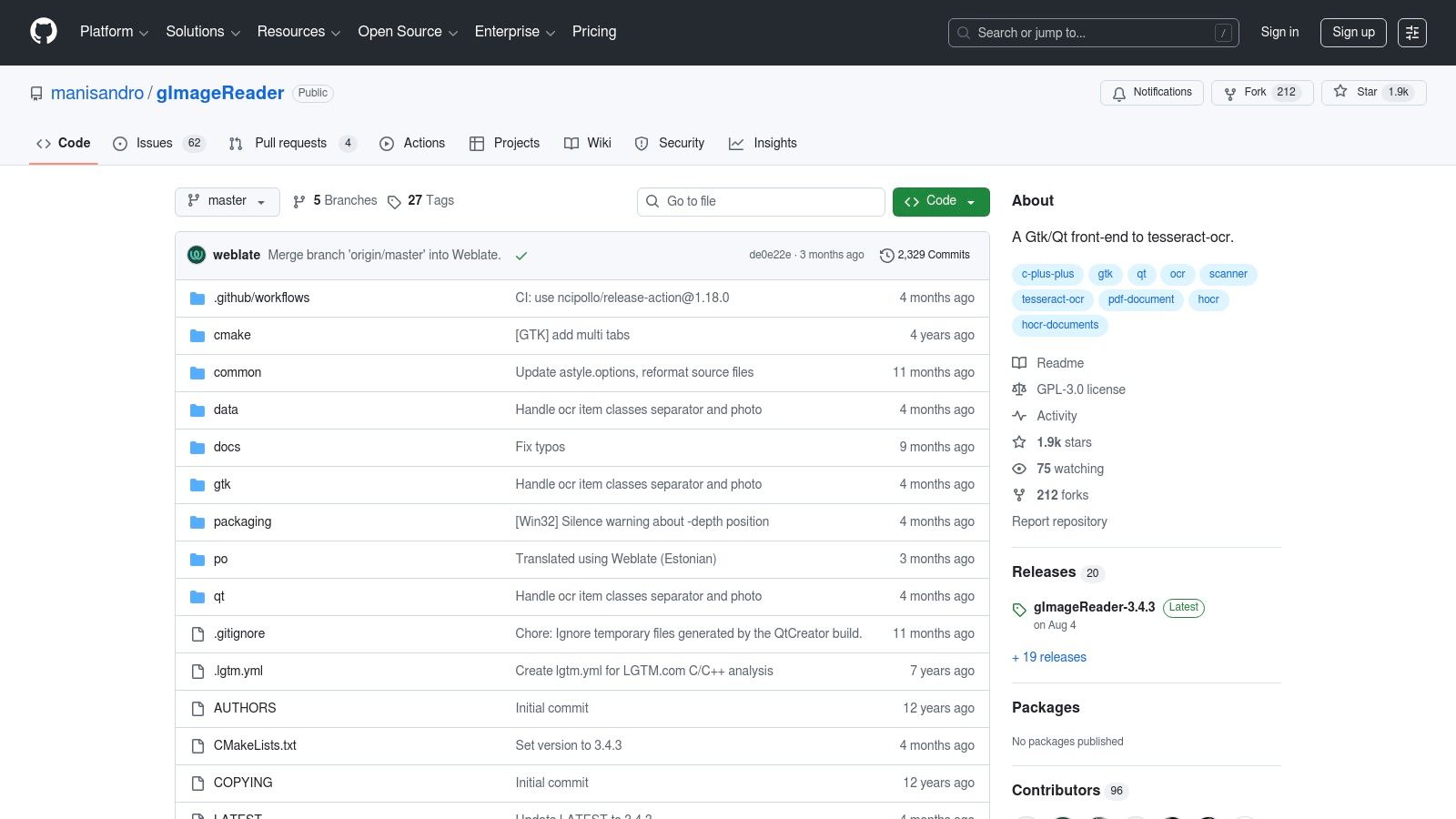
It excels by giving you manual control over the OCR process. You can import PDFs or image files, draw a box around the exact area you want to convert, and get an immediate text output. This is particularly useful for extracting specific tables from a multi-page bank statement or grabbing just the total from a complicated invoice without processing the entire document.
Key Features and Assessment
- Platform: Windows, Linux
- Accuracy & Languages: Inherits Tesseract's very high accuracy and support for over 100 languages, including Dutch (
nld), making it versatile for various documents. - Best Use Case: Ideal for small business owners or freelancers who need to manually extract data from specific sections of invoices, receipts, or bank statements without the technical overhead of scripting.
- Security: As a desktop application, all processing happens locally on your computer, ensuring your sensitive financial data remains private and secure.
| Feature | Details |
|---|---|
| Cost | Completely free and open-source. |
| Output Formats | Plain text, searchable PDF, hOCR. |
| Batch OCR | Yes, you can load multiple images or PDF pages and process them sequentially. |
| Unique Offering | Its key strength is providing a visual interface to define specific OCR zones, offering precision control over data extraction that fully automated tools might miss. You can explore more ways to scan text from an image with tools like this. |
While gImageReader simplifies using Tesseract, it still requires manual effort for each document. For businesses looking to completely automate the processing of receipts and invoices, a dedicated bookkeeping solution like Mintline is a more efficient, scalable alternative.
6. Capture2Text
Capture2Text is a nimble and highly practical Windows utility designed for one specific task: instantly capturing text from any part of your screen. Instead of processing entire files, this tool allows you to use a hotkey to select a screen region, OCR the content within it, and automatically copy the result to your clipboard. This makes it an exceptional piece of ocr software freeware for grabbing non-selectable text from images, videos, or software interfaces without any preparation.
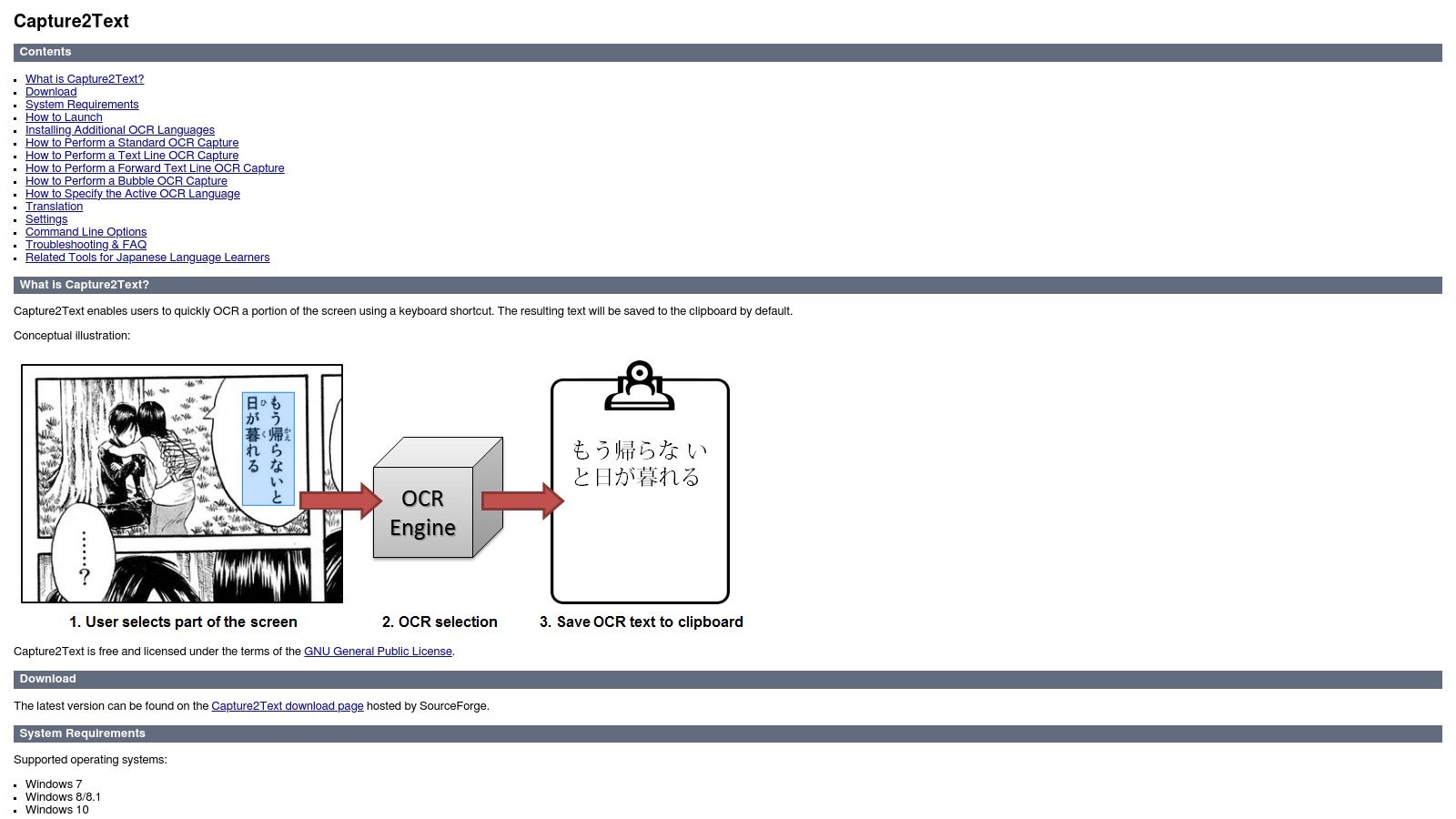
It stands out for its sheer speed and convenience in ad-hoc situations. Imagine needing to pull a single invoice number from a scanned PDF image or an address from a client's website screenshot. Capture2Text eliminates the need to save, upload, and process a file, integrating seamlessly into your workflow. For quick, one-off data extraction tasks, its immediacy is hard to beat.
Key Features and Assessment
- Platform: Windows (Portable, no installation required)
- Accuracy & Languages: Good accuracy on clear screen text. It supports over 90 languages, making it versatile for capturing data from international sources.
- Best Use Case: Excellent for freelancers or bookkeepers who need to quickly grab small snippets of text, like a VAT number from a non-selectable PDF or a transaction detail from a banking app.
- Security: The application runs entirely locally on your Windows machine, ensuring that sensitive on-screen information remains private.
| Feature | Details |
|---|---|
| Cost | Completely free (Open Source) |
| Output Formats | Plain text copied directly to the clipboard. |
| Batch OCR | No, it is designed for single, on-the-fly screen captures. |
| Unique Offering | Its "spot OCR" functionality via a hotkey is its defining feature, offering unparalleled speed for capturing snippets of text from any visible source on your screen. |
While Capture2Text is a master of instant text grabs, it is not built for processing entire documents or automating financial workflows. For handling full receipts or invoices in bulk, a dedicated solution like Mintline provides the necessary automation and organisation.
7. Microsoft PowerToys – Text Extractor
Microsoft PowerToys offers a surprisingly robust Text Extractor utility that brings instant, on-demand OCR directly to the Windows desktop. As part of a free, open-source suite of tools designed to enhance productivity, this feature is not a standalone application but a powerful, integrated system utility. By simply pressing a hotkey (Win + Shift + T), users can select any region of their screen and instantly copy the text within it, making it one of the most convenient pieces of ocr software freeware available.
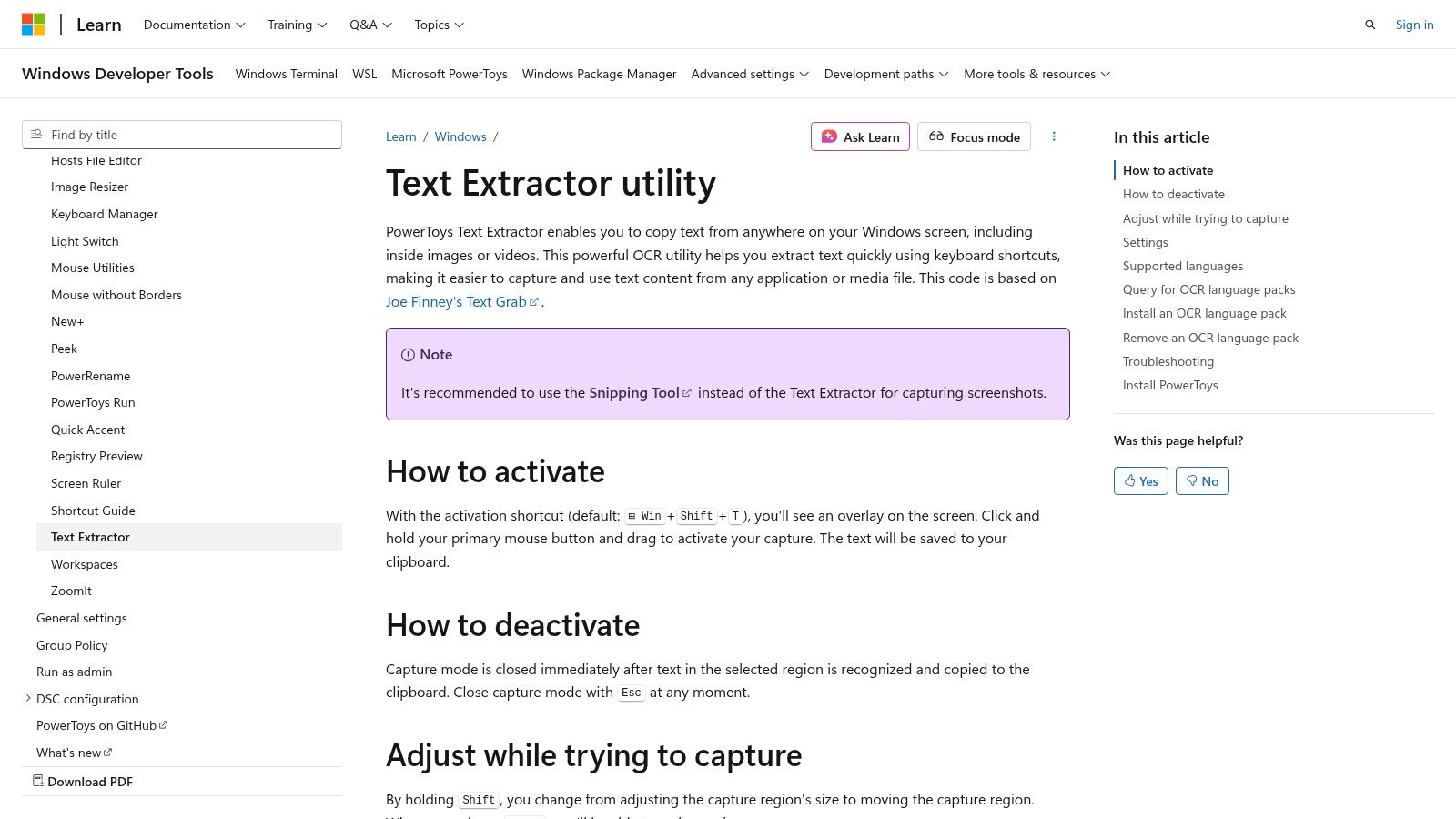
It stands out for its seamless integration and simplicity. There is no need to open a separate programme or upload a file; if you can see it, you can OCR it. This is perfect for quick data grabs, like copying an invoice number from a non-selectable PDF viewer or pulling account details from a scanned bank statement image. It leverages the native Windows OCR engine, ensuring reliable performance without any third-party software.
Key Features and Assessment
- Platform: Windows 10 and 11
- Accuracy & Languages: Good accuracy on clear, on-screen text. It uses installed Windows language packs, so adding support for Dutch (
nld) is straightforward through system settings. - Best Use Case: Excellent for freelancers and bookkeepers needing to quickly copy small snippets of text, such as amounts, dates, or reference numbers from documents, websites, or images.
- Security: The tool processes everything locally on your PC. Your on-screen data is never sent to the cloud, guaranteeing complete privacy.
| Feature | Details |
|---|---|
| Cost | Completely free and open-source (part of the PowerToys suite). |
| Output Formats | Plain text (copied directly to clipboard). |
| Batch OCR | No, it is designed exclusively for manual, one-off screen captures. |
| Unique Offering | Its global hotkey activation makes it the fastest way to perform a quick OCR task without interrupting your workflow. It's an indispensable utility for ad-hoc extractions. |
While Text Extractor is brilliant for its speed and convenience, it is not a solution for processing full documents or automating data entry. For comprehensive workflows like receipt digitisation and matching, an automated platform like Mintline provides the necessary structure and integration.
8. Microsoft OneNote (desktop)
Many freelancers and small businesses already use Microsoft OneNote for organising notes, making its built-in OCR a surprisingly convenient and accessible tool. Hidden within this popular note-taking application is a feature that allows you to extract text directly from images or PDF printouts you've inserted into your notes. This makes it a fantastic piece of ocr software freeware for those who need to occasionally digitise receipts or invoice snippets and keep them organised within a larger project notebook.
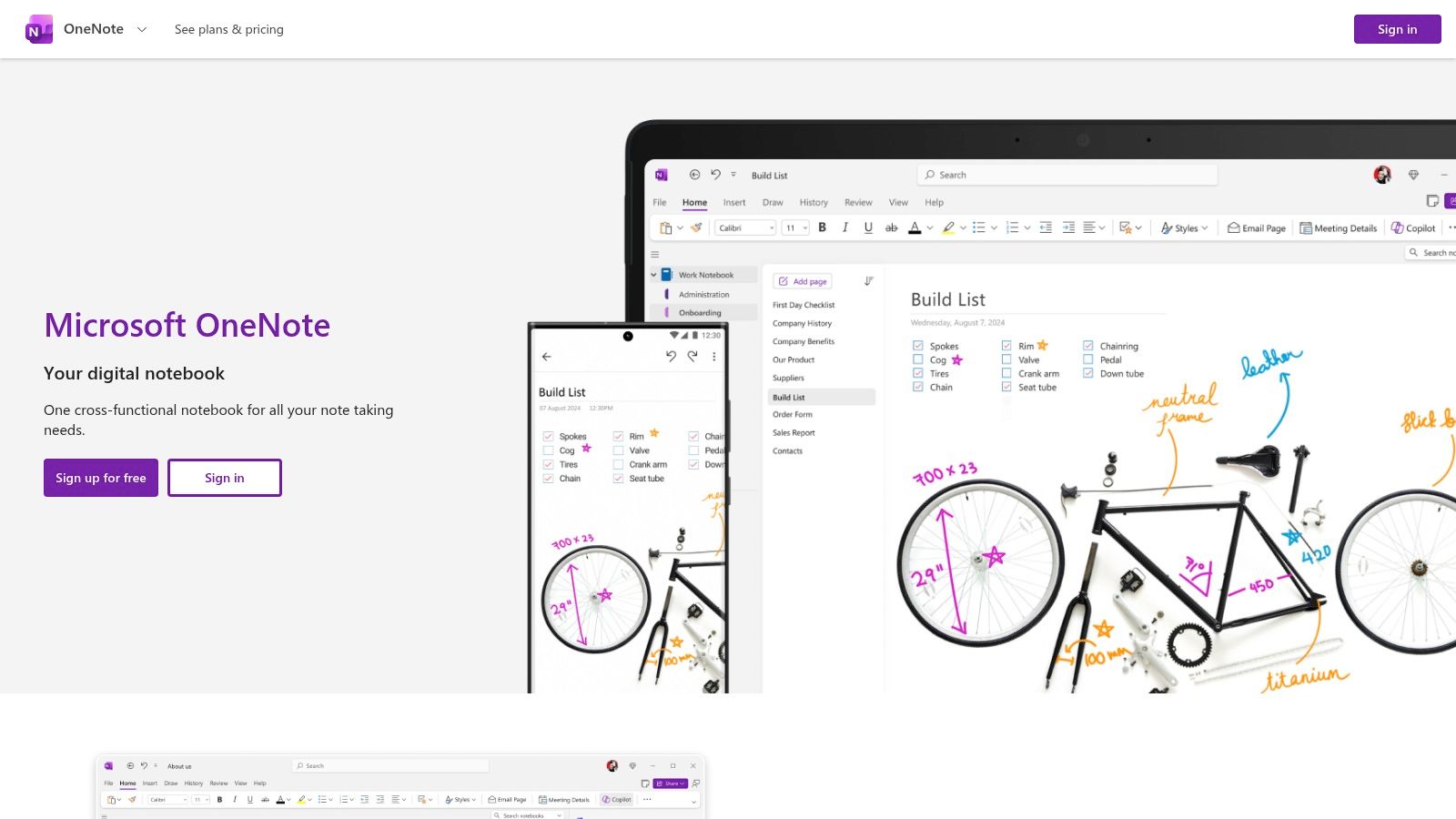
It stands out by integrating OCR directly into a widely-used productivity ecosystem. Instead of needing a separate programme, you can simply right-click an image and select "Copy Text from Picture." The extracted text is then available to paste, and more importantly, the image itself becomes searchable within your OneNote notebooks. This is perfect for quickly finding an old receipt by searching for a supplier's name or a specific line item without any complex setup.
Key Features and Assessment
- Platform: Windows, macOS (Free desktop app; Microsoft account required)
- Accuracy & Languages: Good accuracy on clear images. It supports multiple languages, including Dutch (
nld), making it useful for local expense documents. - Best Use Case: Excellent for individuals or teams already using OneNote who need to capture and organise text from occasional receipts, invoices, or business cards directly within their notes.
- Security: As the desktop app syncs with your Microsoft account (OneDrive), data is subject to Microsoft's privacy and security policies. The OCR process happens on Microsoft's servers.
| Feature | Details |
|---|---|
| Cost | Free with a Microsoft account (Part of the OneNote desktop app). |
| Output Formats | Plain text (copied to clipboard). |
| Batch OCR | No, it is designed for single-image processing within the app's workflow. |
| Unique Offering | Seamless integration with a leading note-taking tool. The ability to make images and multi-page printouts fully searchable within your existing organisational system is its key advantage. |
While OneNote is incredibly convenient for light, integrated use, it is not a dedicated bulk processing tool. For businesses needing to automate the extraction and categorisation of financial data from dozens of documents, an automated solution like Mintline provides the necessary power and workflow efficiency.
9. Google Drive + Google Docs (built-in OCR)
Many users don't realise they already have a capable OCR tool integrated directly into their Google account. Google Drive, combined with Google Docs, provides a simple yet effective way to convert images and non-searchable PDFs into editable text. This makes it an incredibly accessible piece of ocr software freeware for quick, one-off tasks without needing to install any new applications, perfect for freelancers and small businesses already embedded in the Google ecosystem.
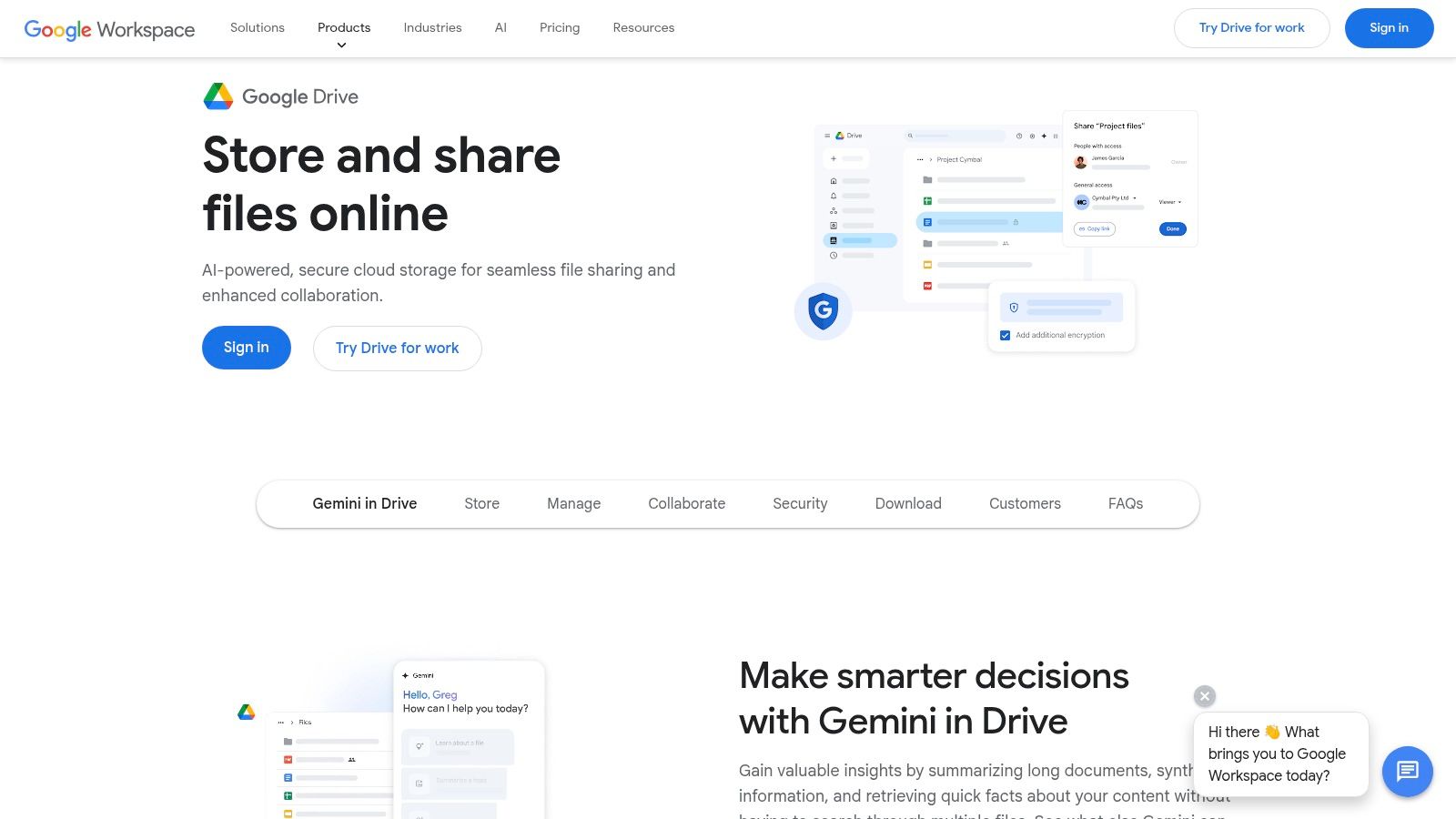
It stands out due to its sheer convenience. By simply right-clicking a file in Google Drive and selecting "Open with > Google Docs," the service automatically processes the document and presents the recognised text in a new, editable file. While it may not retain complex formatting from invoices or bank statements perfectly, its ability to quickly extract data for copying into a spreadsheet is invaluable for ad-hoc bookkeeping tasks.
Key Features and Assessment
- Platform: Web-based (works on any OS with a browser), plus mobile scanning on iOS and Android.
- Accuracy & Languages: Good accuracy on clear documents, powered by Google's advanced OCR technology. It supports a vast range of languages, including Dutch (
nld), making it highly versatile. - Best Use Case: Excellent for small business owners or freelancers who occasionally need to digitise a single receipt or extract text from a PDF invoice without leaving their existing workflow.
- Security: Your data is processed within your Google account, subject to Google's privacy policies. It's a cloud-based solution, so documents are not processed solely on your local machine.
| Feature | Details |
|---|---|
| Cost | Completely free with a standard Google account (within your storage limits). |
| Output Formats | Google Doc (can be exported to .docx, .txt, .pdf, etc.). |
| Batch OCR | No built-in feature for batch processing; each file must be converted manually. |
| Unique Offering | The seamless integration with the Google Workspace is its key advantage. You can instantly go from a scanned image to a collaborative, shareable document. Discover the full process in our guide to OCR with Google Docs. |
For quick, infrequent conversions, Google's built-in tool is hard to beat for ease of use. However, for businesses needing to process financial documents in bulk with consistent formatting and automation, a dedicated solution like Mintline is a far more efficient choice.
10. OCR.space
OCR.space is a highly accessible web-based service that brings powerful OCR capabilities directly to your browser, removing the need for any software installation. It offers a straightforward online tool for quick, one-off extractions and a robust API for developers. Its balance of ease of use and advanced features, like dedicated receipt parsing, makes it a popular piece of ocr software freeware for both casual users and those building automated financial workflows.
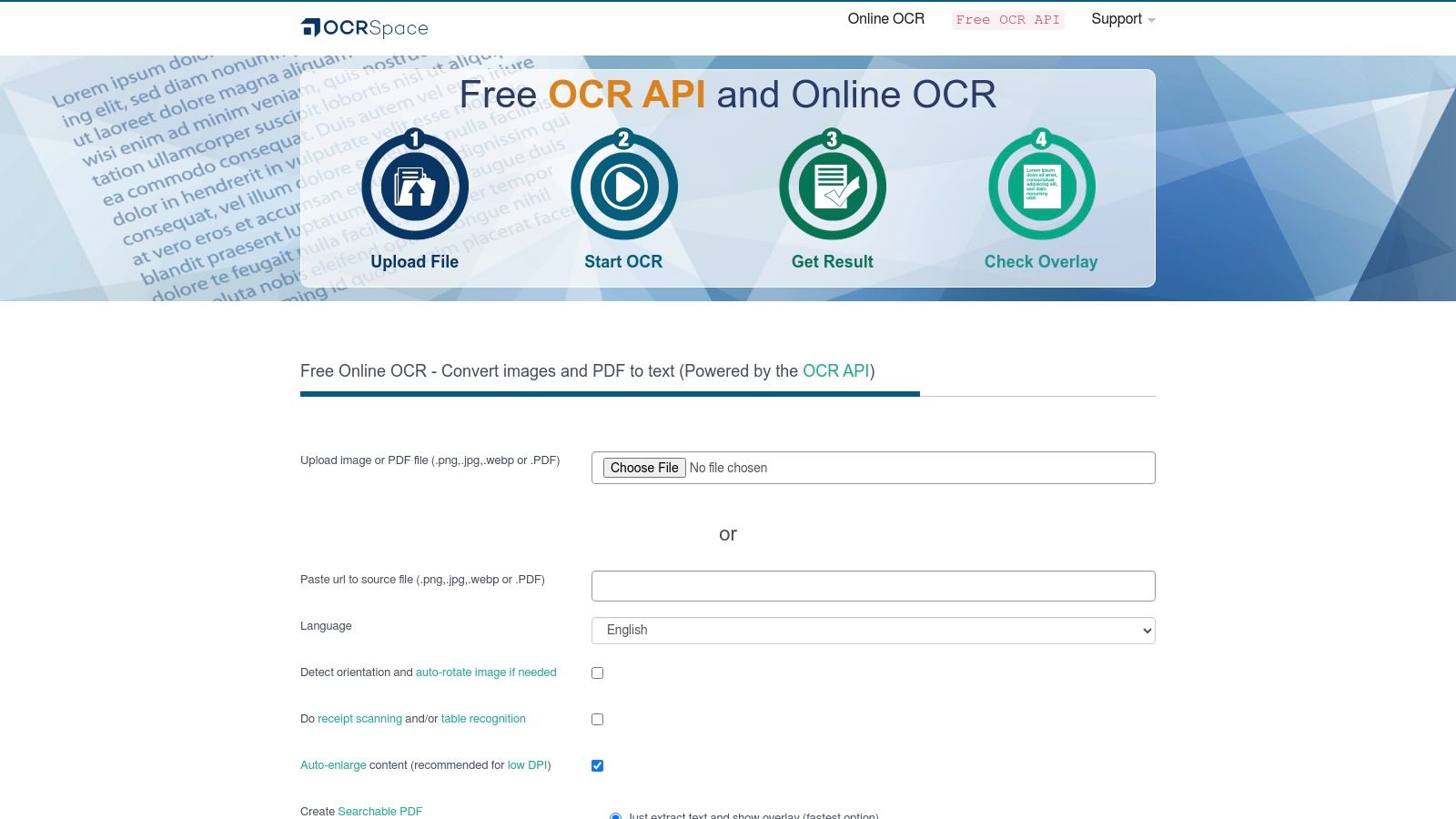
It stands out by providing a free API tier that is generous enough for small-scale projects or testing, allowing businesses to integrate OCR into their applications without initial investment. This is ideal for a freelancer building a simple script to process a few dozen receipts per month or a small business wanting to prototype an automated invoice data entry system. The clear usage limits and instant access make it a go-to for quick and reliable cloud-based text recognition.
Key Features and Assessment
- Platform: Web-based (works on any browser) and API
- Accuracy & Languages: Good accuracy on standard documents, with specific engines for receipts. Supports Dutch (
dut), which is essential for processing local invoices and receipts. - Best Use Case: Excellent for developers needing a simple API for low-volume tasks, or for freelancers who need a quick, no-install tool for occasional document conversion.
- Security: As a cloud-based service, data is sent to their servers for processing. The free service has a "no-store" policy, meaning images are deleted after processing.
| Feature | Details |
|---|---|
| Cost | Free web tool (with file limits) and a free API tier (500 requests/day). Paid plans are available for higher volumes. |
| Output Formats | Plain text, JSON, searchable PDF |
| Batch OCR | Possible via the API for developers. The web interface is designed for single-file uploads. |
| Unique Offering | The service includes specialised OCR engines for table and receipt recognition, which can improve structured data extraction from financial documents. You can test it at https://ocr.space/. |
While OCR.space is convenient for quick tasks and API integration, the free tier's limitations on file size and daily requests can be a constraint for serious bookkeeping. For seamless, high-volume receipt and invoice processing fully integrated into your financial management, a specialised solution like Mintline provides a more robust and automated alternative.
11. OnlineOCR.net
OnlineOCR.net is a long-standing and straightforward web-based tool that delivers quick, no-frills conversions directly in your browser. It serves as a practical example of ocr software freeware designed for immediate use without any installation. For freelancers or small businesses needing to occasionally convert a PDF bank statement or an image of an invoice into an editable format like Word or Excel, this service offers a simple drag-and-drop solution.
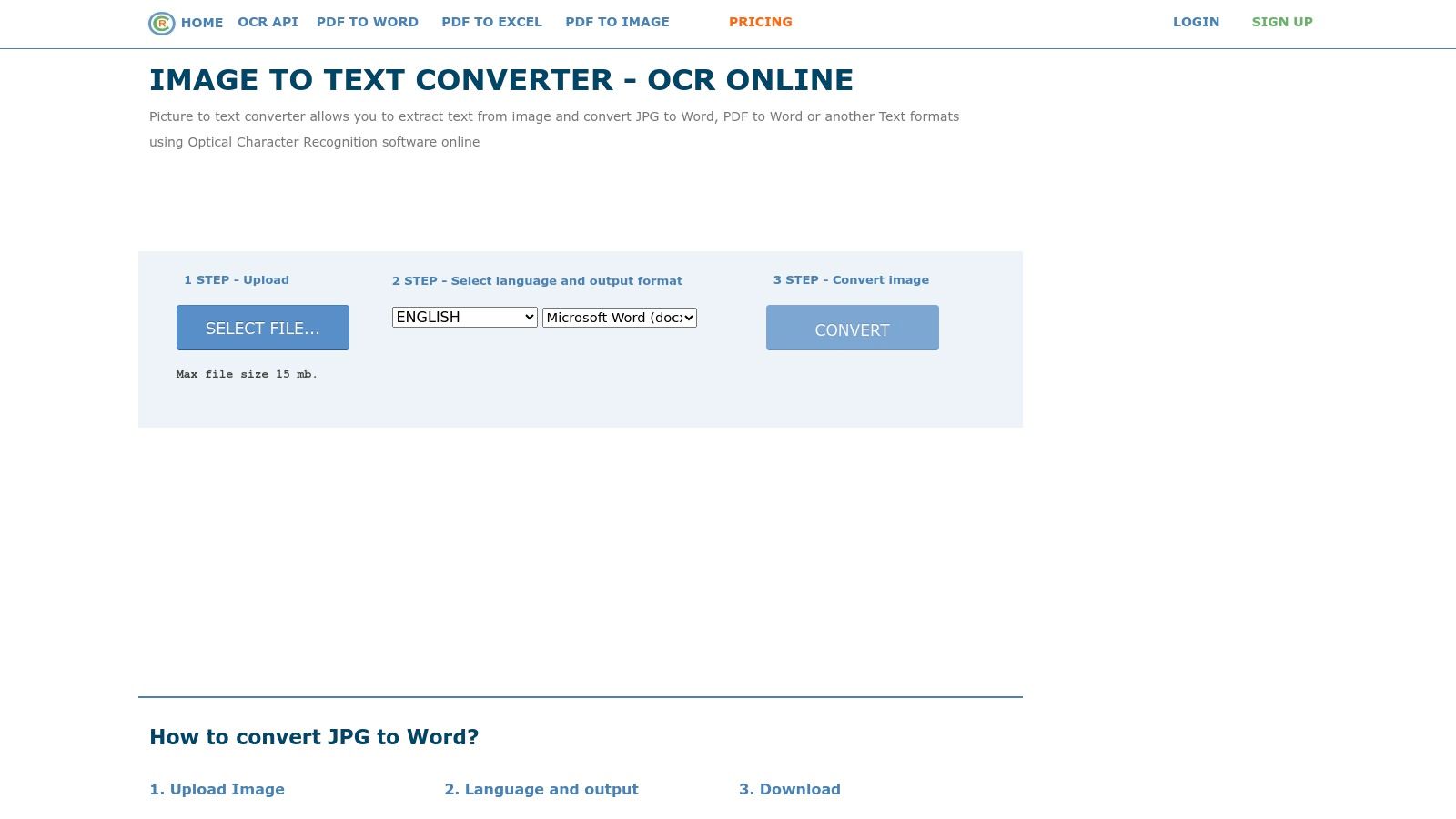
It stands out for its clear guest-user policy and its direct output to Microsoft Office formats, which is a significant time-saver for bookkeeping tasks. While guest users face limits on file size and frequency, registering for a free account unlocks more generous allowances, including support for larger multi-page PDFs and batch processing via ZIP archives, making it more viable for small-scale, recurring tasks.
Key Features and Assessment
- Platform: Web-based (accessible from any OS)
- Accuracy & Languages: Good accuracy on clear documents. It supports over 46 languages, including Dutch (
nld), making it suitable for processing local invoices and receipts. - Best Use Case: Ideal for individuals or small teams needing a quick, one-off conversion of a document into an editable format without installing any software.
- Security: As a cloud-based service, documents are uploaded to their servers for processing. This is not recommended for highly confidential financial or personal information.
| Feature | Details |
|---|---|
| Cost | Free with limitations (guest and registered tiers). |
| Output Formats | Microsoft Word (DOCX), Excel (XLSX), Plain Text (TXT), Searchable PDF. |
| Batch OCR | Yes, for registered free users via ZIP file upload. |
| Unique Offering | The direct-to-Excel conversion is its most practical feature for financial data entry, allowing for quick extraction of tabular data from invoices or statements without complex setup. |
While its convenience is undeniable for non-sensitive documents, the privacy trade-off of uploading files is a critical consideration. For any workflow involving sensitive client data or regular financial processing, a local or integrated solution like Mintline provides the necessary security and automation that web tools cannot match.
12. i2OCR
i2OCR is a completely web-based tool that excels at providing quick, no-registration OCR for a wide variety of languages and document layouts. It offers a zero-friction experience for users who need to extract text from a single image or PDF without installing any software. Its ability to recognise and preserve multi-column formats makes it a practical choice for converting articles, brochures, or complex invoices into editable text directly in a browser.
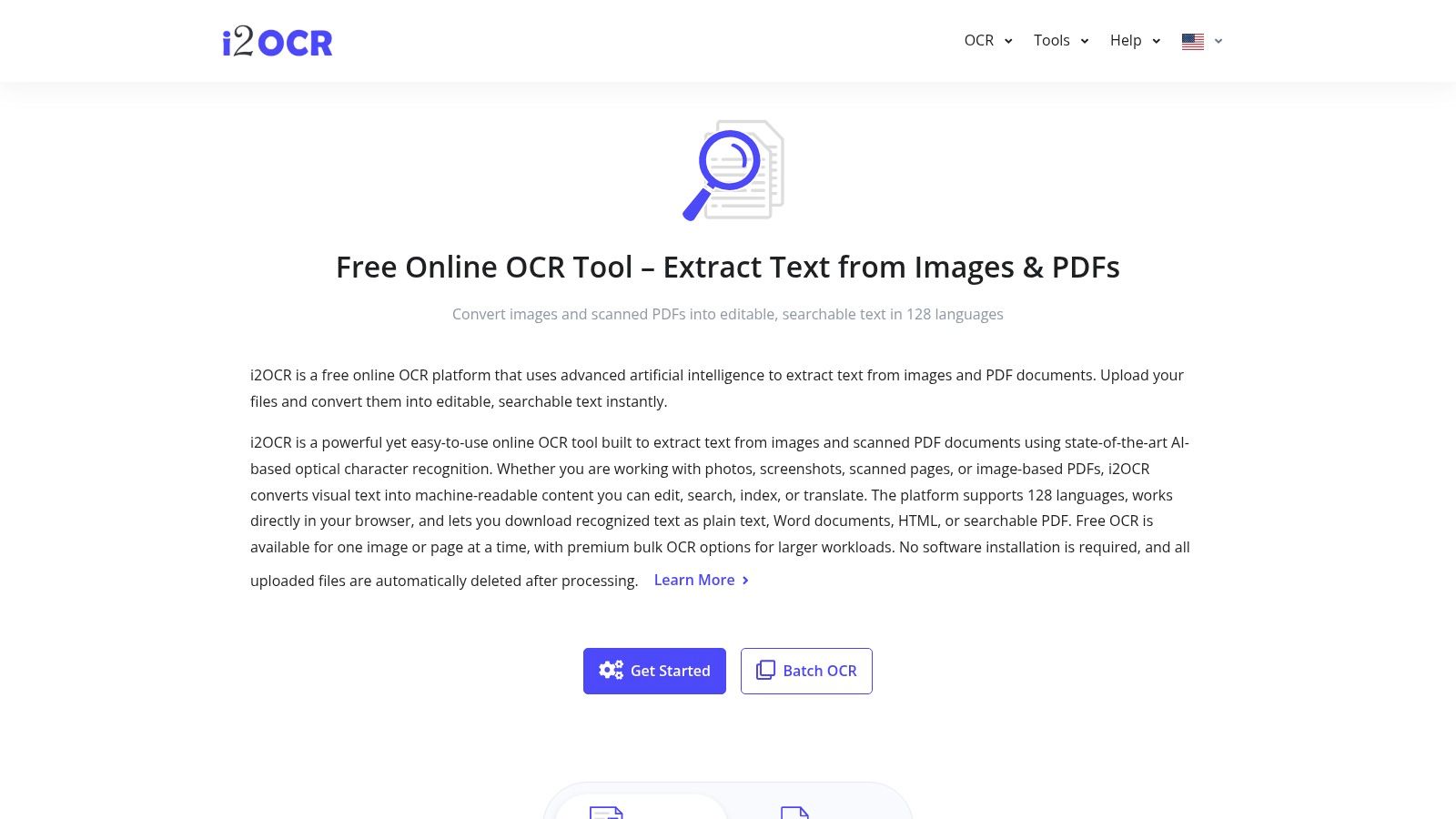
This platform stands out for its accessibility and simplicity. There are no downloads or sign-ups required for one-off tasks, making it a go-to for immediate needs. While its performance can vary with file size and server load, the automatic deletion of files shortly after processing provides a degree of privacy reassurance for a cloud-based service, positioning it as a useful piece of ocr software freeware for non-sensitive, ad-hoc tasks.
Key Features and Assessment
- Platform: Web-based (works on any browser)
- Accuracy & Languages: Good accuracy, particularly with clear images. It supports over 100 languages, including Dutch (
nld), which is useful for regional financial documents. - Best Use Case: Ideal for freelancers or small business owners needing to quickly extract text from a single PDF invoice or a scanned document with columns, without any software installation.
- Security: Files are processed on their servers and are automatically deleted after a short period. It is not suitable for highly confidential financial data.
| Feature | Details |
|---|---|
| Cost | Free for unlimited single-file conversions; premium options exist for batch processing. |
| Output Formats | Plain text, Microsoft Word, HTML, searchable PDF. |
| Batch OCR | Not available in the free version; this is a key limitation for any kind of volume work. |
| Unique Offering | Its ability to intelligently handle multi-column layouts is a strong feature for a free, no-login online tool. |
For quick, one-off extractions, i2OCR is incredibly convenient. However, for regular financial tasks like processing multiple receipts or bank statements, the lack of batch functionality is a significant drawback, making an automated solution like Mintline a much more efficient alternative.
Top 12 Free OCR Software Comparison
| Tool | Core features ✨ | Accuracy & UX ★ | Privacy & Hosting 🏆 | Price 💰 | Best for 👥 |
|---|---|---|---|---|---|
| Tesseract OCR | ✨ Trainable engine, 100+ langs, text/PDF/TSV outputs | ★★★★☆ — very accurate on clean scans; CLI-focused | 🏆 Local processing (open-source) | 💰 Free (Apache 2.0) | 👥 Developers, OCR builders |
| NAPS2 | ✨ Scanner UI + Tesseract, page edit, portable builds | ★★★★☆ — easy for small-scan workflows | 🏆 Desktop/local (no cloud) | 💰 Free | 👥 Small offices, home users |
| PDF24 Tools – OCR | ✨ Web OCR + free desktop creator, deskew/noise removal | ★★★☆☆ — quick web jobs; limited batch | 🏆 EU (Germany) — GDPR-friendly option | 💰 Free | 👥 EU users, occasional web OCR |
| OCRmyPDF | ✨ Adds OCR text layer → PDF/A, deskew, batch/server | ★★★★☆ — archival quality, scriptable | 🏆 Local/server-friendly for secure archiving | 💰 Free | 👥 Archivists, IT & automation teams |
| gImageReader | ✨ GUI front-end for Tesseract, zone selection, spell-check | ★★★★☆ — GUI ease + Tesseract accuracy | 🏆 Local processing (desktop) | 💰 Free | 👥 Non-technical users wanting control |
| Capture2Text | ✨ Hotkey screen OCR → clipboard, portable | ★★★☆☆ — instant “spot OCR” for screens | 🏆 Local & portable (no cloud) | 💰 Free | 👥 Power users grabbing on-screen text |
| Microsoft PowerToys – Text Extractor | ✨ Win+Shift+T screen capture OCR | ★★★☆☆ — reliable quick captures | 🏆 Local Windows OCR (no upload) | 💰 Free | 👥 Windows desktop users |
| Microsoft OneNote (desktop) | ✨ Copy text from images/printouts; searchable notes | ★★★☆☆ — convenient in-notebook OCR | 🏆 Desktop indexing; tied to Microsoft account | 💰 Free (MS account) | 👥 Note-takers, OneNote users |
| Google Drive + Docs OCR | ✨ Convert images/PDFs to editable Docs; mobile scan | ★★★☆☆ — fast, variable layout fidelity | ⚠️ Cloud (Google ecosystem) | 💰 Free with Google account | 👥 Casual users, collaboration teams |
| OCR.space | ✨ Web OCR + API, receipt/table mode, orientation detect | ★★★★☆ — good for receipts/tables; dev-friendly | ⚠️ Cloud API (clear limits) | 💰 Free tier + paid plans | 👥 Developers, apps needing OCR API |
| OnlineOCR.net | ✨ Convert to DOCX/XLSX/TXT/PDF, guest & registered modes | ★★★☆☆ — straightforward one-off conversions | ⚠️ Cloud; ad-supported | 💰 Free guest; paid for larger/batch | 👥 Users needing quick format conversions |
| i2OCR | ✨ 100+ langs, multi-column handling, auto-delete files | ★★★☆☆ — zero-friction single-file OCR | ⚠️ Cloud with auto-deletion policy | 💰 Free | 👥 Casual users needing multi-column OCR |
From Manual OCR to Automated Finance: Know When to Upgrade
The journey through the world of OCR software freeware reveals a powerful and accessible landscape of tools. From the command-line prowess of Tesseract and OCRmyPDF to the user-friendly interfaces of NAPS2 and the convenience of web-based solutions like OCR.space, there is a free tool available for nearly every basic text extraction need. These applications are fantastic for digitising personal archives, making a single scanned document searchable, or quickly grabbing text from an image for a presentation.
For freelancers, small teams, and businesses just starting to organise their digital documents, the tools we've explored are more than capable. They represent the first crucial step away from purely manual data entry, saving time and unlocking the value hidden within static images and PDFs. Using a tool like Google Drive’s built-in OCR or Microsoft PowerToys’ Text Extractor can be a game-changer for occasional, ad-hoc tasks.
The Limits of Freeware in a Business Context
However, as your business scales, the very nature of your needs begins to shift. What was once an occasional task becomes a recurring, high-volume process. The limitations of even the best ocr software freeware become apparent when you are dealing with dozens, or even hundreds, of financial documents like receipts, invoices, and bank statements each month.
The manual workflow starts to show its cracks:
- Time Consumption: You're no longer just extracting text. You're opening an application, loading a file, running the OCR, copying the output, pasting it into a spreadsheet, and manually correcting the inevitable errors for every single document.
- Risk of Human Error: Each manual touchpoint is an opportunity for a mistake. A mistyped digit, a misplaced decimal point, or an incorrectly assigned category can have significant downstream effects on your financial reporting and bookkeeping accuracy.
- Lack of Integration: The extracted text exists in a vacuum. It doesn't automatically link to your accounting software, update your expense reports, or match itself to a corresponding transaction in your bank feed. This is the biggest hurdle: the data is free, but it's not connected.
This is the critical inflection point where the focus must shift from simple text extraction to intelligent data automation. The goal is no longer just to digitise a document; it's to streamline an entire financial workflow. For businesses looking to transition from manual OCR processes to more integrated digital strategies, understanding various aspects of automation is crucial. You can explore further business process automation examples to see how this applies across different operational areas.
When to Upgrade to an Automated Solution like Mintline
An intelligent financial automation platform like Mintline operates on a completely different level. It doesn't just perform OCR; it provides contextual understanding. Instead of just giving you a block of raw text from a receipt, it identifies and structures the critical data points: the vendor name, the transaction date, the total amount, and the VAT.
Crucially, it then closes the loop. Mintline automatically matches this extracted receipt data to the corresponding transaction from your bank, creating a complete, verified, and audit-ready record. The manual, multi-step process of using freeware is replaced by a single, automated action. Instead of a messy folder full of text files and a spreadsheet requiring constant reconciliation, you get a clean, reliable financial overview.
If you find yourself spending more time managing the OCR process than benefiting from its output, it is time to upgrade. When accuracy, security, and efficiency become your primary concerns for financial document management, an integrated solution is no longer a luxury; it is a necessity for growth. The freeware tools built the foundation, but intelligent automation builds the future of your financial operations.
Ready to move beyond manual data entry and reclaim your time? Mintline transforms your receipts and bank statements into perfectly matched, audit-ready records with intelligent automation. See how our platform can streamline your bookkeeping by visiting Mintline today.