
The Top 12 Best PDF Splitter Gratis Tools for 2026
Discover the best pdf splitter gratis tools of 2026. Our guide ranks 12 free options to split PDF files online and offline for better document management.
Managing large PDF documents can be a cumbersome task, especially when you only need a specific section. Whether it's extracting a single invoice from a monthly bank statement, separating chapters from a long report, or preparing specific pages for your financial records, a reliable tool is essential for efficient workflow. The main challenge is finding a solution that is both effective and free of charge. This is where a dependable pdf splitter gratis becomes a key asset for any professional.
This comprehensive guide is designed to help you navigate the options and find the best free PDF splitter for your specific needs. We’ve analysed the top online services and offline applications, from well-known platforms like Adobe and Smallpdf to powerful open-source desktop software. Each entry includes a clear overview, step-by-step instructions with screenshots, and an honest assessment of its limitations, such as file size caps or potential watermarking.
Our goal is to provide a straightforward resource that helps you quickly select the right tool without any guesswork. By understanding which splitter is best for handling sensitive financial documents versus which is ideal for quick, on-the-go edits, you can streamline your document management. This is particularly useful for tasks like organising receipts and invoices, a process that becomes significantly smoother when integrated with financial platforms like Mintline.
1. Adobe Acrobat Online: The Industry Standard, Gratis
When document fidelity is non-negotiable, Adobe’s own online PDF splitter is the most reliable choice. As the creators of the PDF format, their browser-based tool ensures that fonts, formatting, and images are preserved perfectly during the splitting process, a critical feature for professionals handling client invoices or financial reports. This free online tool provides a simple, visual interface for selecting page ranges, making it incredibly intuitive for first-time users.
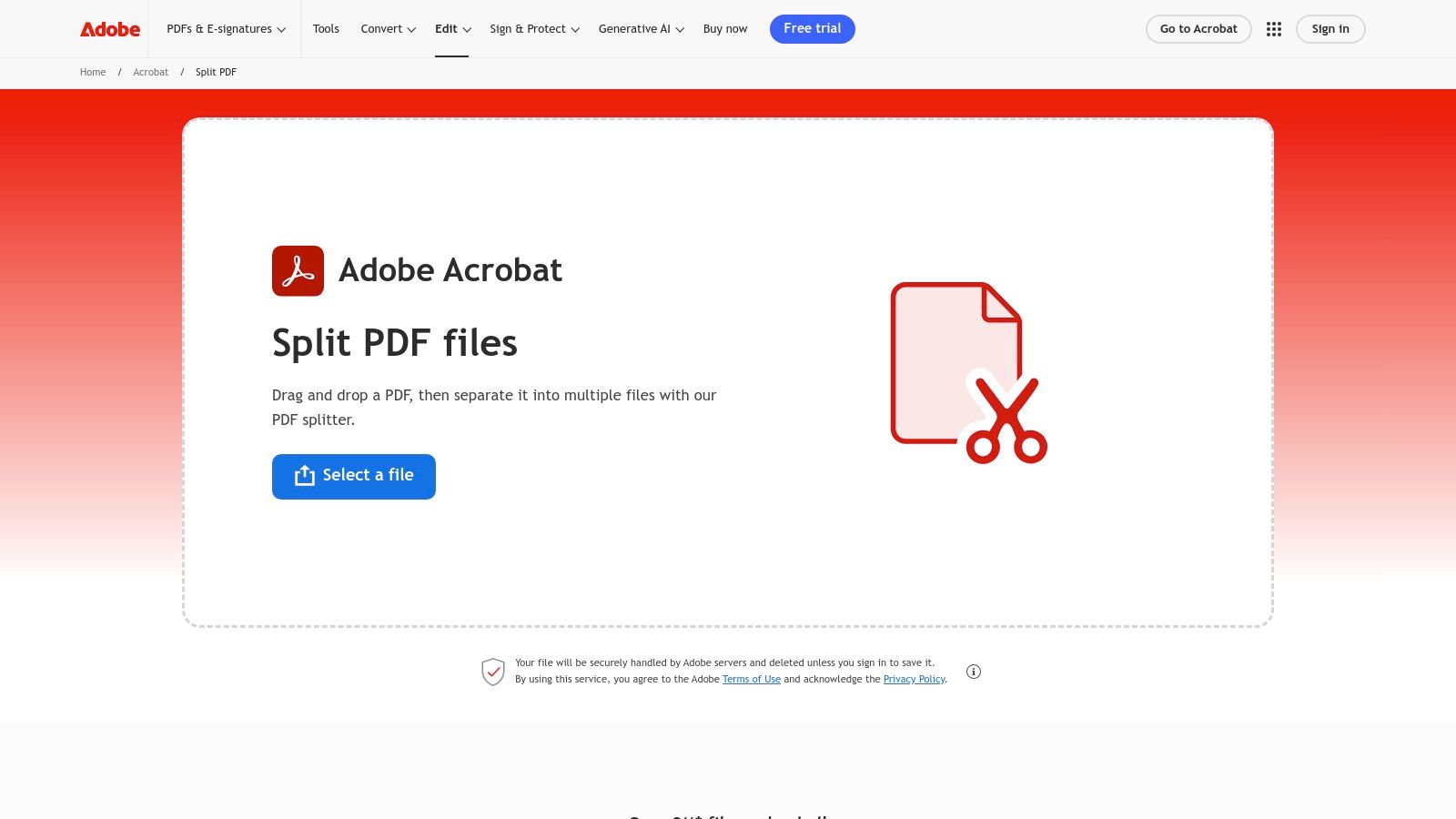
While the online version is a powerful pdf splitter gratis, signing in with a free Adobe account unlocks additional capabilities. For complex documents, like a multi-project invoice, this tool lets you cleanly separate each project's pages into its own file. This is ideal for organising receipts and invoices before uploading them to a financial workflow platform like Mintline, ensuring each transaction is accurately categorised.
Key Features and Considerations
| Feature | Details |
|---|---|
| Interface | Clean, visual drag-and-drop page selection. |
| Fidelity | Unmatched compatibility and rendering from the format's creators. |
| Accessibility | Free to use in any modern web browser. |
| Limitations | Advanced options like splitting by bookmarks or file size require a paid Acrobat Pro subscription. Frequent use may require a free Adobe account sign-in. |
Website: https://www.adobe.com/acrobat/online/split-pdf.html
2. Smallpdf: The All-in-One Online Toolkit
For users seeking a fast, intuitive, and multi-functional online tool, Smallpdf stands out as a top contender. Its interface is exceptionally user-friendly, presenting clear visual thumbnails of your document's pages that you can select individually or as a range. This makes it an excellent pdf splitter gratis for quickly isolating a specific section, such as pulling a single signed agreement from a larger contract bundle. The platform is part of a wider suite of over 20 PDF tools, allowing a seamless transition from splitting to other tasks like merging or compressing.
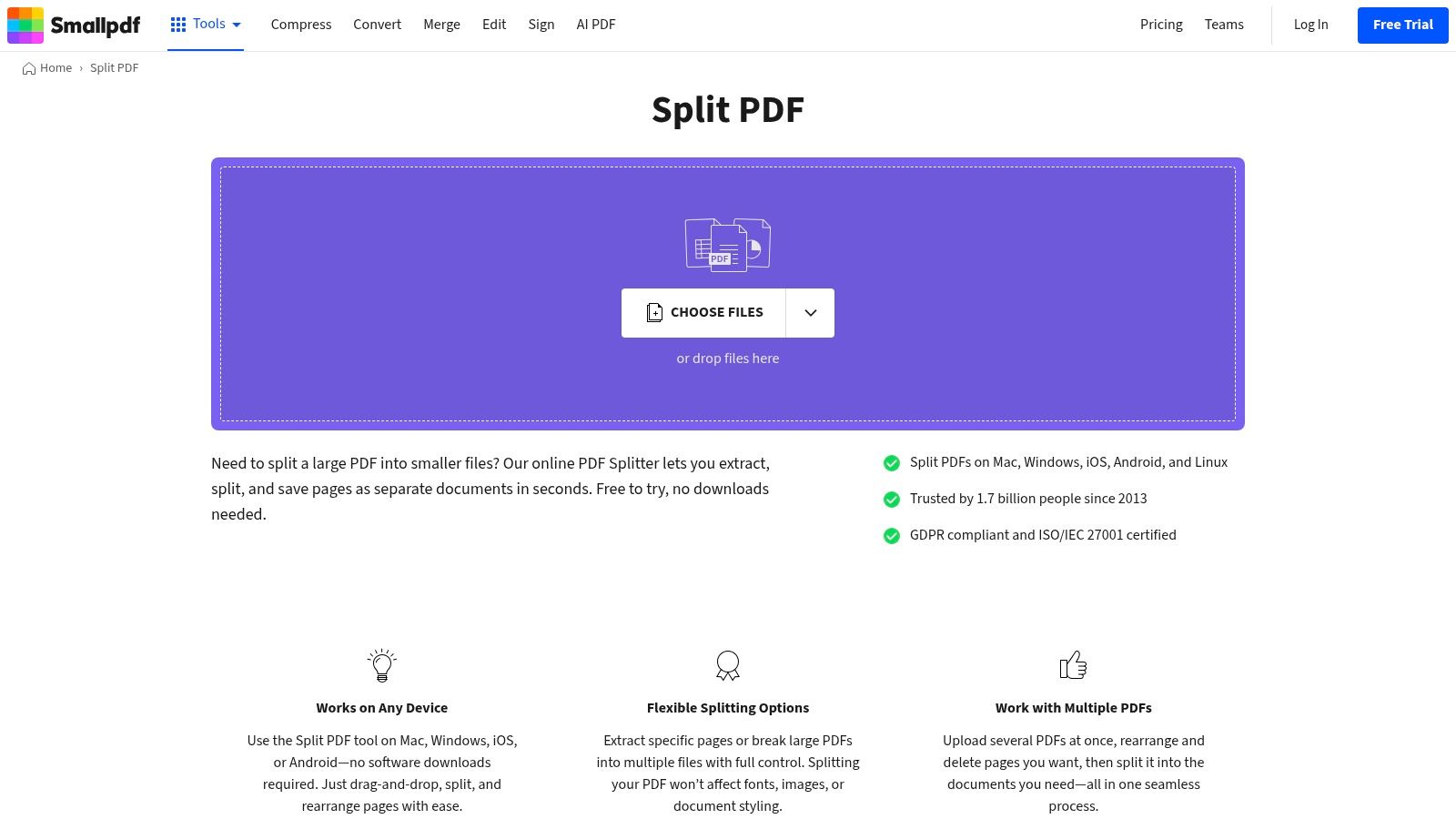
Smallpdf prioritises security by automatically deleting uploaded files from its servers after one hour, offering peace of mind when handling sensitive documents. This is particularly useful for freelancers needing to extract specific pages from a bank statement to categorise expenses in a financial platform like Mintline. For a deeper dive into methods like these, you can explore more ways to extract a page from a PDF. While its free version is robust, be mindful of the daily task limits.
Key Features and Considerations
| Feature | Details |
|---|---|
| Interface | Simple, thumbnail-based page selection for easy extraction. |
| Functionality | Part of a larger suite of PDF tools for a comprehensive workflow. |
| Security | Files are automatically deleted from servers after one hour. |
| Limitations | The free version is limited to a certain number of tasks per day. A Pro subscription is needed for unlimited use and advanced features like batch processing. |
Website: https://smallpdf.com/split-pdf
3. iLovePDF: The Versatile and Security-Conscious Tool
iLovePDF has become a favourite for many due to its powerful suite of tools and a user-friendly interface that simplifies complex tasks. Its pdf splitter gratis tool is exceptionally flexible, offering multiple ways to break down documents. You can extract a custom range of pages, select individual pages for a new file, or automatically divide a large document into fixed, smaller chunks, such as one-page files. This versatility is presented with clear on-screen instructions, making it highly accessible.
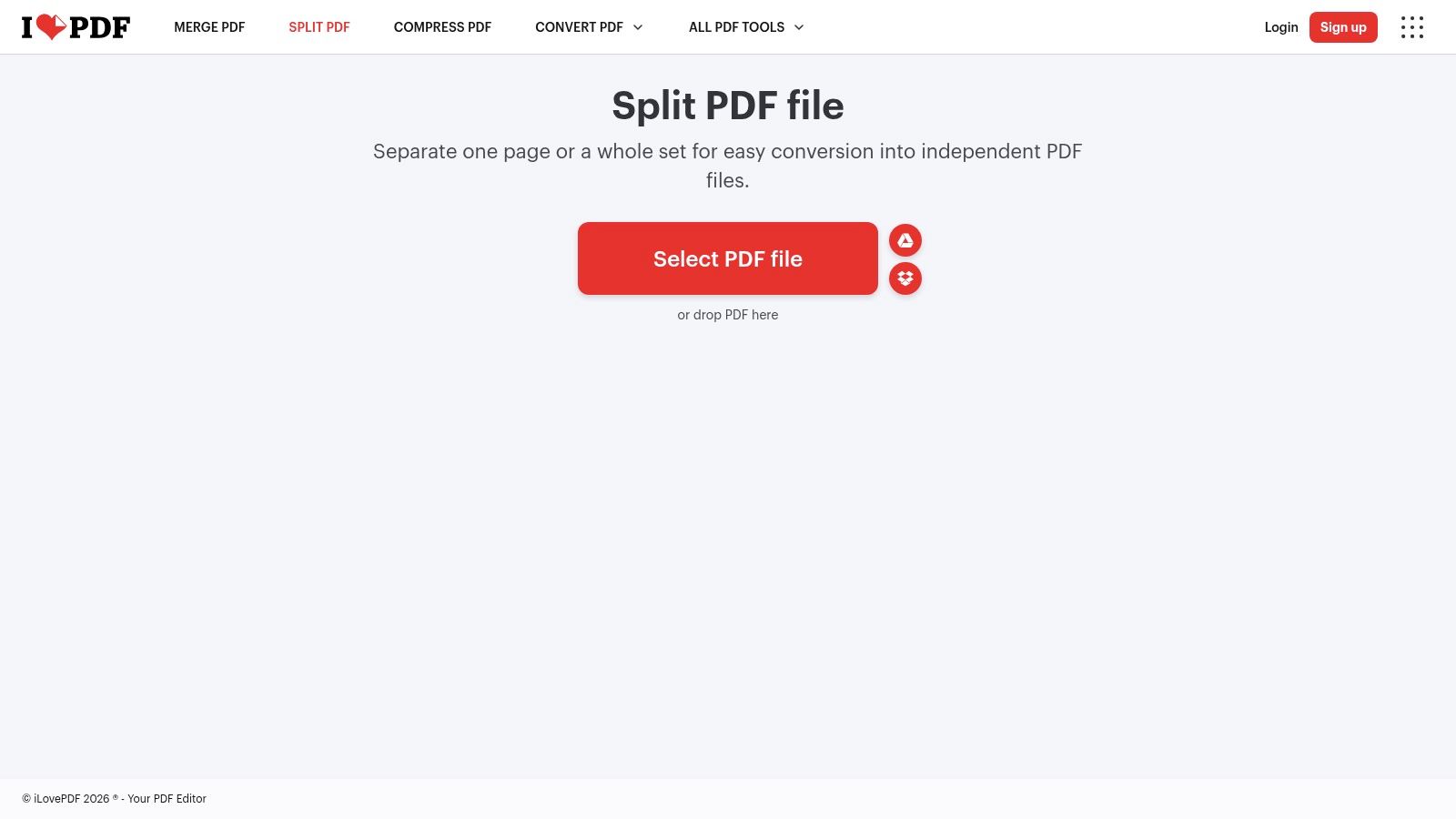
What sets iLovePDF apart is its transparent security posture, a critical consideration when handling sensitive financial data. It is ISO/IEC 27001 certified and hosts its services on EU-based servers, aligning with GDPR principles. For a business that needs to split a lengthy client contract to isolate the signature page for digital archiving in a platform like Mintline, this provides valuable peace of mind. While the free tier is generous, heavy usage or batch processing will likely require a premium subscription. The platform is also great for when you need to extract text from a PDF after splitting it.
Key Features and Considerations
| Feature | Details |
|---|---|
| Splitting Options | Three distinct modes: split by range, extract all pages, or split into fixed-range files. |
| Integration | Direct import/export with Google Drive and Dropbox simplifies cloud-based workflows. |
| Security | EU-based hosting (GDPR-aligned) and ISO/IEC 27001 certification. Files are automatically deleted after a few hours. |
| Limitations | The free version has limits on file size and the number of tasks per hour. Advanced automation and bulk processing are premium features. |
Website: https://www.ilovepdf.com/split_pdf
4. Sejda: The Advanced Splitting Specialist
For complex splitting tasks that go beyond simple page ranges, Sejda offers a uniquely powerful suite of specialised tools. This platform is more than just a standard pdf splitter gratis; it allows you to break apart documents based on file size, bookmarks, text changes, or even split scanned book pages right down the middle. This versatility makes it an exceptional choice for advanced document processing needs, all accessible through a straightforward web interface.
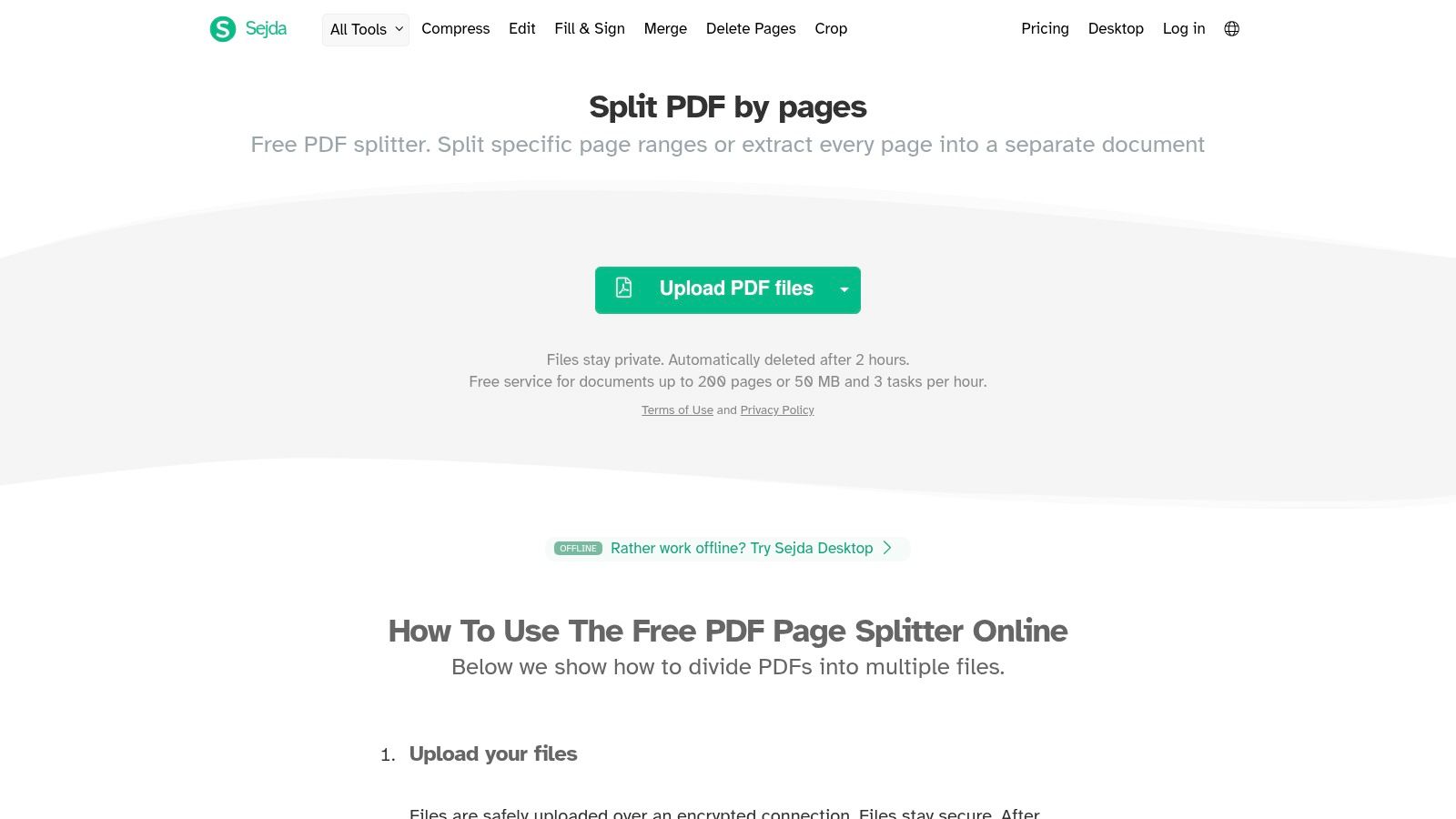
Sejda's standout feature is its variety of splitting methods, which are invaluable for financial organisation. For instance, you can automatically split a lengthy bank statement wherever the text "New Transaction" appears, isolating each entry for easier processing. This granular control is perfect for preparing documents before uploading them to a financial platform like Mintline, ensuring every record is precisely separated. Furthermore, its optional desktop app allows you to perform these splits locally, a critical feature for handling sensitive financial data without uploading it.
Key Features and Considerations
| Feature | Details |
|---|---|
| Advanced Splitting | Multiple unique split modes, including by bookmarks, size, text, and book scans. |
| Privacy | A desktop version keeps files on your local machine. The web tool automatically deletes files after 2 hours. |
| Accessibility | Free web and desktop versions are available. |
| Limitations | The free web version has hourly limits on tasks (e.g., 3 per hour) and file size/page count restrictions. |
Website: https://www.sejda.com/split-pdf
5. PDFsam Basic: The Open-Source Powerhouse for Offline Splitting
For users prioritising privacy and robust features, PDFsam Basic is the definitive offline solution. As a free, open-source desktop application, it ensures your sensitive documents never leave your computer, eliminating the security risks associated with uploading files to a web server. This makes it an ideal choice for handling confidential financial statements, legal contracts, or client records without compromise.
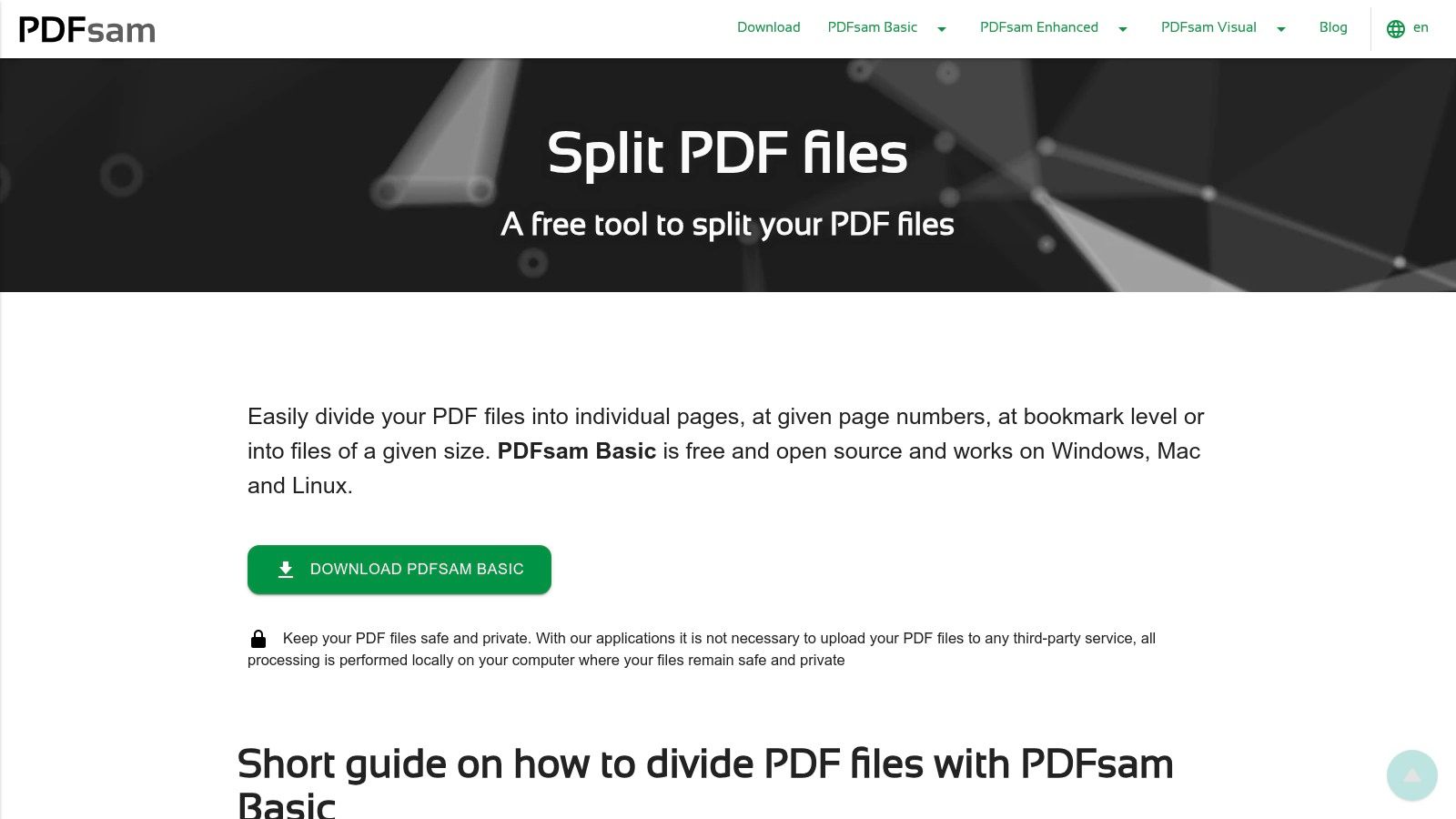
Unlike many online tools, this pdf splitter gratis offers advanced splitting options, such as separating a PDF by bookmarks or a specific file size, which is perfect for batch processing. Imagine you have a single PDF containing a year's worth of scanned receipts; PDFsam can automatically split it into individual files, which you can then organise and upload to a financial platform like Mintline for streamlined expense tracking. This local processing power, combined with insights from a gratis PDF scanner guide, creates a fully secure document management workflow.
Key Features and Considerations
| Feature | Details |
|---|---|
| Processing | Completely offline, ensuring maximum privacy for sensitive files. |
| Splitting Options | Advanced controls: split by page ranges, bookmarks, every N pages, or file size. |
| Accessibility | Free, open-source software for Windows, macOS, and Linux. No file limits or sign-in required. |
| Limitations | Requires software installation. The user interface is functional and powerful but lacks the polished design of modern web applications. |
Website: https://pdfsam.org/pdf-split/
6. PDF24 Tools (online) + PDF24 Creator (offline)
Developed in Germany, PDF24 offers a unique dual-solution approach that caters to both online convenience and offline security. Its web-based tool provides a quick and accessible pdf splitter gratis for immediate tasks, while the downloadable PDF24 Creator suite for Windows offers a comprehensive, completely offline toolkit. This makes it an exceptional choice for users handling sensitive information who prefer to keep their files from ever touching the internet.
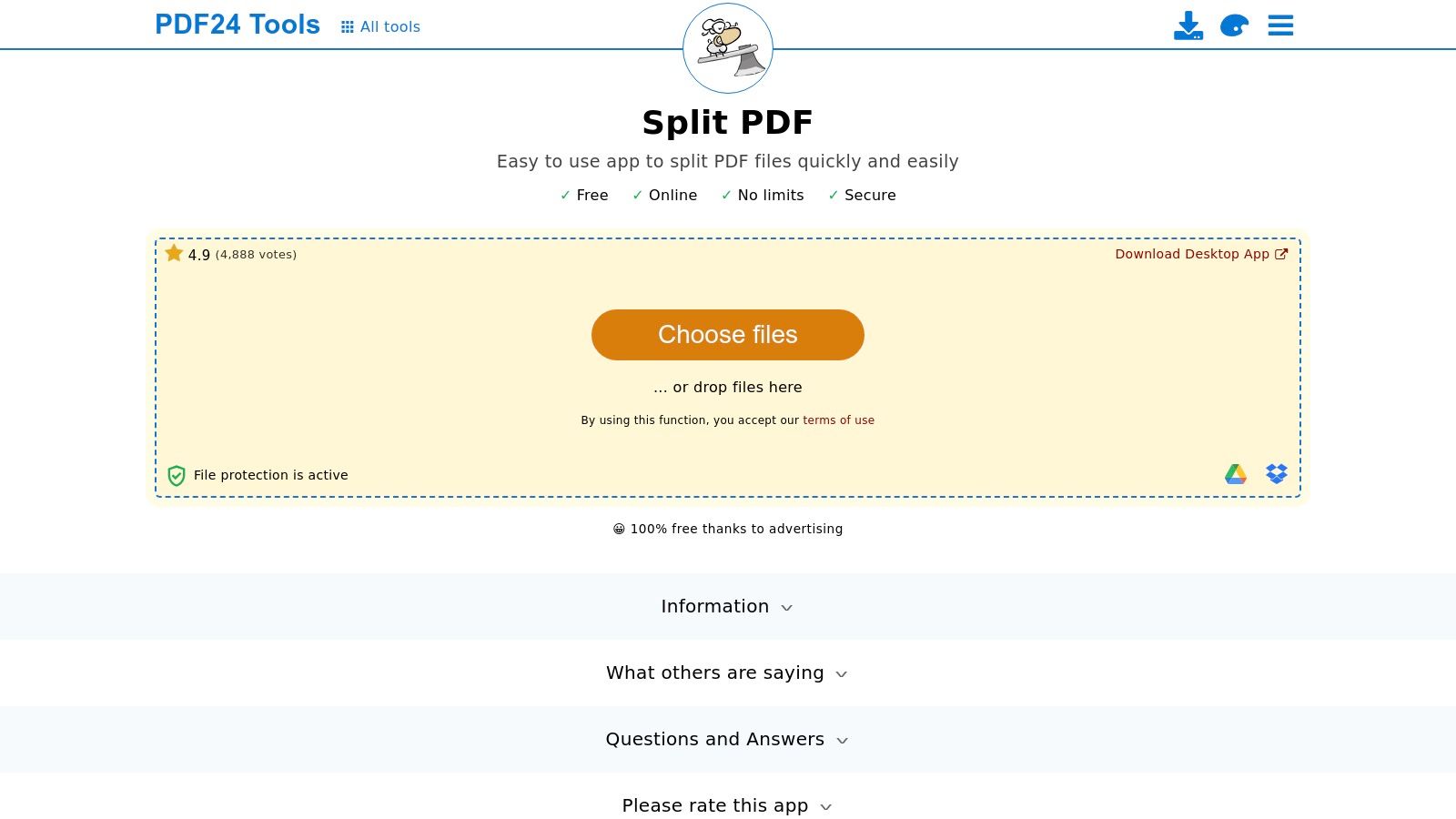
The offline Creator application is particularly valuable for businesses concerned with data privacy and GDPR compliance. For example, a financial consultant can split a comprehensive annual client report into quarterly sections directly on their desktop, ensuring confidential data remains secure before organising the documents. For those preparing financial records for a platform like Mintline, using the offline tool to separate personal from business expenses guarantees no sensitive data is processed online, adding a robust layer of security to the workflow.
Key Features and Considerations
| Feature | Details |
|---|---|
| Interface | Simple browser tool online; slightly more complex but powerful interface in the offline Creator app. |
| Privacy | Exceptional privacy with the Windows desktop app, which processes all files locally. Online tools automatically delete files from servers. |
| Accessibility | Online tools are browser-based; the powerful Creator suite is a free download for Windows. |
| Limitations | The online version is supported by ads. The comprehensive offline Creator suite is only available for Windows operating systems. |
Website: https://tools.pdf24.org/en/split-pdf
7. PDF Candy: The All-in-One PDF Toolkit
PDF Candy stands out as more than just a splitter; it’s a comprehensive suite of over 90 online tools for nearly any PDF task imaginable. Its pdf splitter gratis function is clean and efficient, allowing users to upload a document and quickly select pages to extract into separate files. This makes it a powerful one-stop-shop for users who need to split, merge, convert, and edit documents in a single session without switching between different websites.
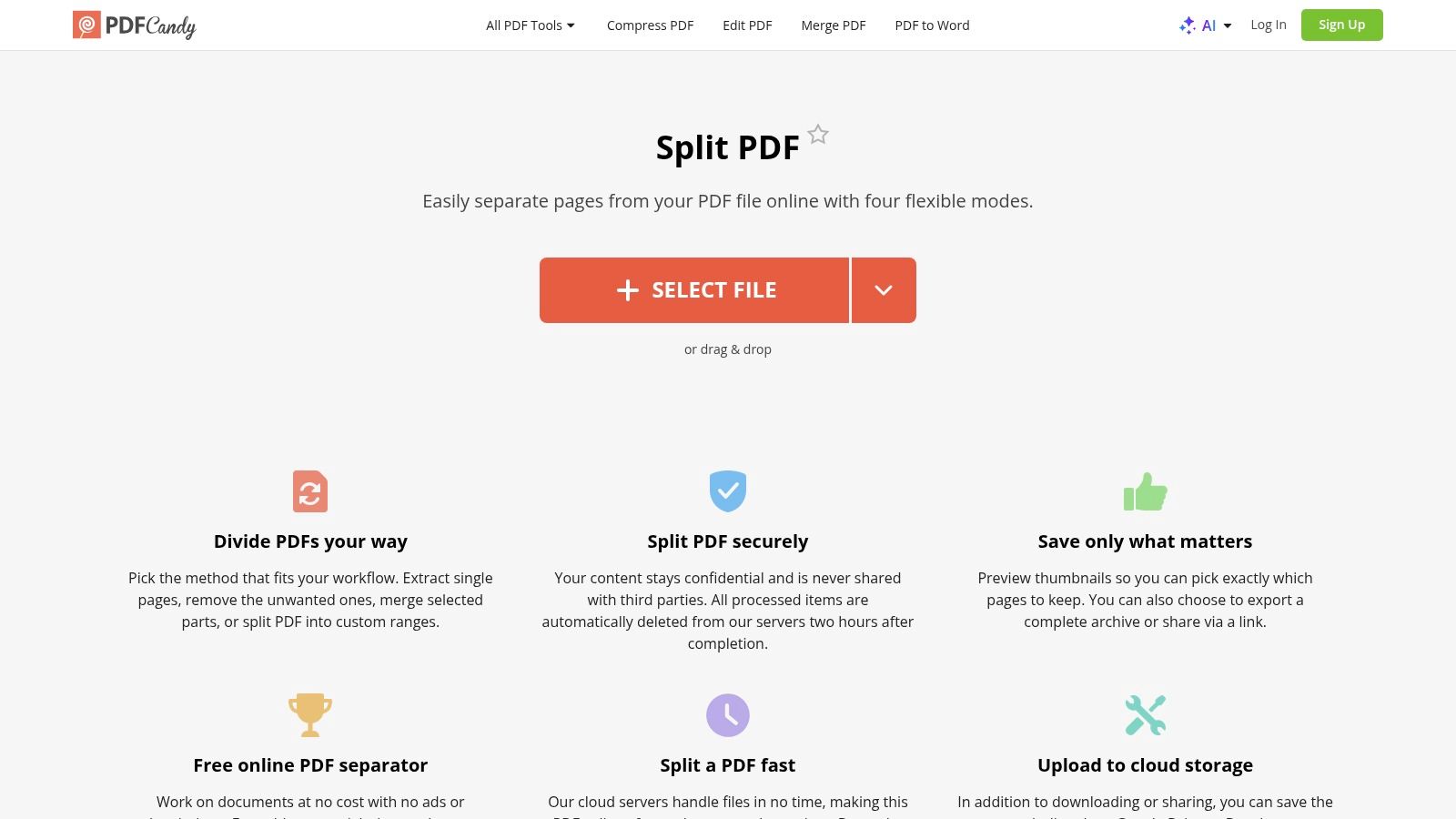
The platform’s strength lies in its versatility. For example, a small business can receive a consolidated supplier statement, split out the relevant invoice pages, convert an accompanying delivery note from Word to PDF, and then merge them all before uploading to a financial management platform like Mintline. This streamlined workflow is ideal for organising complex financial records. While a free account offers broad access, it limits users to one task per hour, which is something to consider for high-volume work.
Key Features and Considerations
| Feature | Details |
|---|---|
| Interface | Simple, icon-based tool selection with clear instructions. |
| Versatility | An extensive suite of 90+ tools for conversion, editing, and more. |
| Accessibility | Free online use with an optional Windows desktop application. |
| Limitations | The free web version is rate-limited to one task per hour. The desktop application is exclusive to Windows, leaving macOS and Linux users with only the browser-based option. |
Website: https://pdfcandy.com/split-pdf.html
8. Soda PDF Online: A Guided Web Experience
Soda PDF Online offers a guided, user-friendly approach that is ideal for those who need a simple tool for occasional use. Its web interface streamlines the splitting process, allowing you to select specific pages or extract every page into individual files with clear, step-by-step instructions. The platform integrates directly with cloud services like Google Drive and Dropbox, simplifying file management.
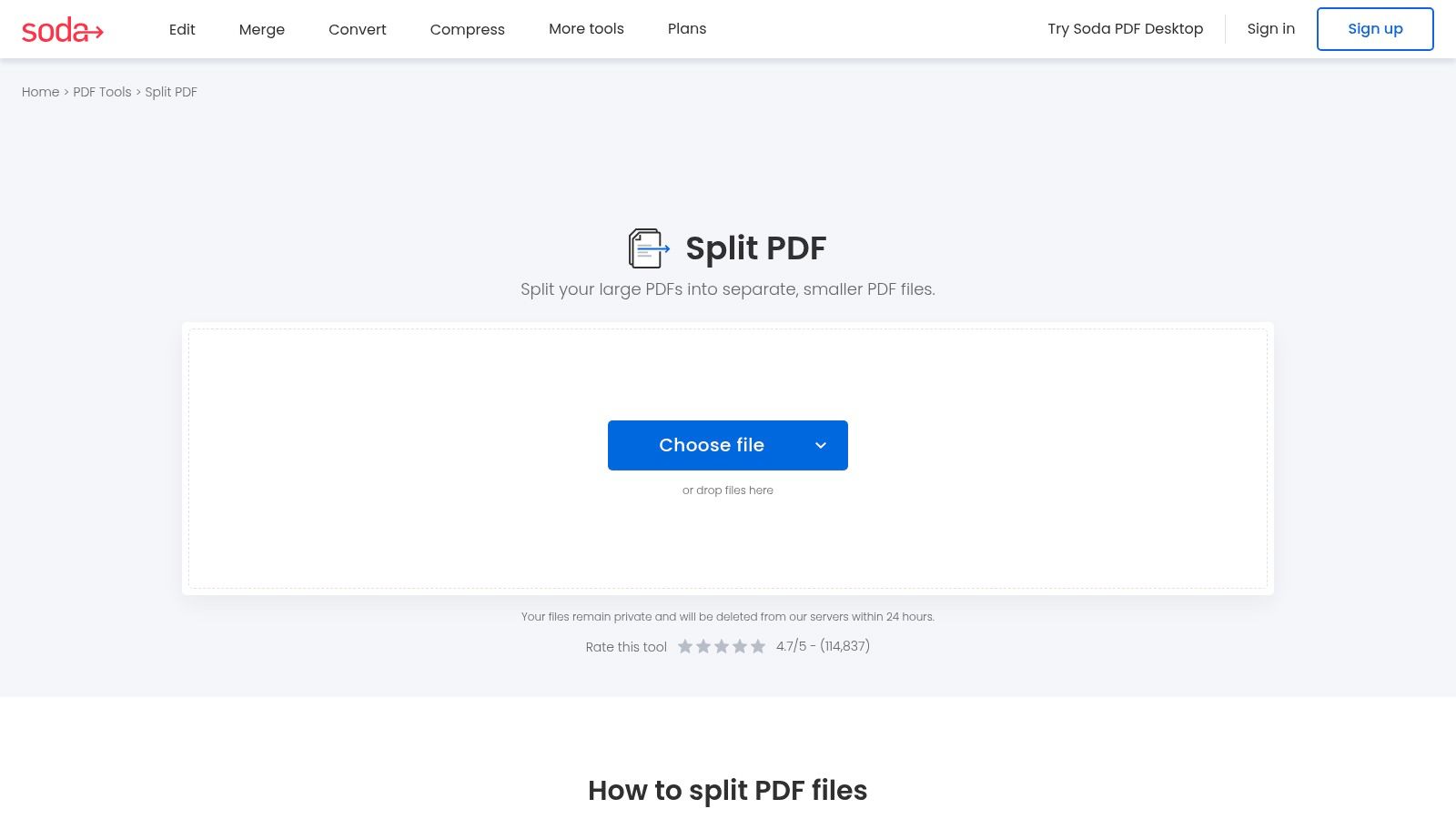
This tool is a practical pdf splitter gratis for light tasks, such as separating a single client's payment records from a consolidated monthly bank statement. For freelancers using Mintline to track project finances, this makes it easy to isolate and upload only the relevant transaction pages for accurate bookkeeping. Soda PDF is transparent about its limitations, clearly outlining daily usage caps and file size restrictions for its free service, ensuring users know what to expect. Files are also automatically deleted from their servers for privacy.
Key Features and Considerations
| Feature | Details |
|---|---|
| Interface | Simple, guided workflow with clear instructions. |
| Integration | Supports direct import from Google Drive and Dropbox. |
| Transparency | Clear and upfront policies on free usage limits and data handling. |
| Limitations | Free service is capped by file size (≤3 MB) and daily usage (e.g., 2 files/day). The most powerful features are reserved for the paid desktop version. |
Website: https://www.sodapdf.com/split-pdf/
9. Foxit: Professional-Grade PDF Organisation
For businesses and professionals seeking an enterprise-level solution, Foxit offers a robust ecosystem that extends far beyond a simple pdf splitter gratis. While their powerful desktop PDF Editor is a paid product, its 14-day trial provides access to advanced splitting functions, including extracting pages, reordering, and even applying Bates numbering for legal documents. Their free online tools also offer basic PDF manipulation for quick tasks.
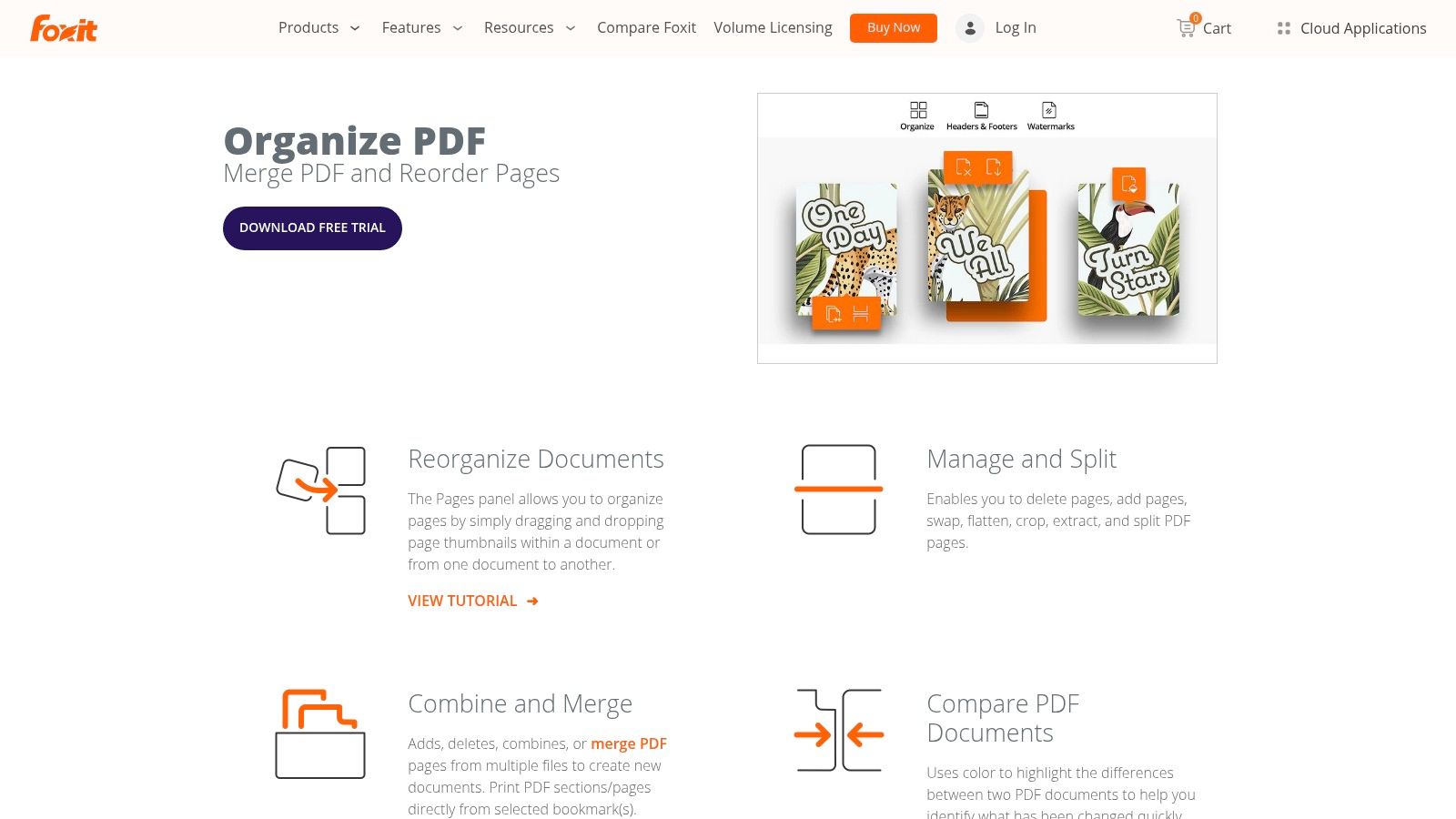
Foxit’s strength lies in its comprehensive feature set designed for professional workflows. A user might split a master contract into individual client agreements directly within the editor before sending them out for signatures. This level of control is ideal for teams that need more than just a quick split, requiring features that integrate seamlessly into their document management systems. This makes it a great preparatory tool before organising financial documents in a platform like Mintline.
Key Features and Considerations
| Feature | Details |
|---|---|
| Interface | Professional, feature-rich editor interface. |
| Fidelity | High-quality output with a focus on compliance and enterprise standards. |
| Accessibility | Free online tools available, with advanced features locked behind a 14-day trial or paid desktop editor. |
| Limitations | The most powerful splitting and organising tools require a paid subscription after the trial period. The desktop software can be more complex than simple online tools. |
Website: https://www.foxit.com/pdf-editor/merge-split-pdf/
10. PDF2Go: The Versatile Web-Based Toolkit
PDF2Go offers a straightforward and highly visual approach to splitting documents, making it an excellent choice for users who need more than just a basic tool. Its interface allows for easy drag-and-drop uploads and provides clear options for either splitting a PDF into equal parts or selecting specific page ranges using a scissors-like visual aid. This versatility is perfect for occasional users who need a reliable tool without a steep learning curve.
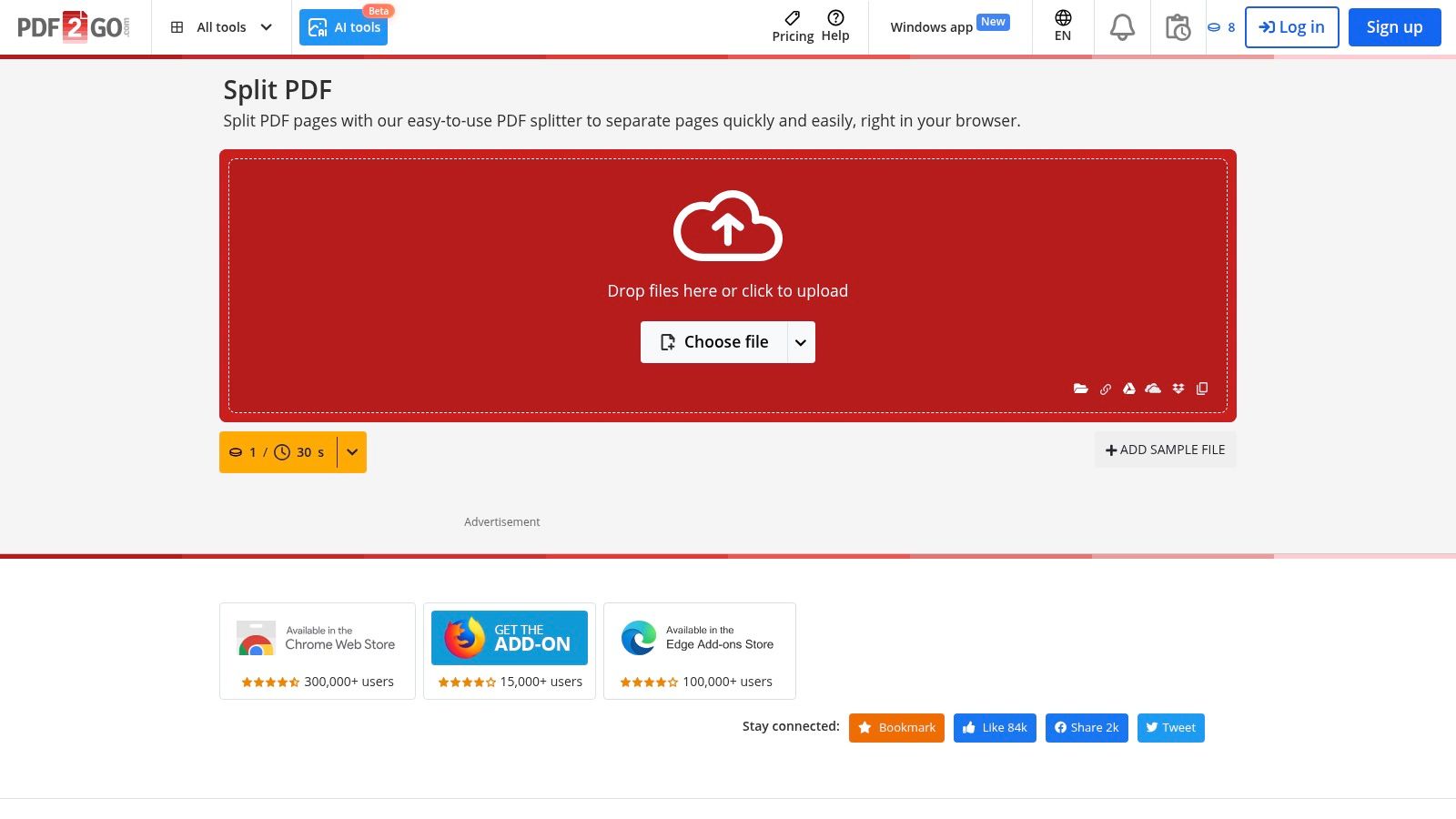
This pdf splitter gratis is part of a larger suite of tools, which can be a significant advantage. For instance, after splitting a multi-client project proposal, you can immediately compress each new file before sending it off. When preparing financial documents for a platform like Mintline, you could split a bank statement to isolate business expenses, then use PDF2Go’s other features to edit or protect the new, smaller files before uploading, streamlining the entire preparatory workflow.
Key Features and Considerations
| Feature | Details |
|---|---|
| Interface | Intuitive visual page selection with a "scissors" tool. |
| Flexibility | Options to split at specific points, into equal parts, or every single page. |
| Integration | Supports importing files directly from Google Drive and Dropbox. |
| Limitations | The free version operates on a credit system, limiting the number of tasks or file sizes for heavy users. Frequent processing may require a subscription. |
Website: https://www.pdf2go.com/split-pdf
11. AvePDF: Privacy-Conscious Splitting
For users prioritising data privacy, especially those operating under GDPR, AvePDF offers a compelling online toolkit. Hosted in the EU, this platform stands out with its explicit focus on security and short data retention, automatically deleting uploaded files after about 30 minutes. This makes it a trustworthy choice for handling sensitive documents without creating a long-term digital footprint.
This pdf splitter gratis provides both a "Simple" mode for splitting a document into fixed page increments and an "Advanced" mode for manually selecting pages or ranges. This flexibility is useful for financial tasks, such as isolating specific client invoices from a monthly batch report before logging them in a system like Mintline. The tool’s clear, two-mode approach simplifies the workflow, ensuring you can quickly get the exact pages you need without unnecessary complexity.
Key Features and Considerations
| Feature | Details |
|---|---|
| Interface | Simple and Advanced modes to suit different splitting needs. |
| Privacy | EU-hosted with a short 30-minute file retention window, ideal for GDPR compliance. |
| Accessibility | Browser-based with options to upload from device or cloud storage. |
| Limitations | Lacks detailed information on free-tier file size or usage limits compared to competitors. Heavy workloads might require another service. |
Website: https://www.avepdf.com/split-pdf
12. PDF.io (by 123apps): The All-in-One Online Suite
For users who need more than just a one-off tool, PDF.io from the 123apps family provides a fast, no-frills pdf splitter gratis as part of a much larger ecosystem of utilities. Its strength lies in its simplicity and integration; you can split a document, then immediately convert or compress the resulting files without leaving the platform. This makes it a highly efficient choice for quick, multi-step document processing workflows.
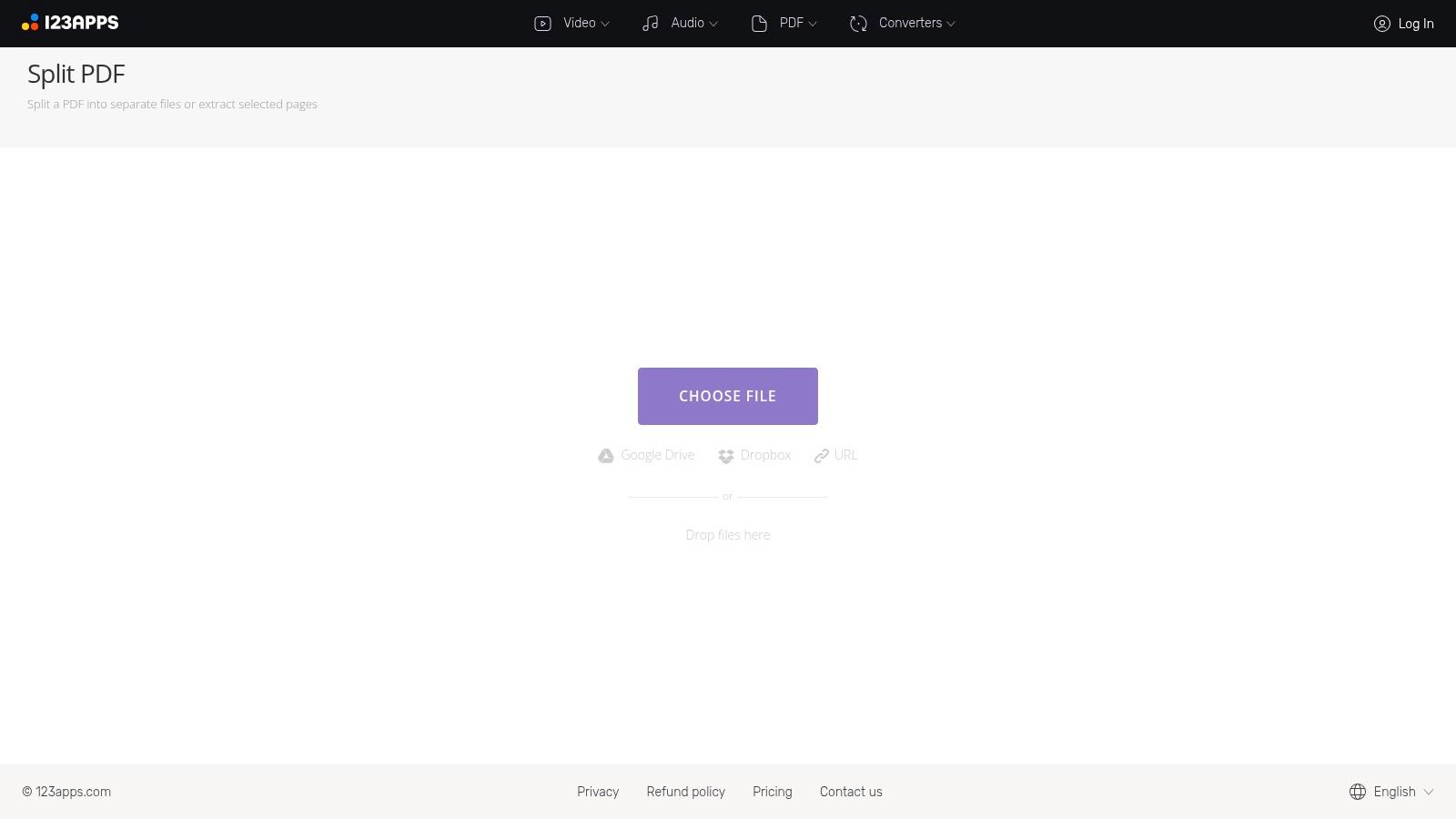
The platform is ideal for freelancers who need to quickly extract specific pages from a large client report or separate a single invoice from a monthly statement batch. After splitting, the individual files are ready for upload to financial platforms like Mintline, ensuring clean and organised record-keeping. While the free tier has daily limits, it's generous enough for most occasional users, and the low-cost premium unlocks the full suite for heavier workloads.
Key Features and Considerations
| Feature | Details |
|---|---|
| Interface | Minimalist and straightforward, focusing on speed. |
| Ecosystem | Part of a large suite of 51 online tools under a single account. |
| Accessibility | Free to use with daily file and size limits. |
| Limitations | The free tier is typically limited to a set number of files per day. It lacks advanced splitting modes like extracting by bookmark or separating every 'n' pages found in more specialised tools. |
Website: https://pdf.io/split/
Top 12 Free PDF Splitters: Feature Comparison
| Tool | Core features | UX / Quality | Value / Price | Target audience | Unique selling points |
|---|---|---|---|---|---|
| Adobe Acrobat online | Split by pages/size/bookmarks; visual divider; web + desktop | ★★★★☆ reliable rendering & docs | 💰 Free basic (sign‑in); 💰💰 paid desktop | 👥 Professionals & compatibility seekers | ✨ Adobe fidelity & guided workflows, 🏆 industry standard |
| Smallpdf | Select pages/ranges; ZIP download; suite integration | ★★★★☆ very easy & intuitive | 💰 Free tier (daily limits); 💰💰 Pro for heavy use | 👥 Freelancers & occasional users | ✨ Quick, device‑agnostic UI; strong docs |
| iLovePDF | Range/fixed chunks; Drive/Dropbox; EU hosting | ★★★★☆ generous free & clear tutorials | 💰 Free with limits; 💰💰 Premium for bulk | 👥 EU users, SMEs & individuals | ✨ GDPR/EU hosting, helpful tutorials |
| Sejda | Split by pages/size/bookmarks/text changes; desktop local | ★★★★☆ advanced & flexible workflows | 💰 Free limited; 💰💰 Pro for large jobs | 👥 Power users, book/scanned workflows | ✨ Specialized split modes, 🏆 local desktop option |
| PDFsam Basic | Split by ranges/N pages/bookmarks; offline open‑source | ★★★★☆ privacy‑first & robust | 💰 Free (open‑source) | 👥 Privacy‑focused users & heavy batch jobs | ✨ Local processing, no limits, 🏆 open‑source |
| PDF24 Tools / Creator | Online split + Windows Creator; many PDF utilities | ★★★☆☆ functional; ads on web | 💰 Free online & desktop | 👥 Windows users & EU/GDPR‑conscious | ✨ Free offline Creator; broad toolset |
| PDF Candy | Online + Windows app; 90+ PDF tools | ★★★☆☆ broad toolset; free limits | 💰 Free limited; 💰💰 Paid removes caps | 👥 Users needing many PDF utilities | ✨ Huge tool library, transparent pricing |
| Soda PDF Online | Split pages; cloud sources; guided flows | ★★★☆☆ simple & guided | 💰 Free limited (tight caps); 💰💰 Paid desktop | 👥 Occasional users & small teams | ✨ Clear free/paid policy; cloud integrations |
| Foxit | Extract/split in desktop editor; Bates & org tools | ★★★★☆ robust pro editor | 💰 Trial; 💰💰 Paid editor / enterprise | 👥 Teams, legal, accounting & enterprise | ✨ Enterprise features & compliance, 🏆 professional‑grade |
| PDF2Go | Drag‑drop with visual page selection; cloud import | ★★★☆☆ friendly visual workflow | 💰 Free with credits; 💰💰 Paid credits/sub | 👥 Occasional users wanting visual UI | ✨ Scissors‑style selection; clear tutorials |
| AvePDF | Simple & Advanced split; ZIP output; EU hosting | ★★★☆☆ privacy‑focused, short retention | 💰 Free (limited published details) | 👥 GDPR‑sensitive users | ✨ Very short retention (~30 min), EU‑hosted |
| PDF.io (123apps) | Minimal fast split; part of 51‑tool suite | ★★★☆☆ fast & no‑frills | 💰 Free limited; 💰 low‑cost Premium | 👥 Quick‑task users | ✨ Fast minimal UI; single account for many tools |
From Splitting PDFs to Streamlining Finances: The Next Step in Automation
Navigating the landscape of free PDF splitters reveals a diverse array of tools, each tailored to specific priorities. Whether you value the robust, offline security of open-source software like PDFsam Basic or the quick, browser-based convenience of services like iLovePDF and Smallpdf, the right pdf splitter gratis tool is readily available. We have explored options that prioritise batch processing, guarantee privacy, and offer a suite of other editing features, ensuring a solution exists for every unique requirement.
The core takeaway is that manual document handling should no longer be a bottleneck in your workflow. For freelancers isolating a single project invoice from a monthly report, or for finance teams extracting specific transaction pages from a lengthy bank statement, these tools provide an immediate, cost-free solution. The key is to match the tool to the task's specific demands: security, volume, frequency, and simplicity.
Choosing Your Ideal PDF Splitter
To make the best choice, consider these guiding principles:
- For Sensitive Data: If you are handling financial statements, contracts, or personal information, always prioritise offline desktop applications like PDFsam Basic or PDF24 Creator. This approach keeps your documents entirely on your local machine, eliminating the risk of data interception or unauthorised access on third-party servers.
- For Speed and Convenience: When security is less of a concern and you need a quick, one-off split, online tools like Adobe Acrobat online or Sejda offer an excellent user experience. Their intuitive drag-and-drop interfaces allow you to get the job done in seconds without any software installation.
- For High-Volume or Frequent Tasks: If splitting PDFs is a regular part of your daily operations, investing time to learn a more powerful tool is worthwhile. The offline capabilities of PDF24 Creator or the feature-rich environment of PDFsam Basic are designed for repeated, heavy use.
Beyond Splitting: Automating Your Financial Workflow
Effectively managing digital documents is the first step towards a more efficient, automated financial ecosystem. Once you have mastered organising your source files, you can begin to optimise the systems that process them. To further advance financial operations, consider how strategic initiatives like payment provider integration can automate transaction processing, reducing manual entry and reconciliation errors.
Ultimately, using a pdf splitter gratis is more than just a technical task; it is a foundational skill for modern digital fluency. By breaking down cumbersome documents into actionable, organised components, you pave the way for greater control, clarity, and efficiency in all your professional endeavours.
Ready to take the next step beyond manual document splitting? Mintline automates the entire process, from fetching bank statements and invoices to categorising transactions and preparing your books for reconciliation. Stop splitting and start streamlining with Mintline.